6
Listening to the Radio
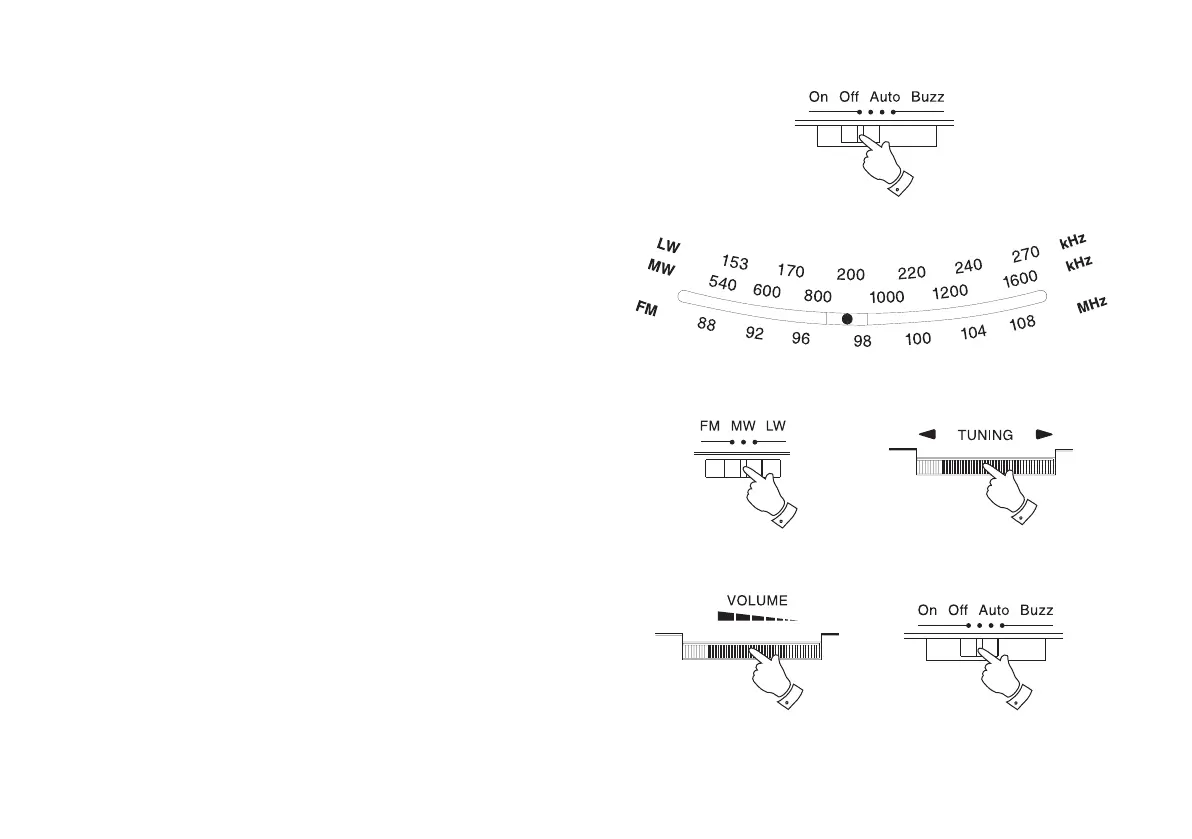
1. Switch on your clock radio by sliding the Function switch to the
'On' position. The LED dial pointer will light up indicating that the
radio is switched on
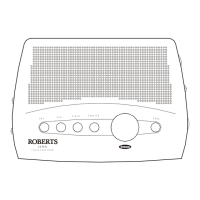
2. Slide the Waveband switch to the required waveband.
3. Tune in to the desired station by rotating the Tuning control. The
station frequency is indicated in the dial scale.
The Wire aerial located on the rear of your clock radio is for FM
reception. The wire should be fully extended and positioned for
optimum reception.
For MW and LW reception there is a built in ferrite aerial. Rotate your
clock radio to the position giving best reception.
4. Adjust the volume by rotating the Volume control.
5. The radio can be switched off by sliding the Function switch to the
'Off' position.
1
4
5
2
3


 To Next Page