15
Presetting stations
There are 5 memory presets for each of the two wavebands.
1. Press the
On/Off button to switch on your radio.
2. Tune to the required station as previously described.
3. Press and hold the required
Preset button until the display shows e.g.
Preset 1 saved. The station will be stored under the chosen preset
button. Repeat this procedure for the remaining presets.
4. Stations stored in the memories may be overwritten by following the
above procedure.
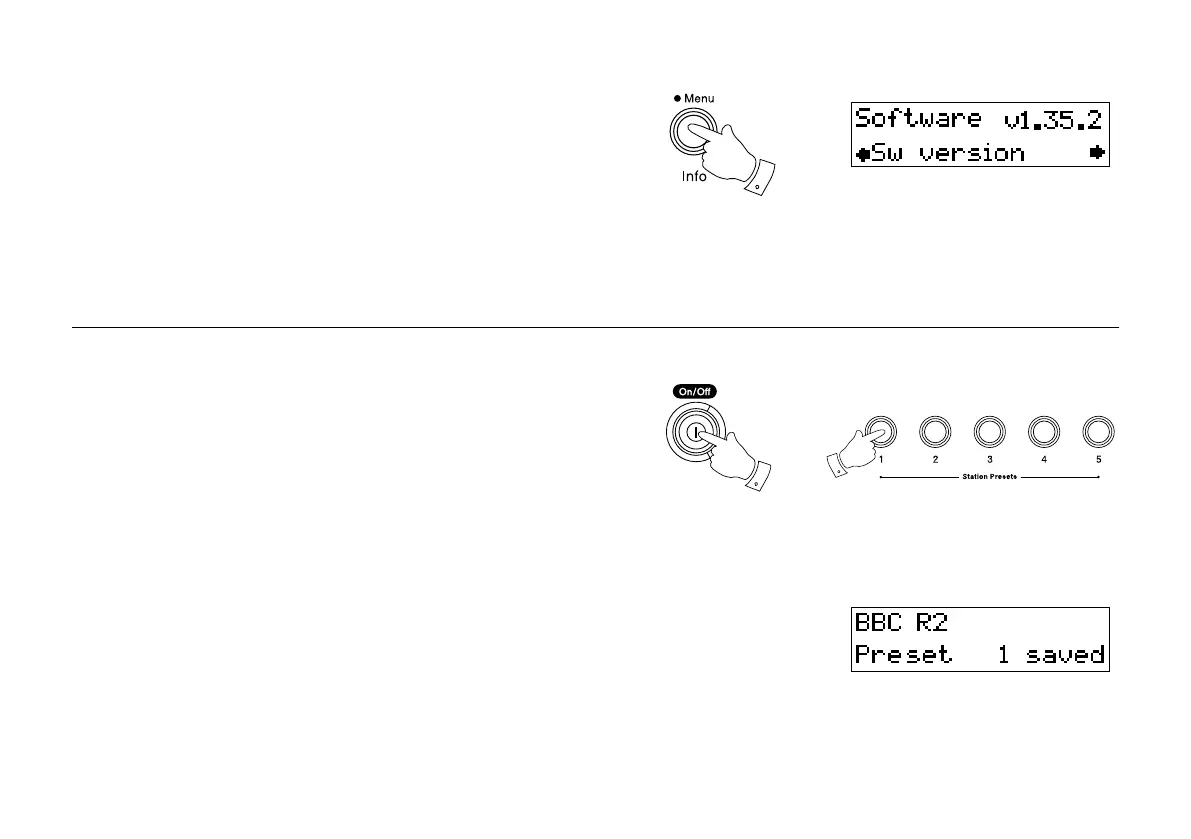
Software version
The software display cannot be altered and is just for your reference.
1. Ensure the DAB waveband is selected. To view the software version
on the display press and hold in the Menu/Info button the display
will show “Software.”
2. After a few seconds the display will revert to normal tuning mode.
1
1
3





 To Next Page