If you need any further advice, please call our Technical Helpline on :-
020 8758 0338 (Mon-Fri)
18
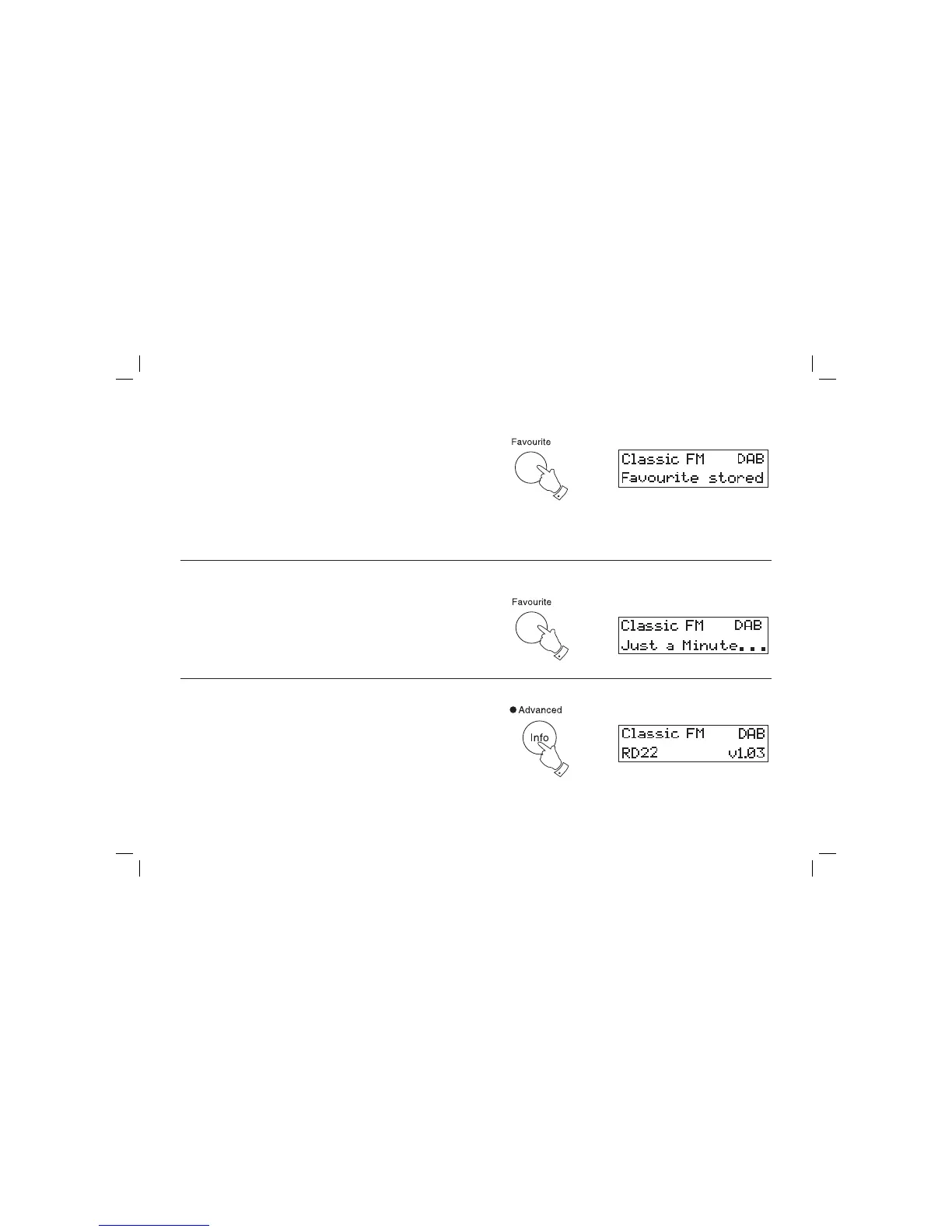
Favourite button
Your radio is fi tted with a button when pressed will automatically select the
required waveband and tune to your favourite station. This will allow you
to store a total of one station from either the FM or DAB waveband.
1. To setup your favourite station, tune into the required station.
2. Press and hold down the Favourite button (15 sec) until the display
shows "Favourite station stored".
Recalling your favourite station
1. Press the StandBy button to switch on your radio.
2. Momentarily press the Favourite button, your radio will tune to the
station stored in favourite memory.
1
2
Software version
The software display cannot be altered and is for your reference only.
1. To view the software version your radio has, press and hold in the
Advanced info button. The software version will appear on the
display.
1














 To Next Page