If you need any further advice, please call our Technical Helpline on :-
020 8758 0338 (Mon-Fri)
22
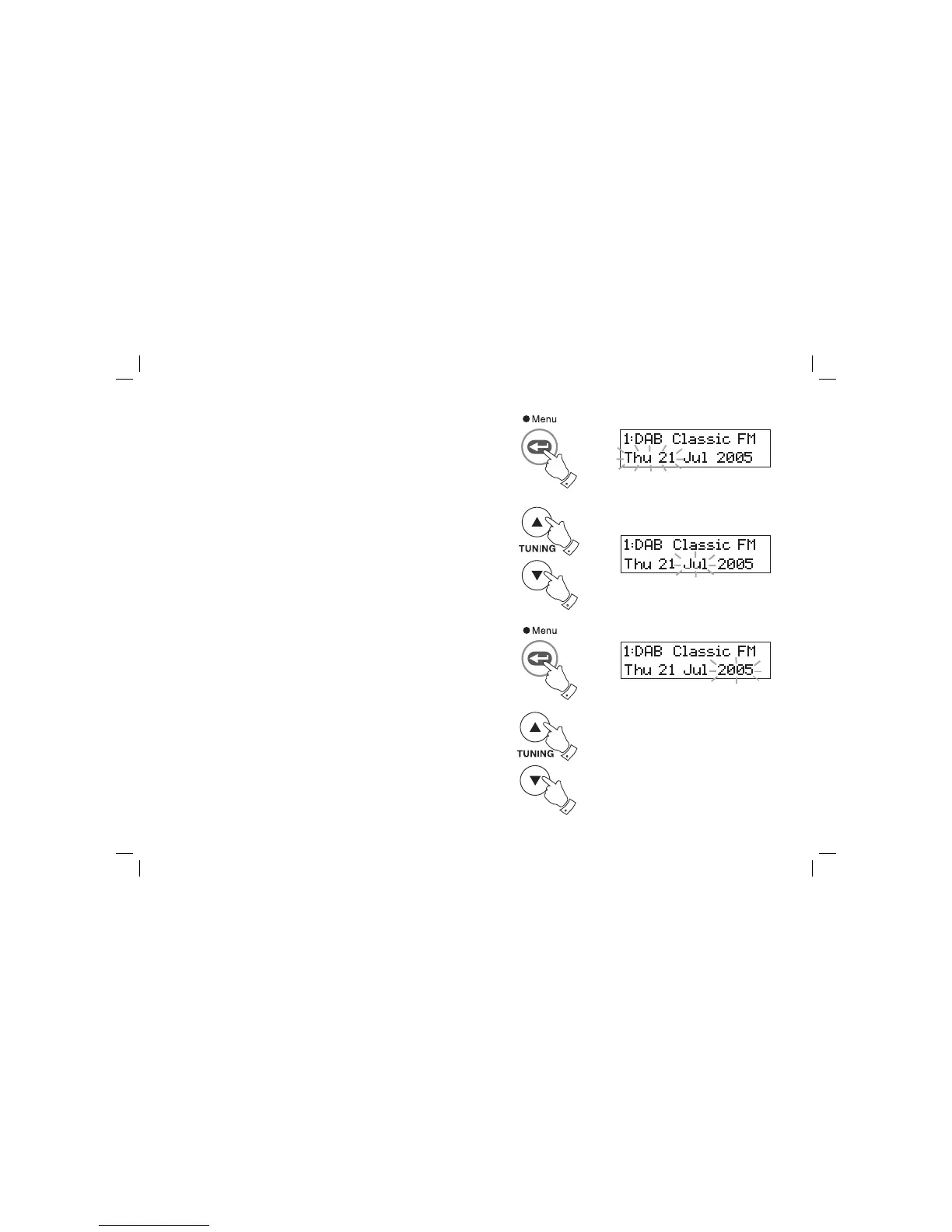
5. Press and release the Menu/Select button to enter the day. The day
indicator will fl ash in the display.
6. Press the Tuning Up or Down buttons to select the required day.
7. Press and release the Menu/Select button to step forward to enter
the month. The month indicator will fl ash in the display.
8. Press the Tuning Up or Down buttons to select the required
month.
9. Press and release the Menu/Select button to step forward to enter
the year. The year indicator will fl ash in the display.
10. Press the Tuning Up or Down buttons to select the required year.
5,7
6,8
6,8
9
10
10














 To Next Page