INTRODUCTION
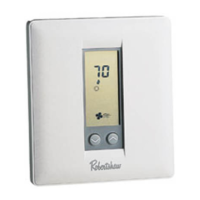
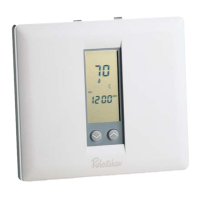
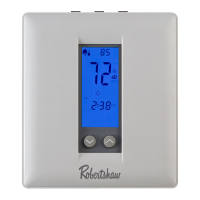
The Deluxe Programmable Thermostat represents the most advanced solid-state, microcom-
puter temperature control on the market today. The thermostat incorporates state-of-the-art
technology packaged in an extremely low profile designer series case. Ultra-Touch controls are
combined with a easy-to-read, full function liquid crystal display to provide the ultimate in “user
friendly” operation of your heating and air conditioning equipment.
STANDARD FEATURES
No batteries required
-
always remembers scheduled events and temperatures
100% Solid State circuitry
Computerized heat anticipation and cooling droop
Built-in short cycle protection during normal operation
Tamper proof electronic keyboard lockout
Auto or Manual fan operation
Auto or Manual Heat/Cool changeover*
Constant Hold feature allows continuous override
Temporary temperature override
Selectable 12 or
24
hour clock display
Selectable Fahrenheit or Celsius temperature display
Lockable Access Cover
Full Function Liquid Crystal Display (LCD)
l
No Auto changeover on
300-204,205,206,
or 230
4
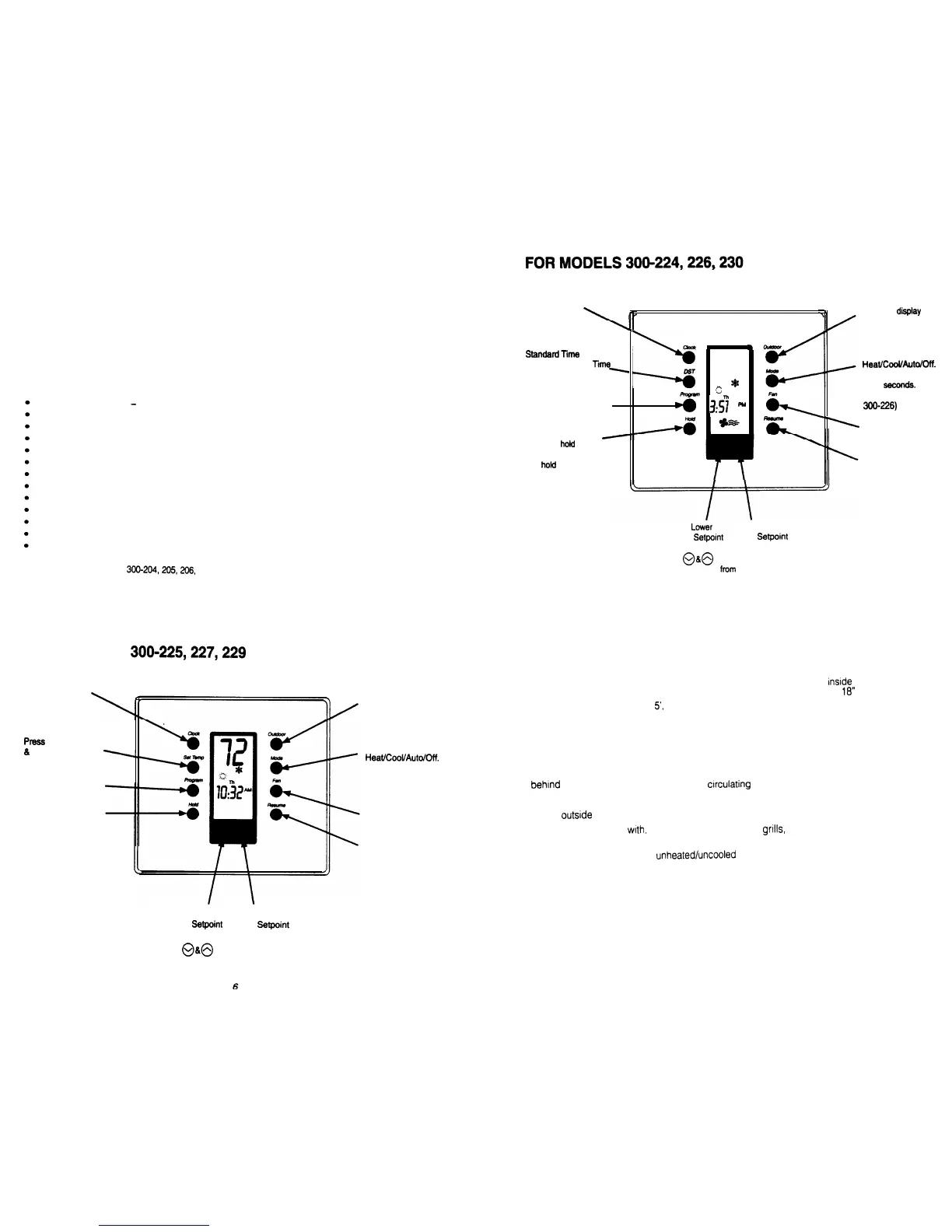
FOR MODELS
3009225,227,229
Press to set the
real time Day,
Hour and Minute
Press
to set the Heating
&
Cooling setpoints
1,
Press to set program
days and times
Press to hold the current
setting. The program will
hold indefinitely or until
RESUME is pressed
Press to display the
outdoor temperature
(Optional)
Press to select
Heat/Cool/Auto/Dff.
The word is displayed
for 5 seconds.
(Emergency heat for
300227)
Select for continuous
Fan or Auto Fan
Press to exit the
hold
or override program,
or when programming
is complete
Press to set the
real time Day,
Press to
display
the
Hour and Minute
outdoor temperature
I
L
(Optional)
Press to change from
m
StandardTime
to
*cudm
Press to select
Daylight Savings
Ti\
>
12
HeatXooWutolDff.
Dsr
,c;
*
iv
The word is displayed
Press to set program
for 5
seconds.
temperatures and
(Emergency Heat for
start times
s
3:g
Al
k
3W-226)
-
.
\
Select for continuous
Fan or Auto Fan
Press to
hoid
the current
setting. The program
Press to exit the hold
will
hofd
indefinitely or
until RESUME is
or override program,
or when programming
pressed
is complete
To
Lower
To Raise
the
Setpoint
the
Setpoint
Press
@&@
at the same time to change
the temperature
from
Celsius to Fahrenheit
5
THERMOSTAT LOCATION
To
ensure proper operation, the thermostat should be mounted on an
inside
wall in a frequently
occupied area of the building.
In addition, its position must be at least
18”
(46
cm) from any
outside
wall, and approximately
S,
(1.5 m) above the floor in a location with freely circulating air
Of
an average temperature.
Be sure to avoid the following locations:
l
behlnd
doors or in corners where freely
circulating
air
IS
unavailable
l
where direct sunlight or radiant heat from appliances might affect control operation
l
on an
outsrde
wall
l
adjacent to, or in line
with,
conditioned air discharge
gnlls,
stairwells or outside doors
l
where its operation may be affected by steam or water pipes or warm air stacks in an
adjacent partition, or by an
unheated/uncooled
area behind the thermostat
l
where its operation will be affected
by the supply air of an adjacent unit
l
near sources of electrical Interference such as arcing relay contact
To Lower To Raise
the
Setpoint
the
Setpoint
Press
@a@
at the same time to change
the temperature from Celsius to Fahrenheit






 To Next Page