EasyManua.ls Logo

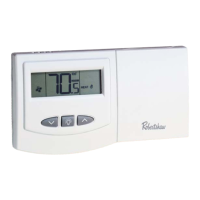
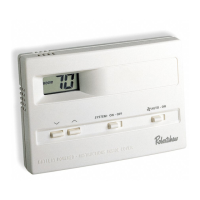
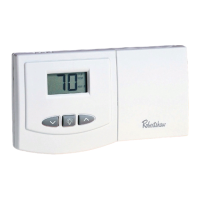
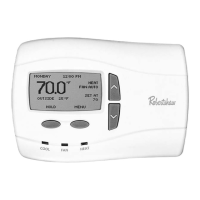
Robertshaw 9610 - User Manual

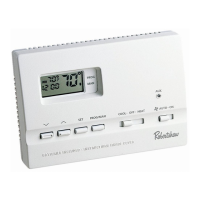
Robertshaw 9610
12 pages
Print Icon
To Next Page IconTo Next Page
Loading...
110-655
7 Day Programmable
1 Heat / 1 Cool
W
A
R
R
A
N
T
Y
INTEGRATED COMFORT SOLUTIONS
DIGITAL
PROGRAMMABLE
THERMOSTAT
9610
User’s Manual
Quick Start
Installation and
Programming
®
ELECTRIC
E
GAS
G
Installation Guide
IMPORTANT SAFETY INFORMATION WARNING:
Always turn off power at the main power source by unscrewing
fuse or switching circuit breaker to the off position before installing,
removing, cleaning or servicing thermostat.
Read all of the information in this manual before installing or
programming this thermostat.
This is a 24V AC low-voltage thermostat. Do not install on voltages
higher than 30V AC.
All wiring must conform to local and national building and electrical
codes and ordinances.
Do not short (jumper) across terminals on the gas valve or at the
system control to test installation. This will damage the thermostat
and void the warranty.
As an Energy Star partner, Maple Chase has
determined that this thermostat product meets
the Energy Star guide lines for energy efficiency.
1

110-655B.qxd 11/27/06 4:38 PM Page 1

Questions and Answers

  • J
    Jody HudsonJul 26, 2025
    Why Robertshaw 9610 does not turn on system?
    • C
      Cindy HernandezJul 26, 2025
      If your Robertshaw Thermostat isn't turning on the system, you should check the wiring. Also, check the fuse and replace it with a 3 amp fuse if the current one is blown.
  • G
    ghenryJul 31, 2025
    What to do if Robertshaw 9610 does not follow program?
    • K
      Karen YangAug 1, 2025
      If your Robertshaw Thermostat isn't following the set program, ensure that the thermostat is not in MANUAL mode. Verify that the thermostat has been programmed in HEAT or COOL position, and check the program. Check the AM/PM indicators at the time of day and programmed time changes. Also, verify the program and day of the week are correct.
  • J
    Jeffery WeeksAug 7, 2025
    What to do if Robertshaw 9610 Thermostat display is blank?
    • K
      Katherine DaughertyAug 7, 2025
      If the display on your Robertshaw Thermostat is blank, flashing, or shows a constant “LO BAT” message, you should replace the batteries.
  • R
    Ryan GonzalezAug 13, 2025
    Why Robertshaw 9610 turns on and off too frequently?
    • L
      Laura HarrisAug 13, 2025
      If your Robertshaw Thermostat is turning on and off too frequently, try increasing the temperature differential.
  • C
    Cindy BennettAug 18, 2025
    What to do if system fan does not operate properly on Robertshaw Thermostat?
    • T
      Todd BellAug 19, 2025
      If the system fan on your Robertshaw Thermostat is not operating properly, move the fan option switch to either gas or electric, to match your system.

Summary

Installation Guide

Important Safety Information

Crucial safety warnings and precautions before installing or servicing the thermostat.

Thermostat Features

Replacing Existing Thermostat

Installing the 9610 Thermostat

Programming Guide

Setting Time, Day, and Temperatures

Guide to program the thermostat for time of day, day of week, and temperature settings.

Changing Fahrenheit to Celsius

QuickSet Programming Mode

Setting Daily Programming

Begin Programmed Operation

Steps to initiate the programmed operation for heating and cooling cycles.

Temporary Program Override

Manual Operation and Reset

To Test Thermostat

Troubleshooting

Wiring Diagrams

Five Year Limited Warranty

Robertshaw 9610 Specifications

General IconGeneral
BrandRobertshaw
Model9610
CategoryThermostat
LanguageEnglish

Related product manuals