Order 1
Item Procedure
Remarks
Tool
I I
4
Brush holder
(1) Remove the brush cover.
I
/ (+) screwdriver
I
I
Remove the brush cover in back of the
1
rear cover.
40
screw.
. . 2
pcs.
I
1
I
, (2) Remove the brush holders.
Be sure to remove the
1
I
I
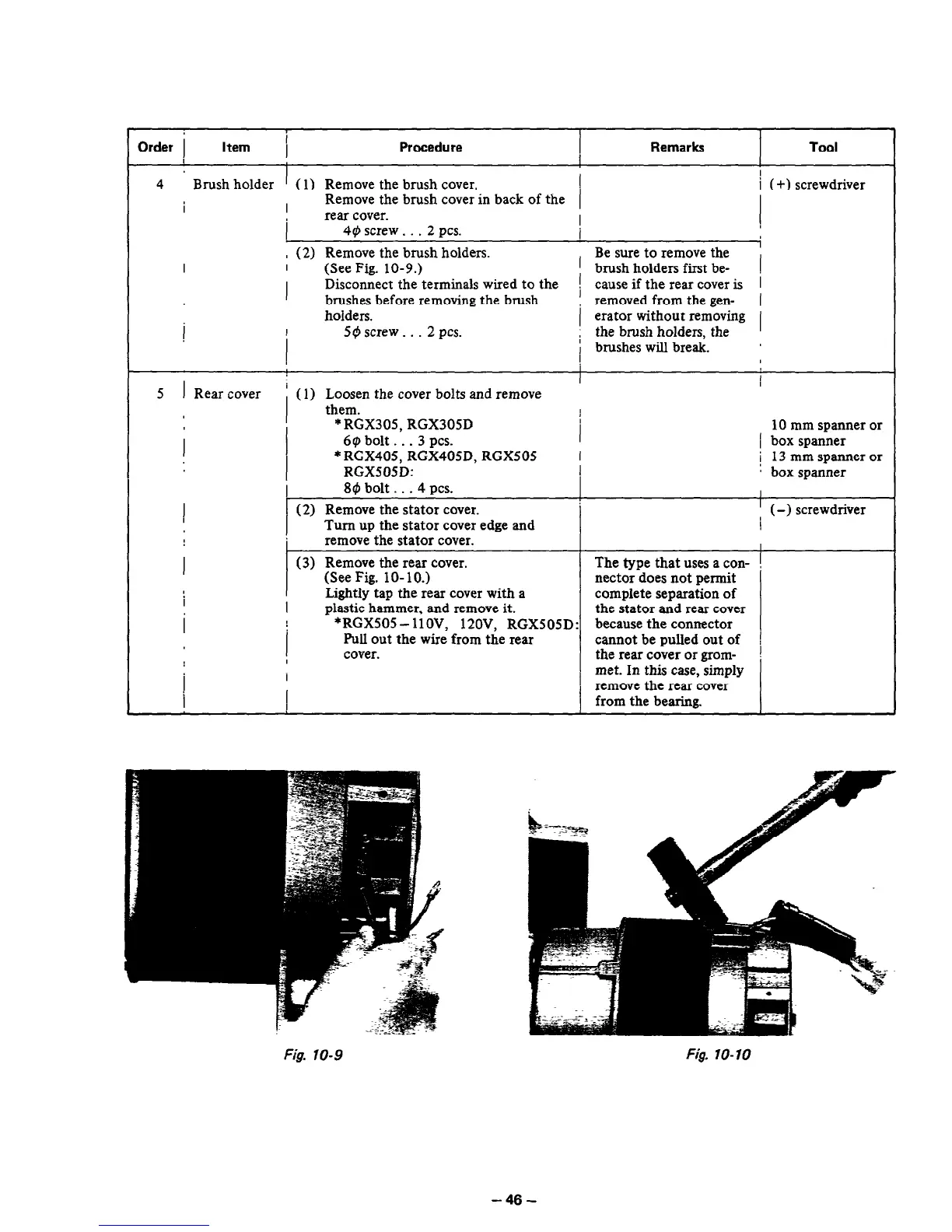
(See Fig. 10-9.)
I
/ brush holders first be-
I
Disconnect the terminals wired to the
i
brushes before removing the brush
1 cause if the rear cover is
removed from the gen- 1
holders.
erator without removing
1
I
1
50 screw _ . . 2
pcs.
! the brush holders the I
i brushes will break. ’
I
5 1 Rear cover
I
i (1) Loosen the cover bolts and remove
them.
I
I
* RGX305, RGX305D 10 mm spanner or
6~ bolt . . . 3 PCS.
i box spanner
* RGX405, RGX405D, RGX505
RGX505D:
i 13 mm spanner or
a box spanner
89 bolt . . . 4 PCS.
I
!
(2) Remove the stator cover.
Turn up the stator cover edge and
/ (-1
screwdriver
remove the stator cover.
I
(3)
Remove the rear cover. The type that uses a con-
I
(See Fig. lo- 10.) nectar does not permit
Lightly tap the rear cover with a complete separation of
I
plastic hammer, and remove it. the stator and rear cover
*RGX505- llOV, l?OV, RGX505D:
because
the connector
1
Pull out the wire from the rear cannot be pulled out of !
cover.
the rear cover or gram- !
I
met. In this case, simply
I
remove the rear cover
from the bearing.
Fig. 10-9
Fig. lo-10
-46-



 To Next Page