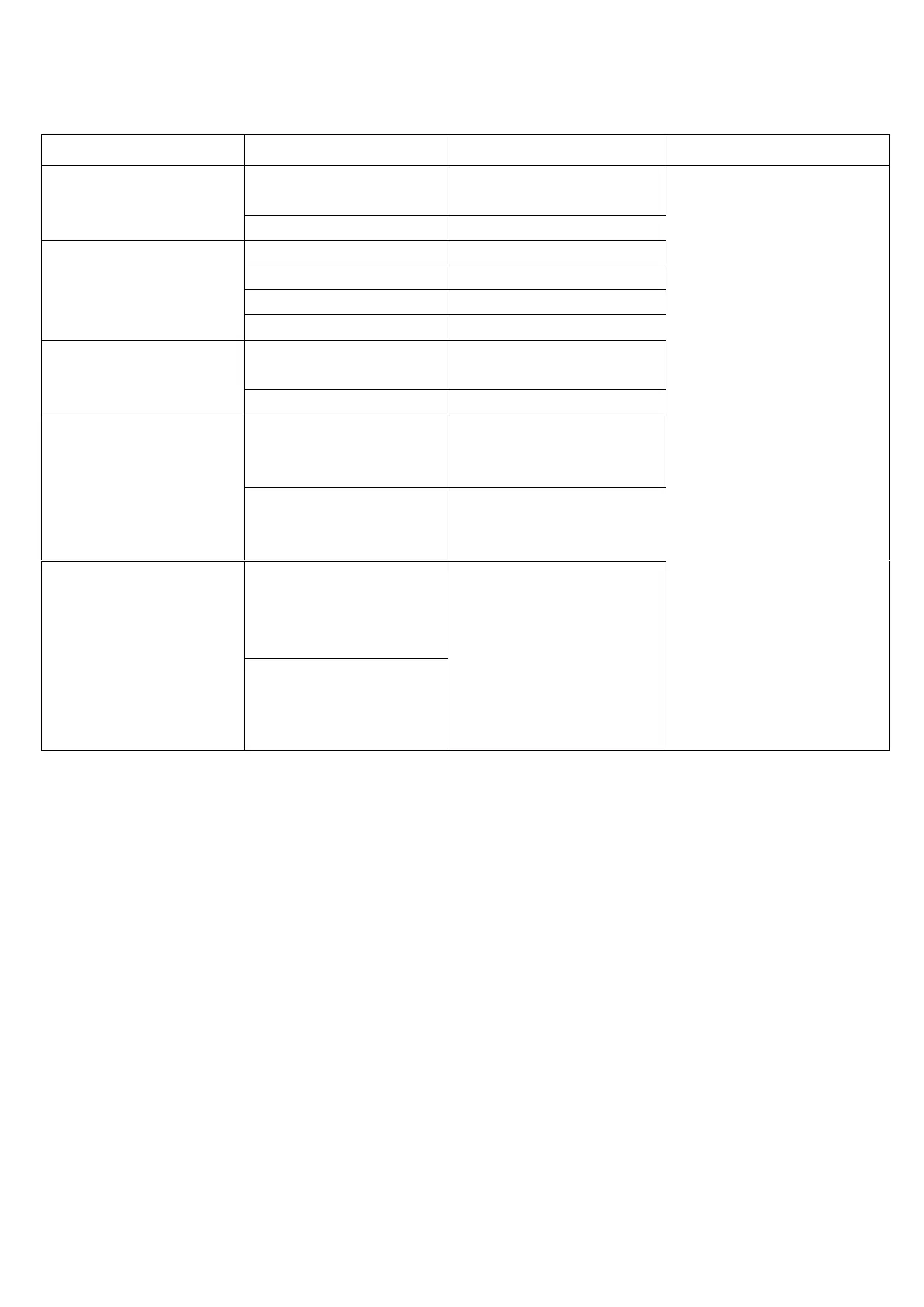
Troubleshooting:
Note: The power MUST BE DISCONNECTED from the Control Box prior to conducting any maintenance on the Pool Cleaner,
Contact your local distributor, or place of purchase for problems not covered in Trouble Shooting Guide.
Pool Cleaner doesn’t work
Plug in the Power lead, turn
on.
Please turn off the power
before you
perform any maintenance on
the Pool Cleaner.
Debris not being collected
Impeller is jammed or dirty.
Impeller cover is missing
Pool Cleaner is
turning in one direction
only
Drive Belt is loose.
or broken at one side.
Pool Cleaner will
not sink to the
bottom of the pool
The Sponge Wheels are not
saturated.
You must hold Pool Cleaner in
water and make sure Sponge
wheel are soft
It has air inside the Pool
Cleaner
Invert Pool Cleaner and make
sure air is released, then re-
invert.
Dirt is coming
through the
Impeller Cover.
Belt of Filter Bag is loose or
broken.
Replace broken Filter Bag or
Replace with a finer Filter Bag.
Run Pool Filter simultaneously
over the next 2 days with the
pool cleaner.
Dirt is too fine or the Filter
Bag



 To Previous Page