6
Step 3 Connect to Wi-Fi
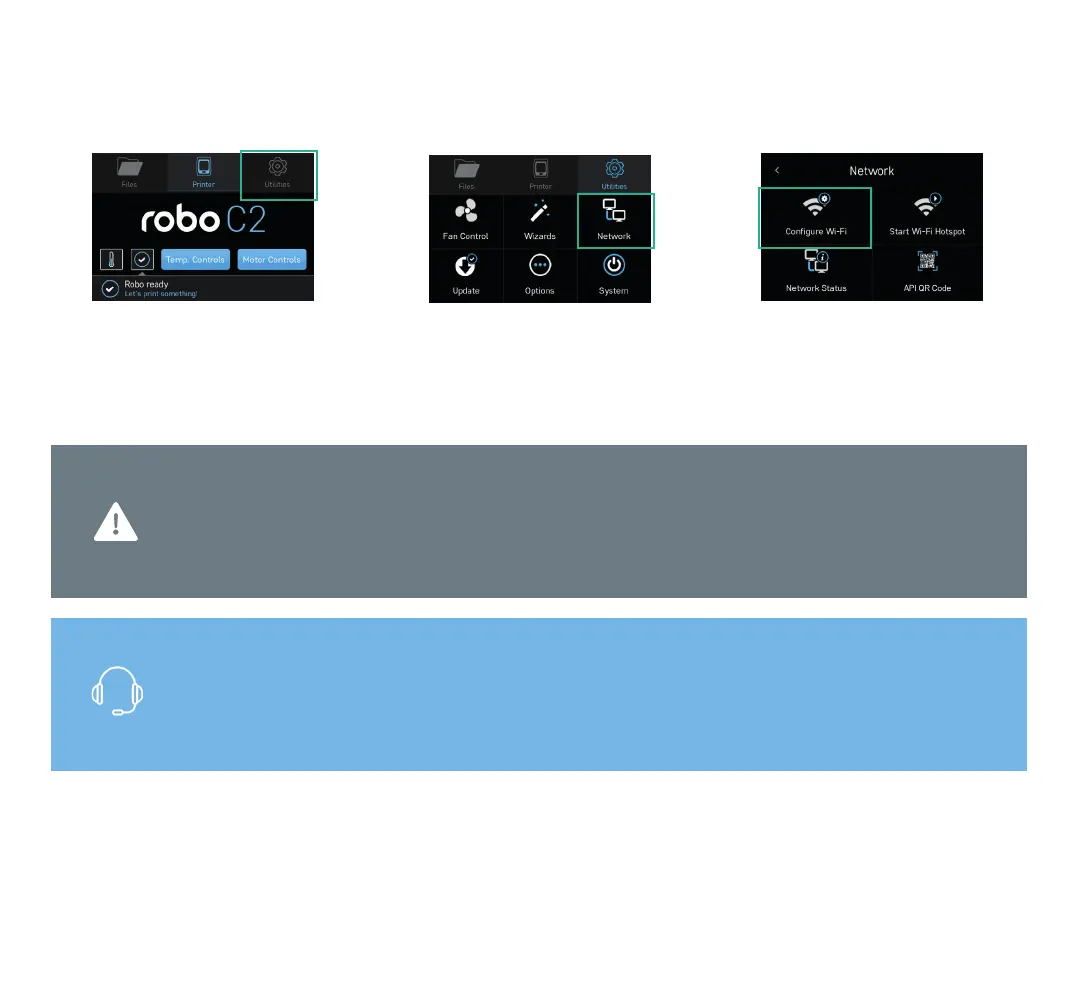
1. Select UTILITIES. 2. Select NETWORK. 3. Select CONFIGURE WI-FI and follow
steps to connect Wi-Fi.
Move to step 5 if you do not have
access to internet.
Note: Connect Robo C2 to Wi-Fi to update your printer software and to print from the Robo App,
web dashboard or Chromebook. You may also connect to your network using an Ethernet cable.
Contact customer support at +1-844-476-2633 or visit robo3d.com/support
Note: Use Stylus for all interactions with
touchscreen.



 To Next Page