7
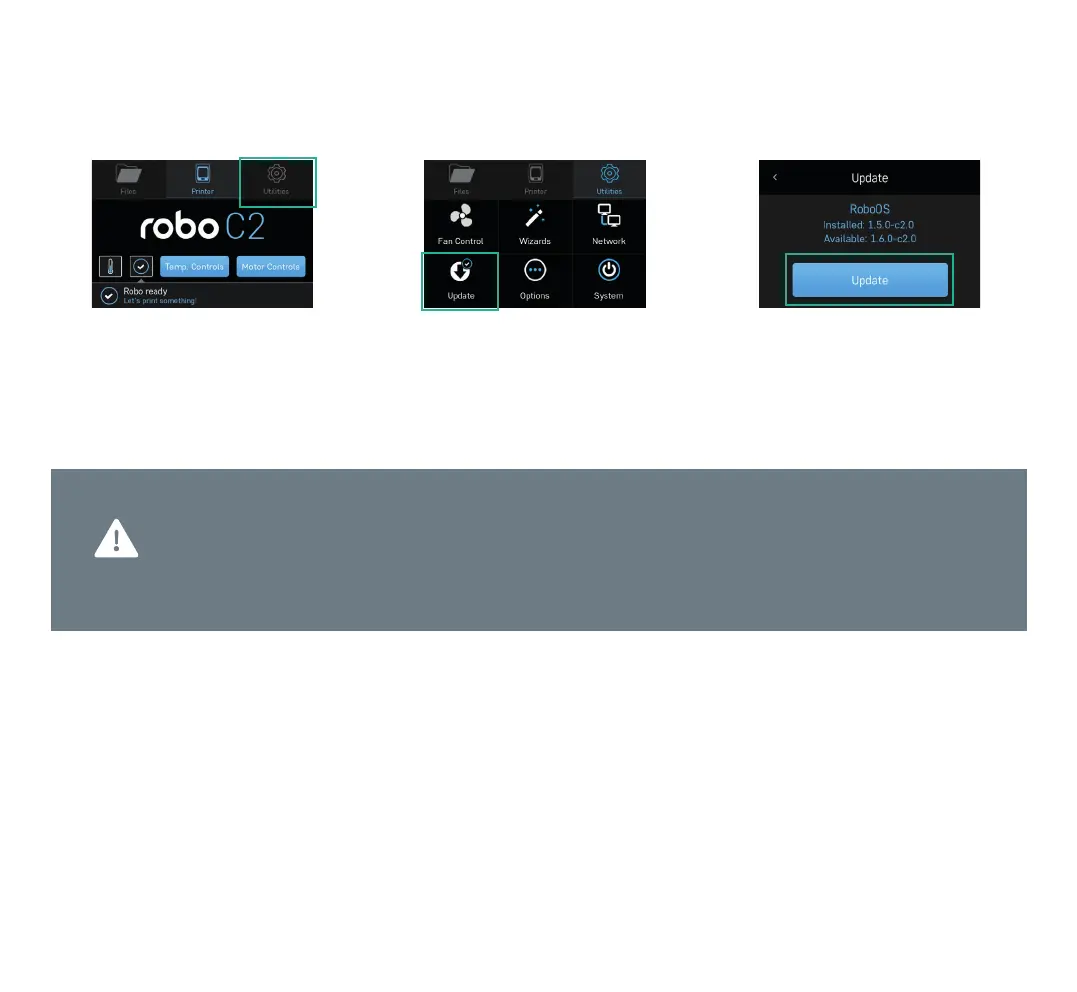
1. Select UTILITIES. 2. Select UPDATE. 3. Screen will say UPTODATE if
software is already updated. If not,
select UPDATE and the update will begin.
Follow this process regularly to confirm you are operating with the most up-to-date advancements
and functionalities available.
Always keep your Robo C2 up-to-date
Step 4 Update software



 To Next Page