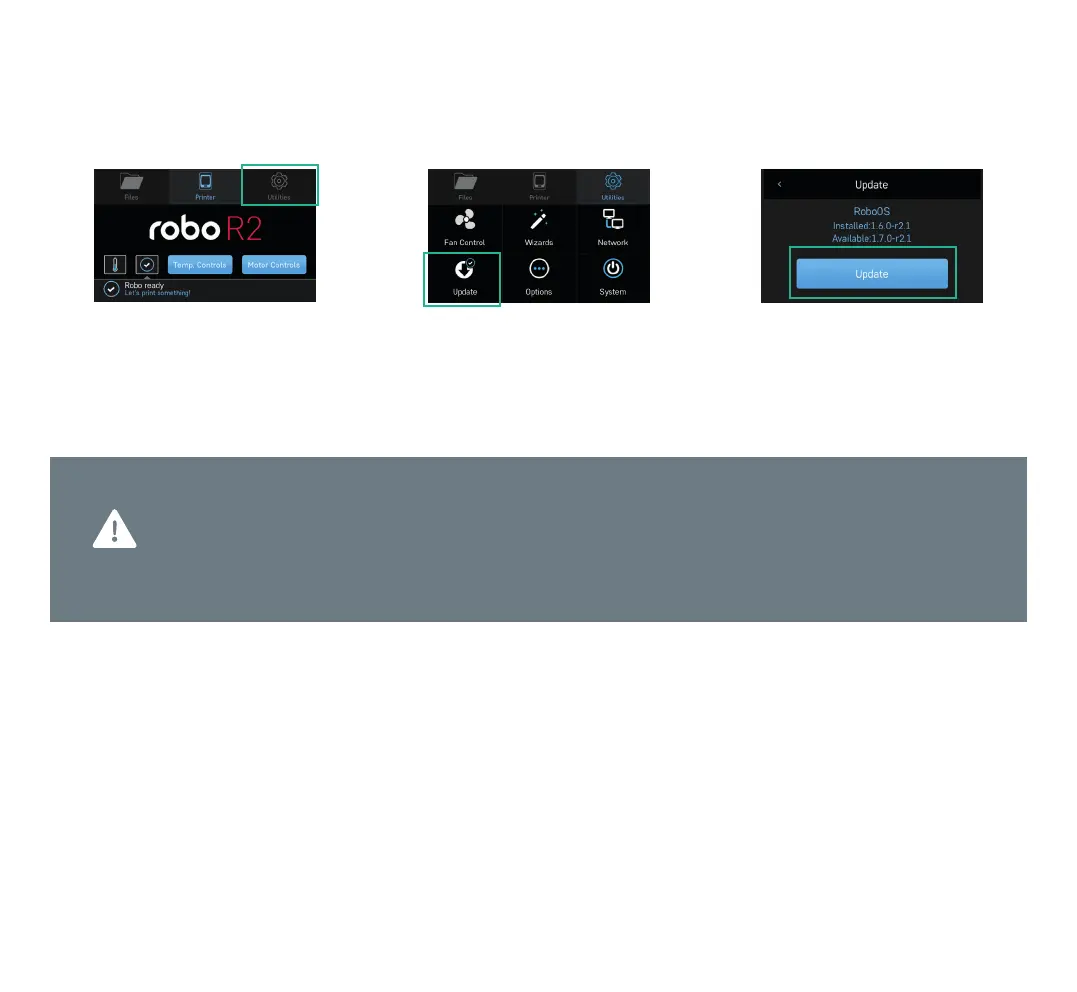
1. Select UTILITIES. 2. Select UPDATE. 3. Screen will say UP-TO-DATE if
software is already updated. If not,
select UPDATE and the update will begin.
Follow this process regularly to confirm you are operating with the most up-to-date advancements
and functionalities available.
Keep your Robo R2 up-to-date
Step 4 Update software
7



 To Next Page