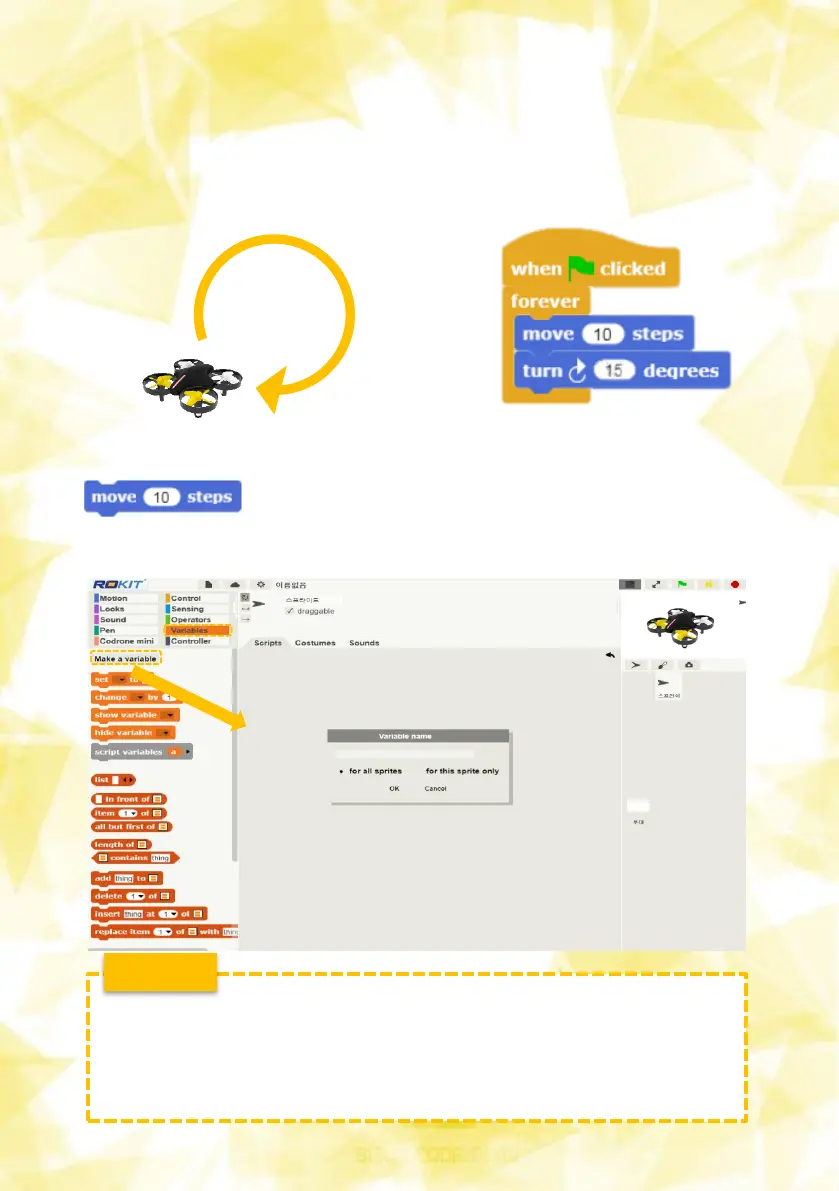
Create a variable to change the movement value of the
block. Variable block group In , press the Create Variables
button and create a variable named A.
4) Move Drones (Use variables)
Let's create a program that only "repeats three times" the following
movements, rather than "no uniform." Try to minimize the number
of blocks used.
14
Variable?
A variable, especially one used a lot in a program, is a non-numeric
character that creates space for storing numbers and allows you to
put the desired number at any time.
e.g. A = 5, Value = 0


 To Next Page