5
Dimensions
295
303
22.5
44.8
1.2
22.0
7.3
R1.0
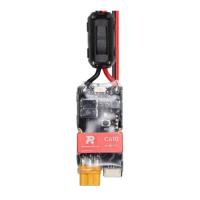
Securing the Speed Controller
There are two securing grooves on either side of the speed controller. The grooves have a
diameter of 2 mm, and it is recommended to use M2 screws. The heat-shrink tubing must be
cut in order for the M2 screws to pass through the grooves. DJI bears no responsibility for any
damage caused to the heat-shrink tubing when it is cut.
Using RoboMaster Assistant
To congure the speed controller or update its rmware, use a Takyon Updater or a compatible
USB-to-serial converter via RoboMaster Assistant.
The voltage of the USB-to-serial converter must be 3.3 V.
Unit: mm
1. Download RoboMaster Assistant from the ofcial RoboMaster website.
https://www.robomaster.com/products/components/assistant
2. Connect the speed controller to the Takyon Updater by soldering, and connect the Takyon
Updater to a computer. Make sure the PWM cable is correctly connected (“-“ for GND, “+” for
TXD and “
” for RXD). A USB-to-serial converter can be used in place of a Takyon Updater.
RXD
TXD
GND
GND
TXD
RXD


 To Next Page