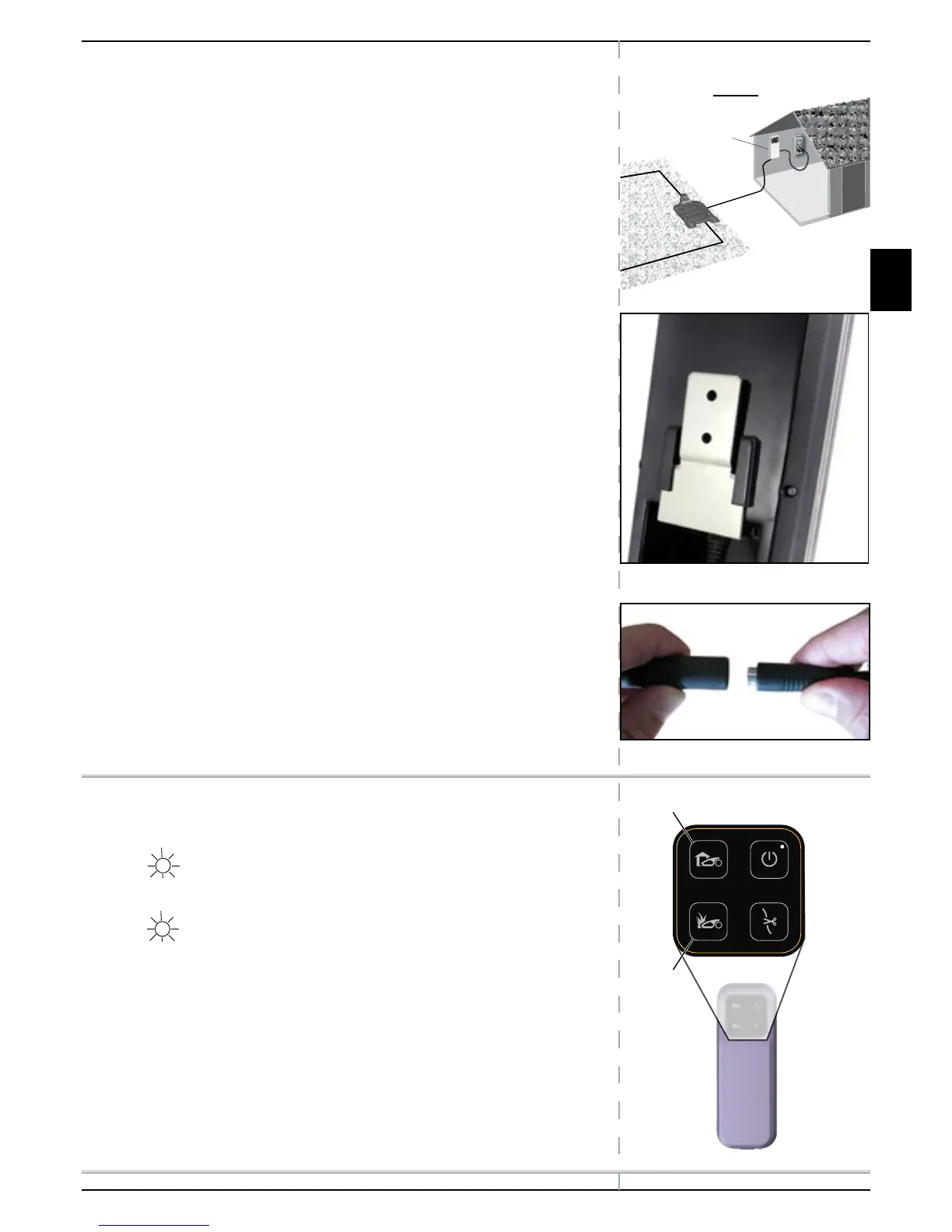
2.8 Installing the Power Box
2.8.1 Determining Power Box Location
Consider the following in order to install the Power Box at its optimal
location:
Locate it outside the lawn perimeter.
Select an easily accessed spot.
Prefer a dry and sheltered location.
Select an area close to an electrical outlet.
The Power Box is to be mounted vertically.
2.8.2 Power Box Mounting:
Mount the metal bracket onto the vertical surface with the provided
screws.
Place the Power Box above the metal bracket and slide it into place
along the vertical surface.
Connect the DC Cable from the Power Box to the 20 m (65 ft.)
Extension Cable.
2.9 At the Power Box Location:
Connect the Power Box to a regular plug socket 230/120 Volts AC.
The Docking Indicator (1) will light up if the Mower is in its Base
Station.
The Operating Indicator (3) will light up if the Mower is not in its
Base Station.
1
3
The Power Box MUST
be mounted vertically
in order to maintain its
water resistance
Power Box Indicators



 To Next Page