11
Getting Started
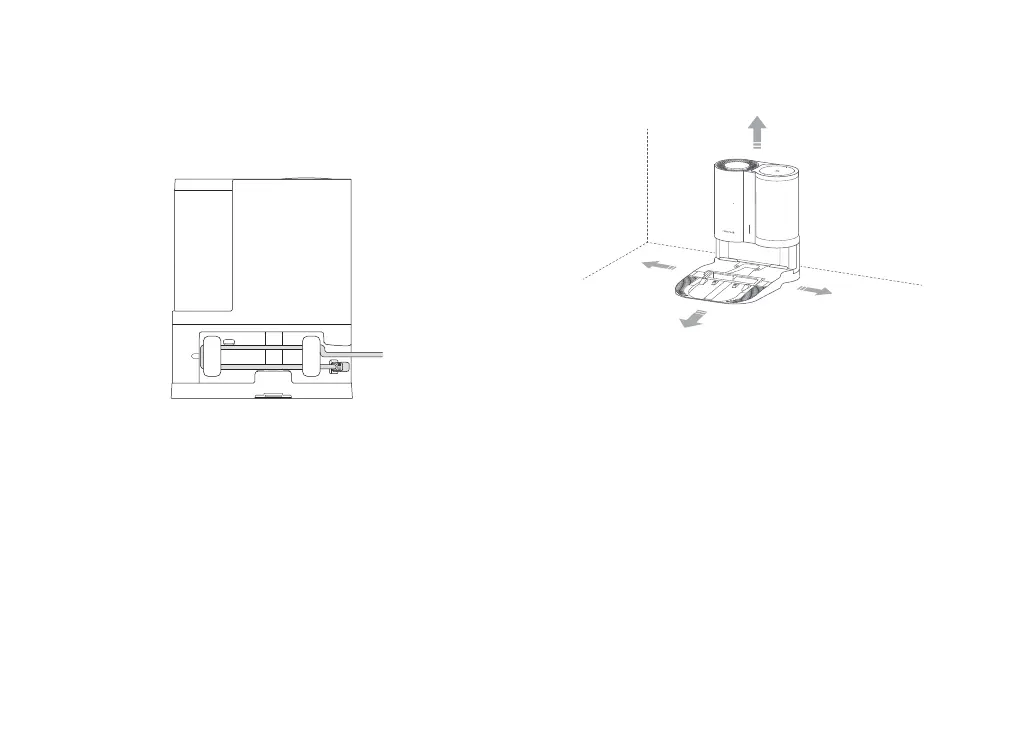
3. Connect the power cable to the dock, and keep excess cable
inside the storage slot.
4. Place the dock on a hard and at oor (wood/tile/concrete etc.).
Keep at least 0.5 m (1.6 ft) of clearance on either side, 1.5 m (5 ft)
in front, and 1 m (3 ft) above. Check the location has good WiFi
then turn on.
≥
0.5 m
(1.6 ft)
≥
0.5 m
(1.6 ft)
≥
1.5 m
(5ft)
≥
1 m (3 ft)
Notes:
•
The status indicator light turns o automatically when the robot is charging.
•
The status indicator turns red if an error occurs, and turns o automatically after
10 minutes.
•
Do not use without lter, dustbin or dust bag. They are already installed during
production. For details on assembly and cleaning, please refer to the "Routine
Maintenance" section in this manual.
•
Place the dock on a at oor away from re, heat, and water. Avoid narrow spaces
or locations where the robot may be suspended in the air.
•
Placing the dock on a soft surface (carpet/mat) may cause the dock to tilt over
and cause problems docking and departing.
•
Keep excess power cable inside the storage slot so that the robot will not get
tangled in the cables, and the dock will not be dragged away or disconnect from
the power supply.
•
Keep the dock away from direct sunlight or anything that may block the dock
location beacon; otherwise, the robot may fail to return to the dock.
•
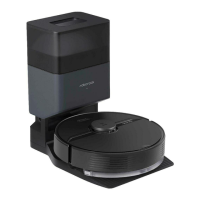
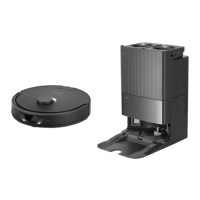
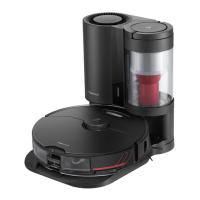
The Auto-Empty Dock recharges and empties. Store the standard robot dock
before use. Failure to do so may cause issues returning to dock.
•
Maintain the dock according to the maintenance instructions. Do not clean the
dock with a wet cloth.







 To Next Page