EasyManua.ls Logo

Robosoft Pressbrake ATS 560 - Page 29

Default Icon
35 pages
Print Icon
To Next Page IconTo Next Page
To Previous Page IconTo Previous Page
Loading...
ROBOSOFT
N.y.
Press-brake
ATS
550
&
ATS
560
4.
Options
4.1.
Automatic
anti-deflection
table
When
you
have
an
automatic
anti-deflection
table
on
your
machine,
you
can
control
it
with
the
ftinction-key
<C>
for
the
auxiliary
functions.
Choose
between
anti-deflection
and
pneumatic
fingers
with
the
<
t>
or
<
4->
key.
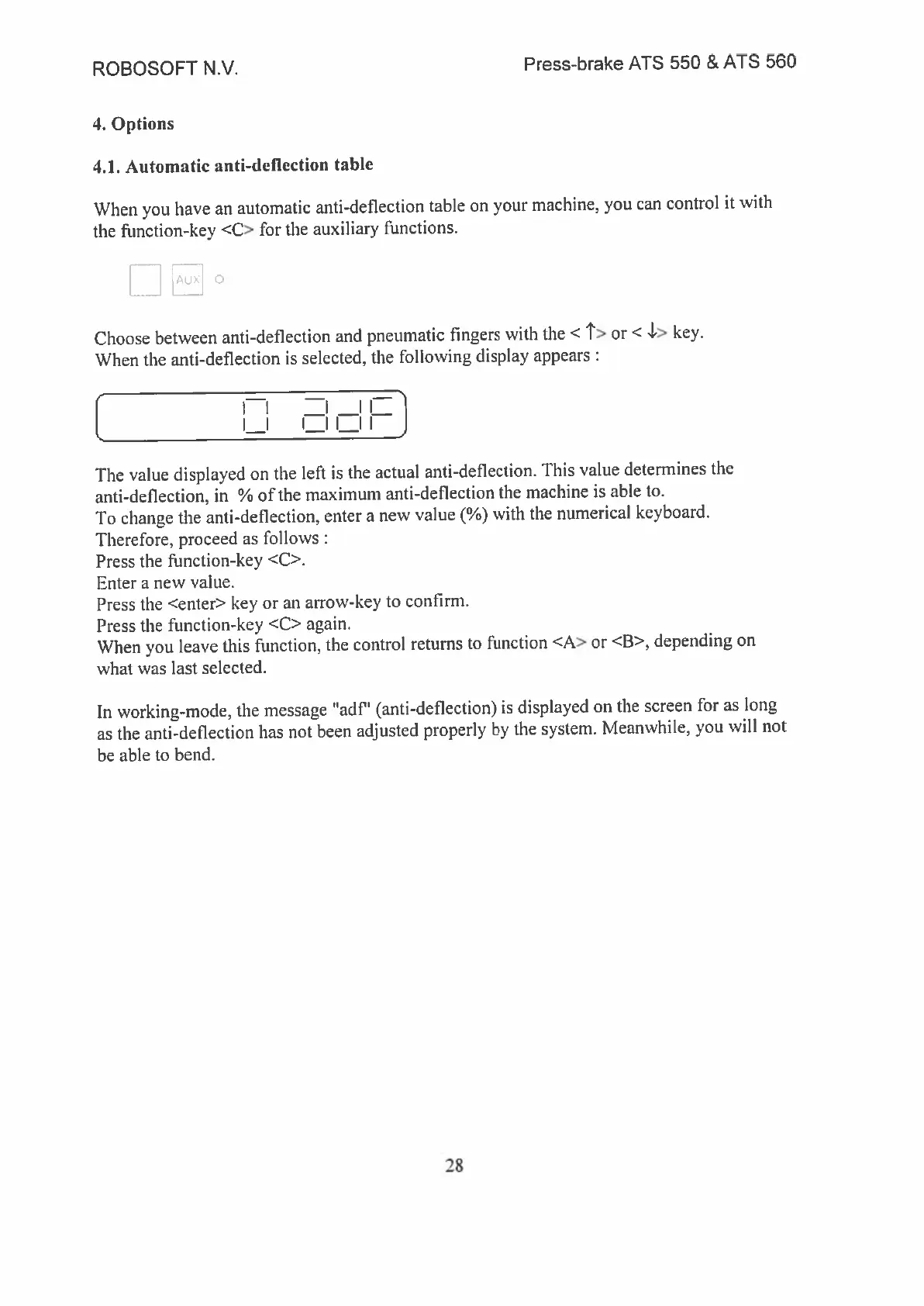
When
the
anti-deflection
is
selected,
the
following
display
appears
[
H
The
value
displayed
on
the
left
is
the
actual
anti-deflection.
This
value
determines
the
anti-deflection,
in
%
of
the
maximum
anti-deflection
the
machine
is
able
to.
To
change
the
anti-deflection,
enter
a
new
value
(%)
with
the
numerical
keyboard.
Therefore,
proceed
as
follows
Press
the
frmnction-key
<C>.
Enter
a
new
value.
Press
the
<enter>
key
or
an
arrow-key
to
confirm.
Press
the
function-key
<C>
again.
When
you
leave
this
function,
the
control
returns
to
function
<A>
or
<B>,
depending
on
what
was
last
selected.
In
working-mode,
the
message
“ad?’
(anti-deflection)
is
displayed
on
the
screen
for
as
long
as
the
anti-deflection
has
not
been
adjusted
properly
by
the
system.
Meanwhile,
you
will
not
be
able
to
bend.
28