EasyManua.ls Logo

Robosoft Pressbrake ATS 560 - Appendix: Parameters; Synchro-Parameters

Default Icon
35 pages
Print Icon
To Next Page IconTo Next Page
To Previous Page IconTo Previous Page
Loading...
ROBOSOFT
NV.
Press-brake
ATS
550
&
ATS
560
1.2.
Pneumatic
fingers
When
you
have
pneumatic
fingers
on
your
machine,
you
can
control
them
also
with
the
function-key
<C>
for
the
auxiliary
functions.
Choose
between
anti-deflection
and
pneumatic
fingers
with
the
<
t>
or
<
>
key.
When
the
pneumatic
fingers
are
selected,
one
of
the
following
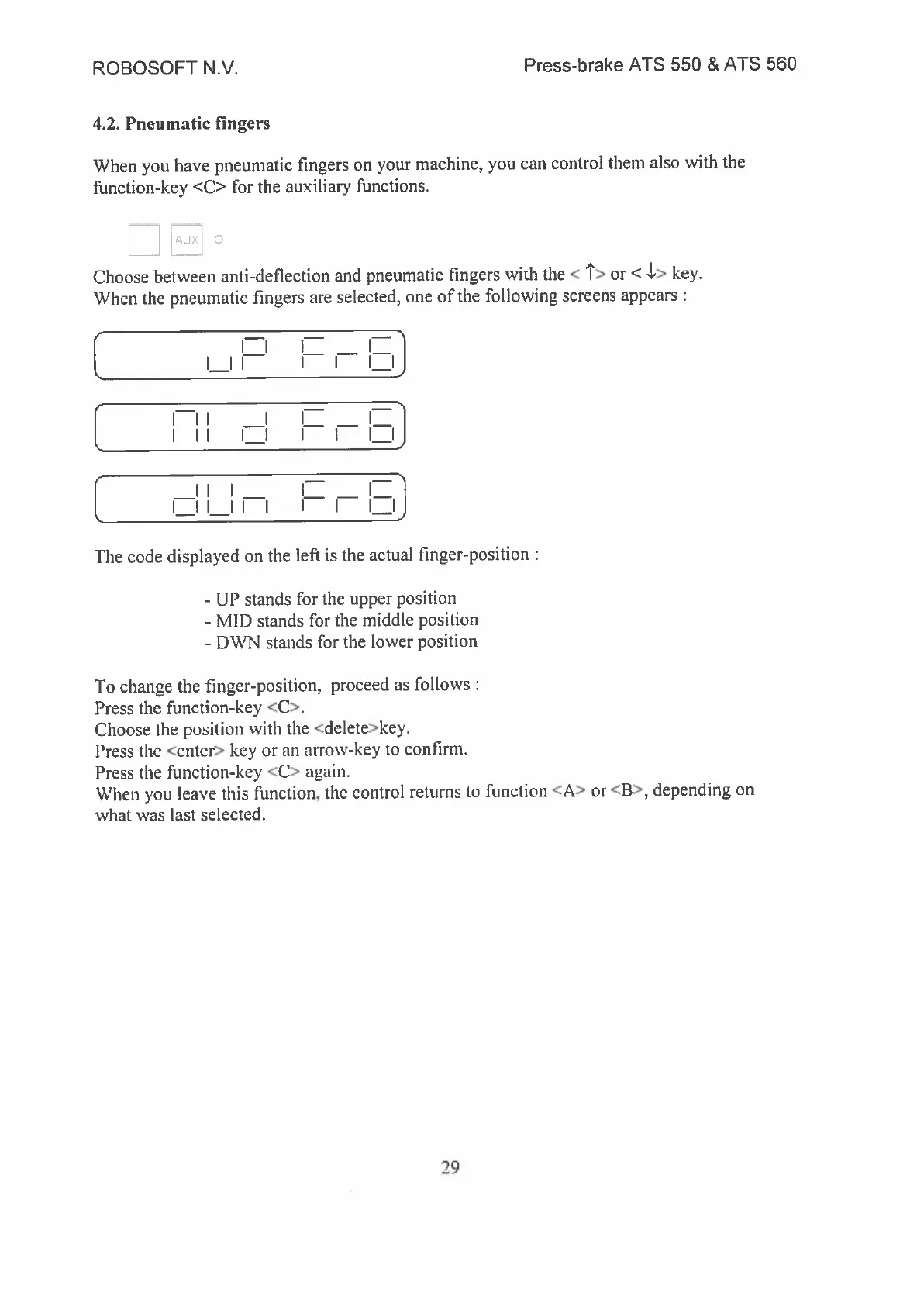
screens
appears
I
II
I
ii
(
I_Il
I
ll._.lJ
1.
I
II
I
I I
I
II
I_I
I
I
I
I
I
i—i
I
II
II
I
I
I
I
IJ
The
code
displayed
on
the
left
is
the
actual
finger-position
-
UP
stands
for
the
upper
position
-
MID
stands
for
the
middle
position
-
DWN
stands
for
the
lower
position
To
change
the
finger-position.
proceed
as
follows
Press
the
function-key
<C>.
Choose
the
position
with
the
<delete>key.
Press
the
<enter>
key
or
an
arrow-key
to
confirm.
Press
the
function-key
<C>
again.
When
you
leave
this
function,
the
control
returns
to
function
<A>
or
<3>,
depending
on
what
was
last
selected.
29