EasyManua.ls Logo

Robosoft Pressbrake ATS 560 - The <Mode> Key

Default Icon
35 pages
Print Icon
To Next Page IconTo Next Page
To Previous Page IconTo Previous Page
Loading...
ROBOSOFT
N.y.
Press-brake
MS
550
&
ATS
560
1.2.
The
on/off
key-switch
[o
i]
This
key
is
used
to
switch
on
the
control.
When
the
control
has
been
shut
down,
you
will
have
to
wait
at
least
10
seconds
before
you
restart
the
control.
1.3.
The
start
and
stop-key
for
the
pump
These
keys
are
used
to
start
and
stop
the
pump
of
the
hydraulics.
To
start
the
pump,
press
the
green
start-key.
To
stop
the
pump,
press
the
red
stop-key.
CiiART’1
ISTOP
LOJLO
1.4.
The
<Mode>
key
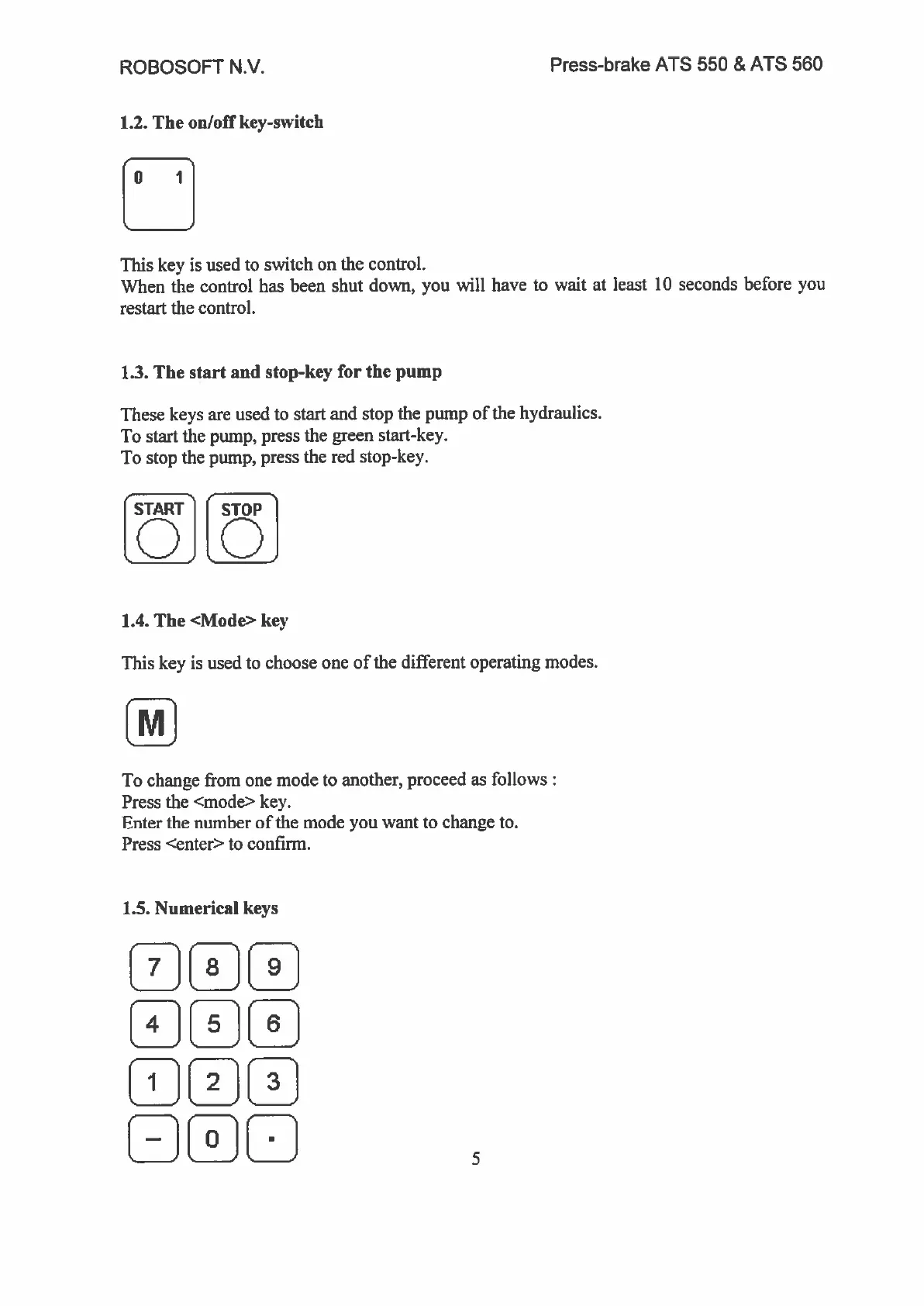
This
key
is
used
to
choose
one
of
the
different
operating
modes.
[J
To
change
from
one
mode
to
another,
proceed
as
follows:
Press
the
<mode>
key.
Enter
the
number
of
the
mode
you
want
to
change
to.
Press
<enter>
to
confirm.
1.5.
Numerical
keys
[]L!FD
_
_
_
5