EasyManua.ls Logo

Robosoft Pressbrake ATS 560 - Page 7

Default Icon
35 pages
Print Icon
To Next Page IconTo Next Page
To Previous Page IconTo Previous Page
Loading...
ROBOSOFT
N.y.
Press-brake
ATS
550
&
ATS
560
These
keys
are
used
to
enter
decimal
values.
both
positive
and
negative.
Values
can
only
be
entered
in
stop-mode
(blinking
display).
To
enter
a
number,
press
the
according
key(s).
When
finished,
press
the
<enter>
key
to
confirm
the
value.
When
you
have
made
a
mistake
entering
the
figures,
you
can
erase
the
last
digit
with
the
<delete>
key
as
long
as
you
didn’t
confirm
with
the
<enter>
key.
When
you
did
confirm,
press
the
<stop>
key
first
and
enter
the
new
value.
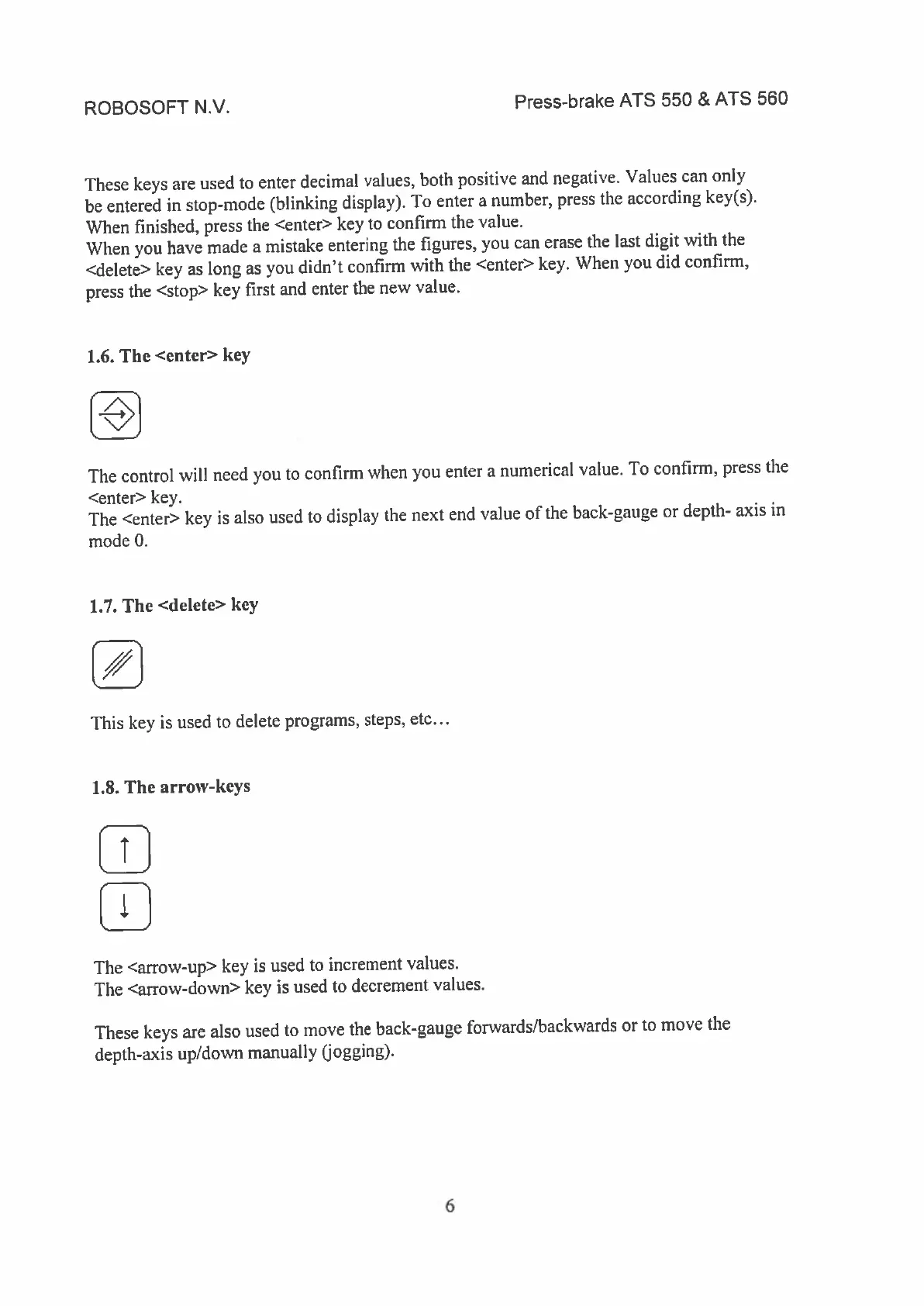
1.6.
The
<cuter>
key
The
control
vill
need
you
to
confirm
when
you
enter
a
numerical
value.
To
confirm,
press
the
<enter>
key.
The
<enter>
key
is
also
used
to
display
the
next
end
value
of
the
back-gauge
or
depth-
axis
in
mode
0.
1.7.
The
<delete>
key
This
key
is
used
to
delete
programs,
steps,
etc...
1.8.
The
arrow-keys
w
The
<arrow-up>
key
is
used
to
increment
values.
The
<arrow-down>
key
is
used
to
decrement
values.
These
keys
are
also
used
to
move
the
back-gauge
forwards/backwards
or
to
move
the
depth-axis
up/down
manually
(jogging).
6