EasyManua.ls Logo

Robosoft Pressbrake ATS 560 - The <Retraction> Key

Default Icon
35 pages
Print Icon
To Next Page IconTo Next Page
To Previous Page IconTo Previous Page
Loading...
ROBOSOFT
NV.
Press-brake
ATS
550
&
ATS
560
1.9.
The
<start>
and
<stop>
command-keys
These
keys
are
used
to
stan
and
to
stop
the
back-gauge.
To
start
the
back-gauge
positioning,
press
the
green
start
key.
To
stop
the
back-gauge
positioning,
press
the
red
stop
key.
Start
key
for
the
program
Stop
key
for
the
program
When
the
back-gauge
is
stopped,
the
display
blinks.
Now
you
can
enter/change
values.
It
is
however
not
possible
to
bend
any
further.
Only
when
<start>
is
pressed
and
the
back-gauge
has
positioned
right,
you
will
be
able
to
(continue
to)
bend.
When
the
back-gauge
is
started,
the
display
is
no
longer
blinking.
You
can
no
longer
enter/change
values.
1.10.
The
<retraction>
key
When
some
part
of
the
work-piece
is
going
under
the
back-gauge
(e.g.
Z-bend),
a
collision
between
the
plate
and
the
back-gauge
could
happen
while
bending.
To
avoid
this,
we
retract
the
back-gauge.
The
retraction
starts
when
the
plate
is
clamped,
this
is
when
the
beam
reaches
the
plate
(point
zero).
This
way
the
plate
can’t
shift.
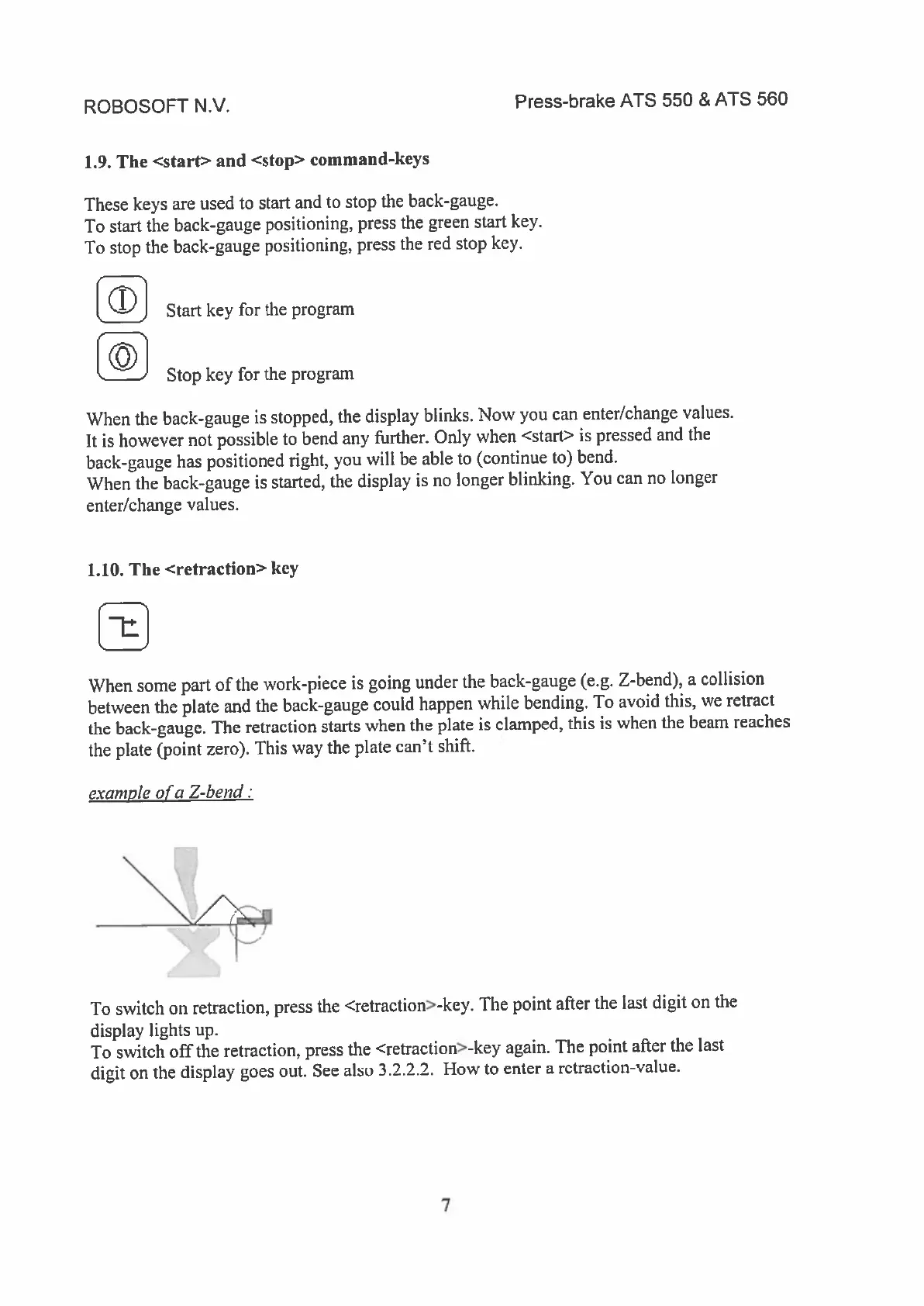
exam
pie
of
a
Z-bend:
To
switch
on
retraction,
press
the
<retraction>-key.
The
point
after
the
last
digit
on
the
display
lights
up.
To
switch
off
the
retraction,
press
the
<retraction>-key
again.
The
point
after
the
last
digit
on
the
display
goes
out.
See
also
3.2.2.2.
How
to
enter
a
retraction-value.
7