EasyManua.ls Logo

Robosoft Pressbrake ATS 560 - The 3-Position Switch

Default Icon
35 pages
Print Icon
To Next Page IconTo Next Page
To Previous Page IconTo Previous Page
Loading...
ROBOSOFT
N.y.
Press-brake
ATS
550
&
ATS
560
1.11.
The
3-position
switch
1.11.1
In
case
ofa
CE
machine
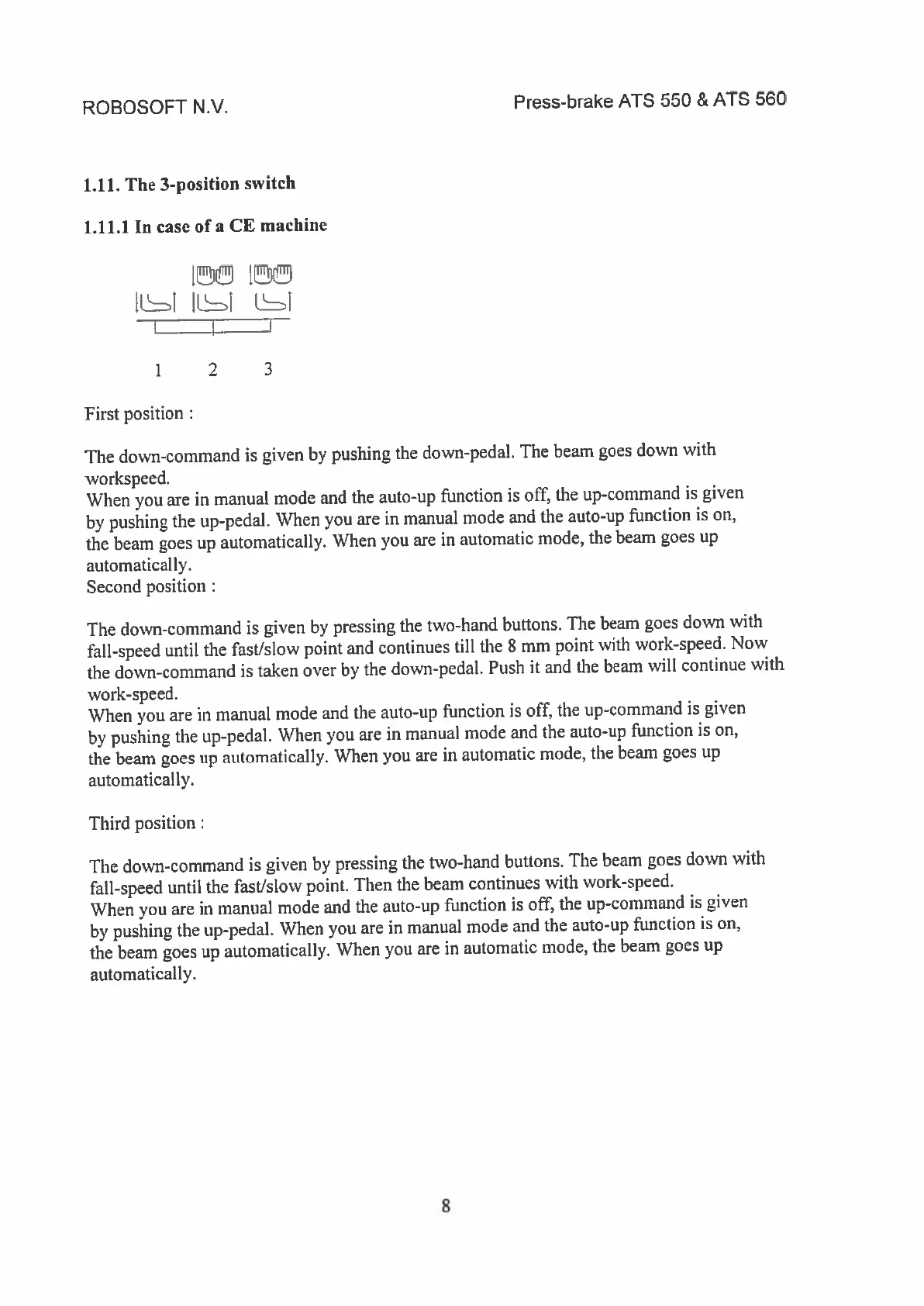
1
!
JLJ
11
LJ
I
I
1
2
3
First
position
The
down-command
is
given
by
pushing
the
down-pedal.
The
beam
goes
down
with
workspeed.
When
you
are
in
manual
mode
and
the
auto-up
function
is
off,
the
up-command
is
given
by
pushing
the
up-pedal.
When
you
are
in
manual
mode
and
the
auto-up
function
is
on,
the
beam
goes
up
automatically.
When
you
are
in
automatic
mode,
the
beam
goes
up
automatically.
Second
position
The
down-command
is
given
by
pressing
the
two-hand
buttons.
The
beam
goes
down
with
fall-speed
until
the
fast/slow
point
and
continues
till
the
8
mm
point
with
work-speed.
Now
the
down-command
is
taken
over
by
the
down-pedal.
Push
it
and
the
beam
will
continue
with
work-speed.
When
you
are
in
manual
mode
and
the
auto-up
function
is
off,
the
up-command
is
given
by
pushing
the
up-pedal.
When
you
are
in
manual
mode
and
the
auto-up
function
is
on,
the
beam
goes
up
automatically.
When
you
are
in
automatic
mode,
the
beam
goes
up
automatically.
Third
position:
The
down-command
is
given
by
pressing
the
two-hand
buttons.
The
beam
goes
down
with
fall-speed
until
the
fast/slow
point.
Then
the
beam
continues
with
work-speed.
When
you
are
in
manual
mode
and
the
auto-up
function
is
off,
the
up-command
is
given
by
pushing
the
up-pedal.
When
you
are
in
manual
mode
and
the
auto-up
function
is
on,
the
beam
goes
up
automatically.
When
you
are
in
automatic
mode,
the
beam
goes
up
automatically.
8