Ⅳ
Setup the primary node on
RS WiFi APP
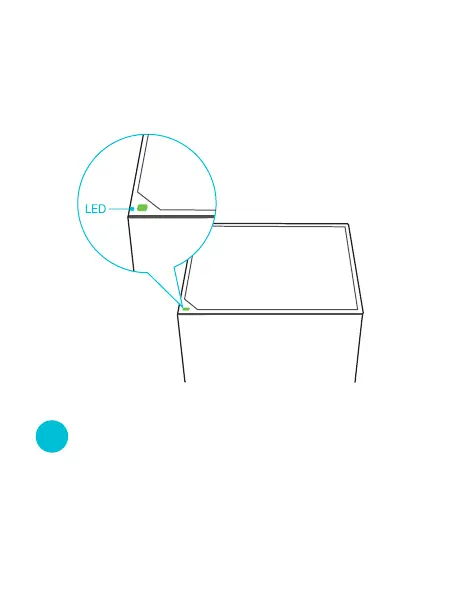
2. Run the RS WiFi App and follow the onscreen
instructions to set up the primary node. After the
primary node is connected to the internet, its LED
indicator lights solid green.
1.Run the RS WiFi app, click "Add device". The QR code
scanning page would show up here. Select "Add Manually"
on the left side below the scanning zone.



 To Next Page