2. CREATING FURTHER LOCOMOTIVES
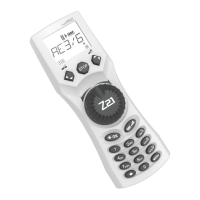
To create a new loco with the name “BR024” and address 24, proceed as follows in three simple steps:
1. Create the loco with a new name in the multiMAUS loco library.
2. Assign a new, not yet assigned decoder address in the multiMAUS.
3. Set the decoder of the loco to the new decoder address with the multiMAUS.
2.1 Creating a new locomotive in the multiMAUS
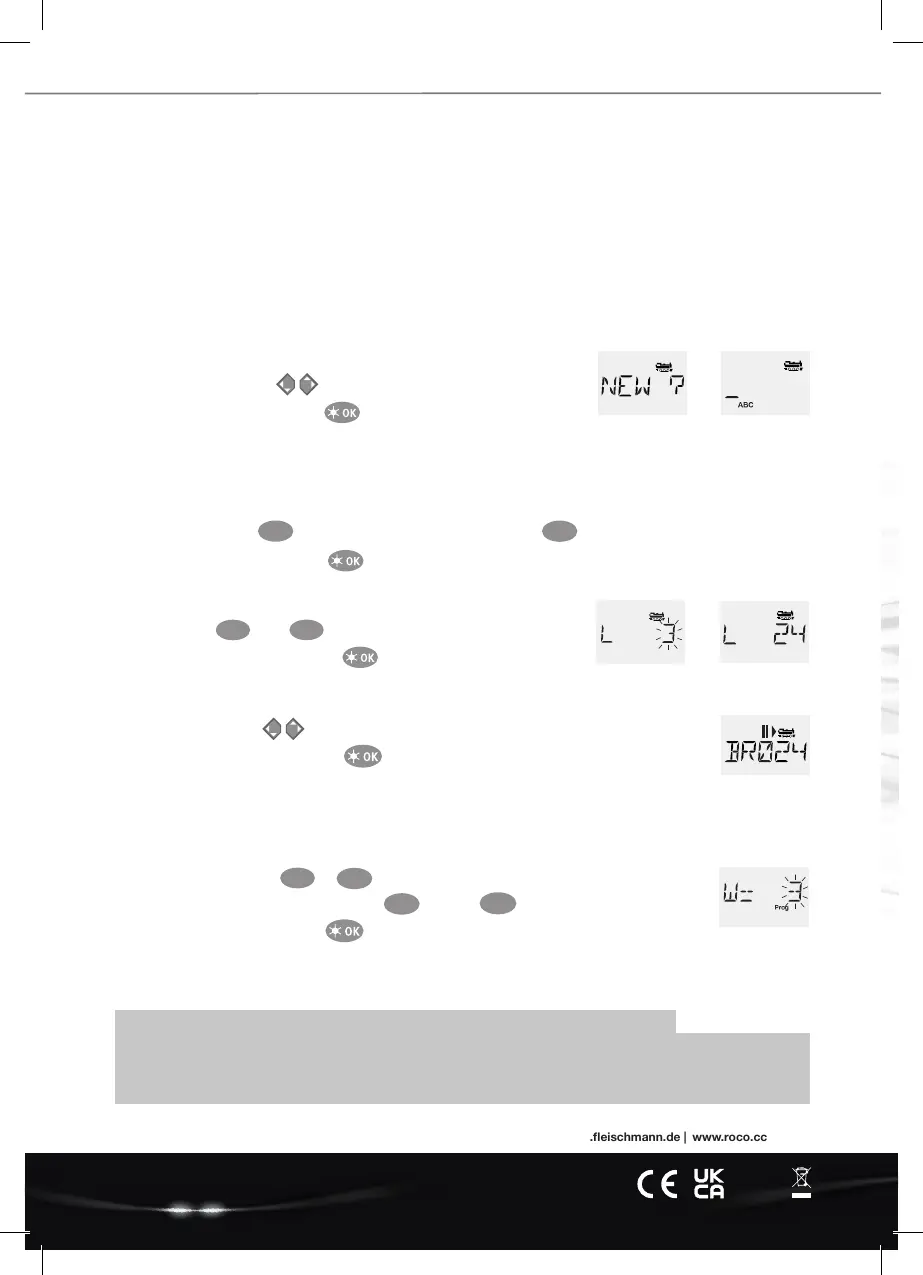
• Switch to the library mode.
• Scroll with the arrow keys until “NEW” appears in the display
• Conrmyourselectionwiththekey
• Enter the name with the numeric keypad. On the keys of the multiMAUS there are – like on an old cell phone – all letters from
AtoZ.Eachnumerickeyisassignedseveralletters.Ifyoupressonce,therstletterappears,ifyoupresstwice,thesecondletter
appears, if you press three times, the third letter appears. When you press the fourth time, the digit appears:
• Now select the possible speed levels that the decoder understands. For current decoders use 128.
– Use the arrow keys to select “128” between the values.
– Confirm your selection with the key
2.2 Changing the decoder address with the multiMAUS
Thedecoderaddressisstoredastherstcongurationvariable,CV1forshort,inthedigitaldecoderofeachloco.Withthehelpofthe
multiMAUS you can easily change this CV setting. Attention: For this programming only one loco may be on the track.
• Press the key combination + to access CV1
• Enterthedesiredlocoaddressbypressingrstandthen
• Conrmyourselectionwiththekey
Now your loco has the decoder address 24 and reacts to all commands you give it with the multiMAUS.
Art. no. 8010835923 02/ 2022
Modelleisenbahn GmbH | Plainbachstrasse 4 | 5101 Bergheim, Austria | www.eischmann.de | www.roco.cc
MENU
1
2 abc
4 ghi
Have a GREAT TIME with your digital system!
– Press 2 times the key for the letter “B” or, e.g., press 4 times the key for the digit “2”.
– After entering the text, confirm with
2 abc
2 abc
If you have any technical questions / problems, you can contact the service hotline.
Our experts will be happy to help you with tips and tricks:
▪
https://www.eischmann.de/de/service/hotline/index.html ▪ GRATIS: 00800 57626000 (Germany, Austria, Switzerland)
▪ https://www.roco.cc/de/service/hotline/index.html ▪ INTERNATIONAL: +43 820 200668
Service Hotline
>
• Next, enter the new address that the loco is to receive.
– First press , then
– Confirm your selection with the key
>
18/ 0113-0701
Alter/Age
14
+
2 abc
4 ghi
A5_MultiMaus_Kurzanleitung_02.02.2022_ENG.indd 1A5_MultiMaus_Kurzanleitung_02.02.2022_ENG.indd 1 15.02.22 16:1115.02.22 16:11


 To Previous Page
 Loading...