Note: If the Hard Drive is connected via USB port, the desktop would indicate the USB (figure
1.1) if it is connected via FireWire port, it would then indicate FireWire as (figure 1.2) on the
“Macintosh HD” icon. The same procedures would also apply to the following steps.
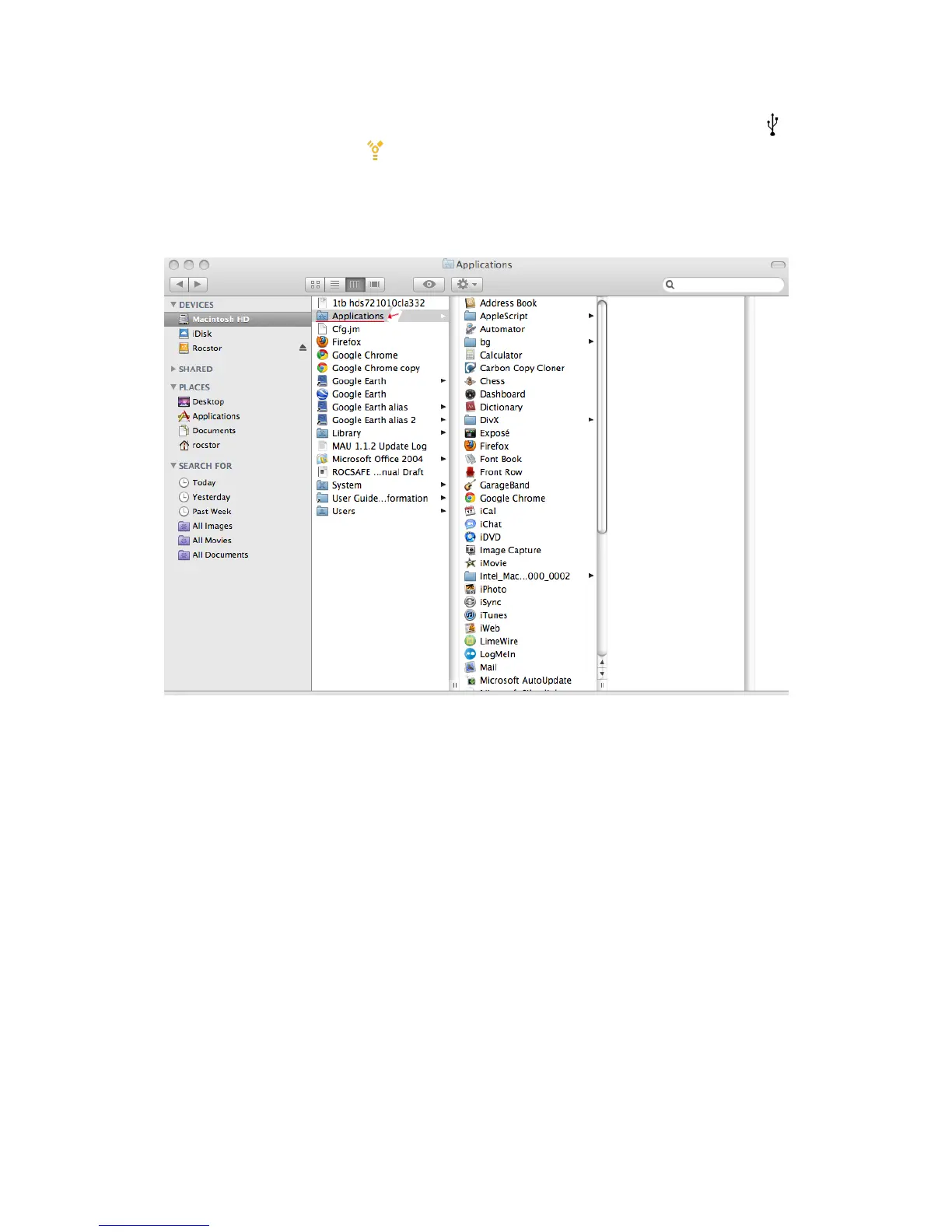
3. Once the icon appears on the “Desktop” click on the “Macintosh HD” icon (figure 2.0)
Figure 2.0
ROCSTOR | LANCER LX user manual Page | 16










 To Next Page