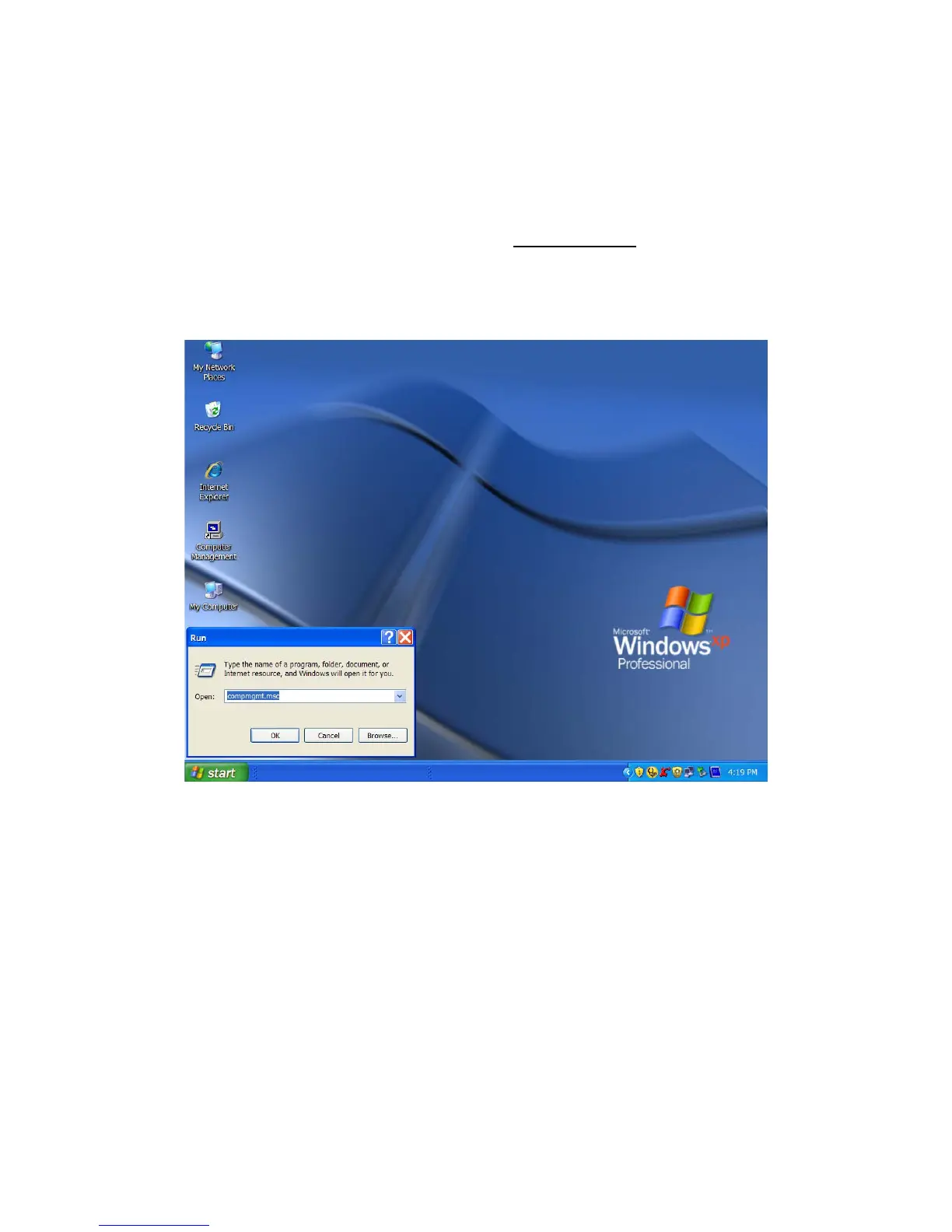
3. If the icon “My Computer” does not show on your desktop, click on the Start icon on the
lower left of your screen. If the Control Panel link is not displayed, click on the Settings link
and then click on the Control Panel link.
4. Click on the Start icon on the lower left of your screen. Click on Run. Delete anything
listed in the Open window. Type the following: compmgmt.msc and then click OK. Skip to
INSTRUCTION # 4 (Instructions for Partitioning and Formatting from FAT 32 to NTFS {page
24}).
ROCSTOR | LANCER LX user manual Page | 26










 To Next Page