INSTRUCTIONS FOR PARTITIONING AND FORMATTING FROM FAT32 to HFS+:
1. Connect the Rocstor drive to the computer via a port.
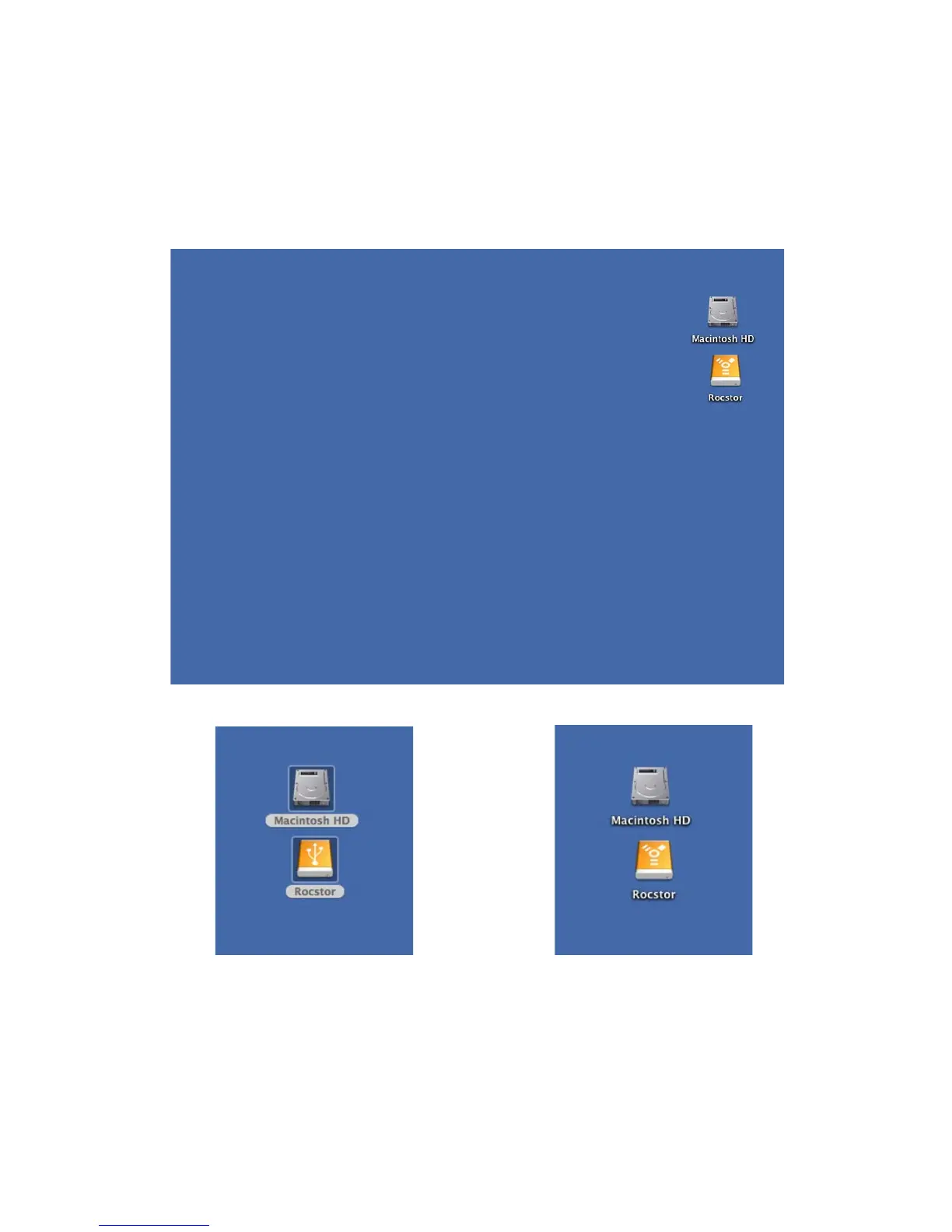
2. The drive will appear as an icon on the Desktop on the middle right side (figure 1.0 below)
the icon will represent the method of connection (USB or FireWire).
Figure 1.0
USB Connection FireWire Connection
Figure 1.1 Figure 1.2
ROCSTOR | ROCPRO 900e user manual Page | 15












 To Next Page