12. The “Volume label” can be changed to any name up to 11 characters.
13. Suggest that “Quick Format” be selected and then click “Next”.
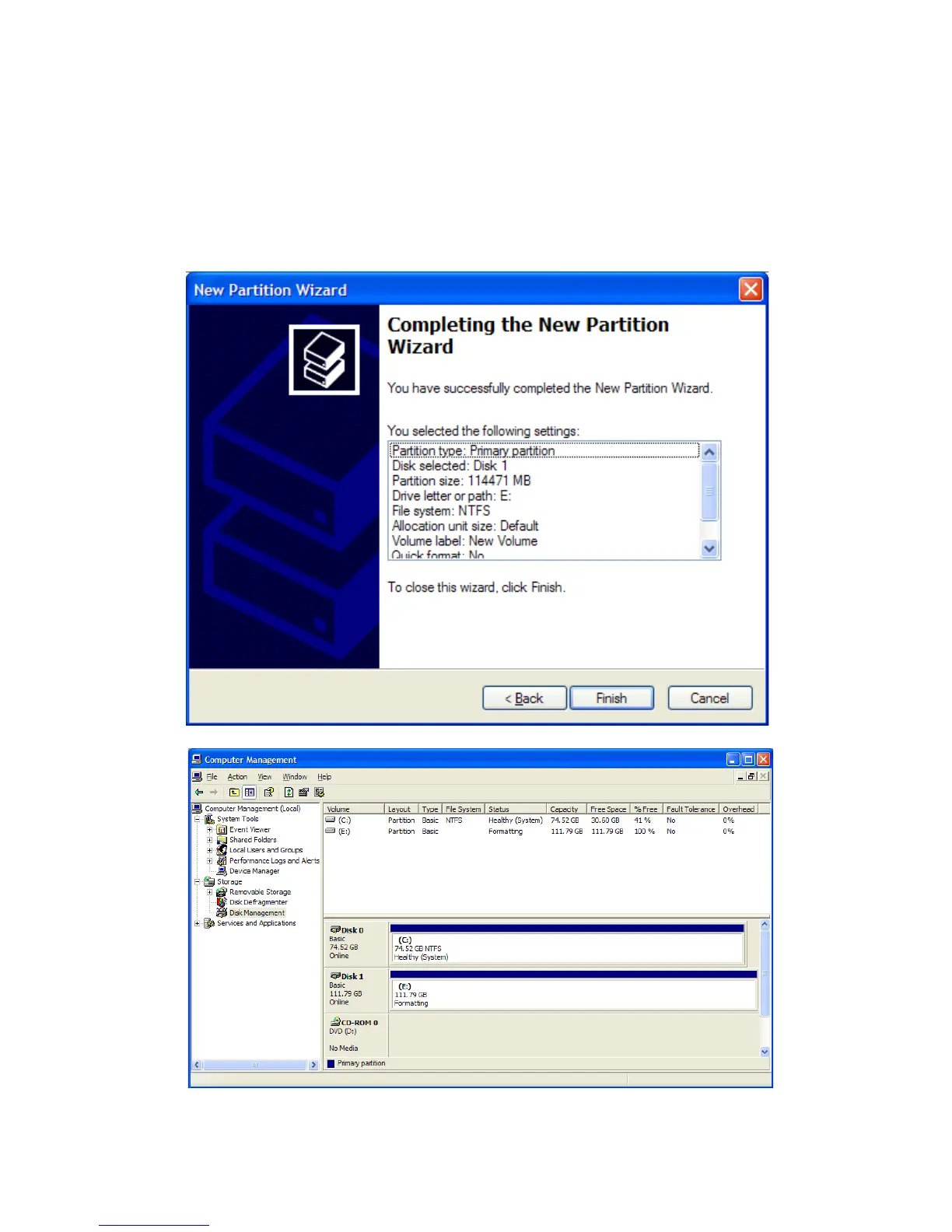
14. You now reached the “Completing the New Partition Wizard” screen. It displays the
various settings you previously selected. If you are satisfied with your selections, click
“Finish” to complete the new formatting. At this time the Rocstor disk drive is being
formatted, which may take a few minutes.
ROCSTOR | ROCPRO 900e user manual Page | 32












 To Next Page