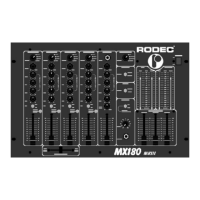
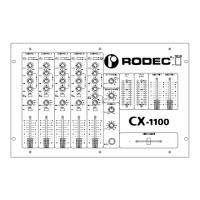
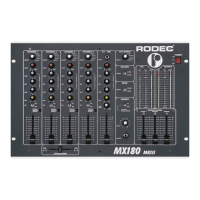
RODEC MX180 MKII RODEC MX34
6
LOOK OUT : - The equalizer at each input is used to adjust the different sound
between the sources. To correct the acoustic of the room it's better to
use an external equalizer, connected at the equalizer IN/OUT (J).
- The pan MIC functions only with the mike input.
5) Slide up the fader (9) of the choosen source.
6) Adjust with the master (1) the volume.
7) Correct if necessary the balance with button (5), for monophonic sound set switch (4) in mono
position.
8) To change the source, repeat point 3) to 5).
9) To add a microphone signal, connect the mike to the MIC input (15) or (G) input, (15) has
always priority to input (G). Turn button (14) and (13) to zero, slide up the MIC fader (10) to
maximum and adjust with the level button (14) the volume of the microphone. Adjust with the
equalizer (19) the sound of the mike. To use the talk over, adjust the talk over button (13) (0=
no decrease, 10= total decrease). With the pan MIC (20), the DJ microphone signal can be
placed somewhere between left and right.
SUBSONIC FILTER
The two master outputs have a subsonic filter to protect the bass loudspeakers. This filter can not be
switched off.
REMOTE CONTROL SWITCH OPTION
With the remote control switch, you can control for each channel one apparatus.
Switch (18) has three positions: 1) rest
2) push up
3) push down
With these three positions it is possible to control two functions of each apparatus.
- A turntable with a combinated start/stop can be started and stopped from one position.
- A cassette recorder with connection for remote control can be started by pushing down the switch.
Consult the service manual of each apparatus to find the right way of connection.


 To Next Page