- 14 -
Physical Connection:
06
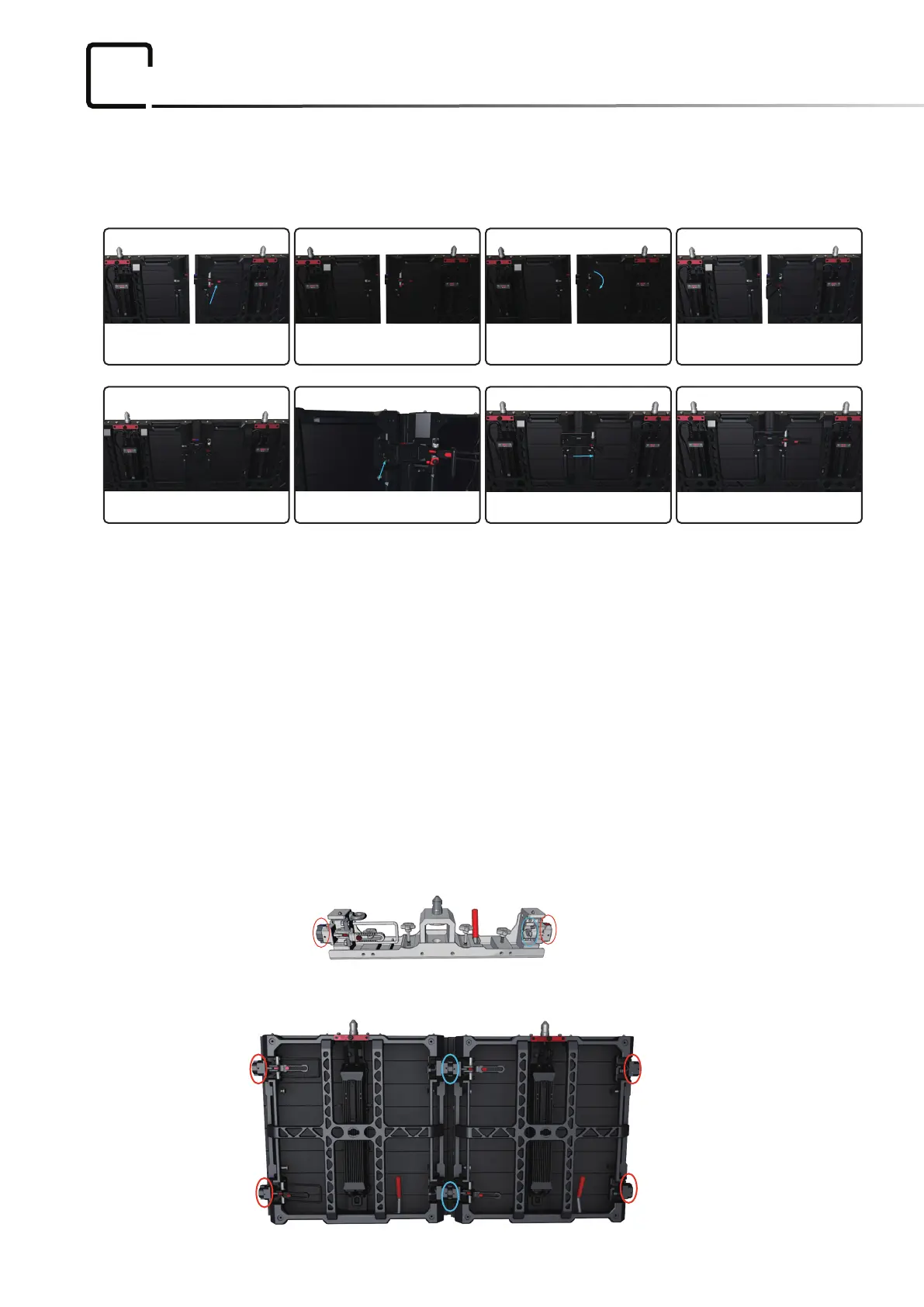
Straight installation
Horizontal connector operation
1. Press the red buon to loosen the handle.(pic1)
2. Pull the handle to turn the connecng bar.(pic3)
3. Connect two panels and align them.(pic5)
4. Keep the connecng buon on “0 degree”.(pic5)
5. Push handle back for locking.(pic7)
Picture 1 Picture 2 Picture 3 Picture 4
Picture 5 Picture 6 Picture 7 Finish
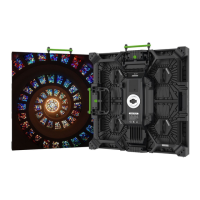
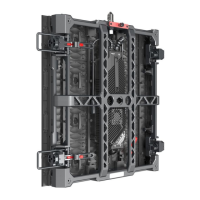
MC-7H panles
Curve Installation(stacking and hanging)
Our touring system can make 10 degrees curve installation horizontally.
Befor installaon, please adjust the horizontal connectors on base bars and panles’ touring frames.
Base bar


 To Next Page