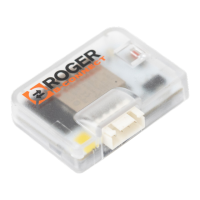
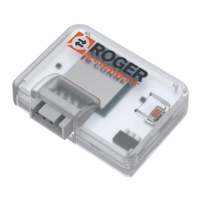
3
SN: 00000001
MAC: C000EF0D0000
WPA KEY: H000IJ0I0G
Fw ver: 01.12.11
Freq. range: 2412÷2484Mhz
3
1
2
Benvenuti nella Home Page riservata agli
installatori! /
Welcome to the Installers Home Page!
Esempio etichetta prodotto / Example product label
LEGENDA:
SN: Seriale / Serial
MAC: Identicativo B74/BCONNECT
Identier B74/BCONNECT
WPA: Rete WI-FI / WI-FI Network
Fw ver: Versione rmware / Firmware version
Freq. range: Range di frequenza / Frequency range
3
2
1
1
4
7
2
5
3
6
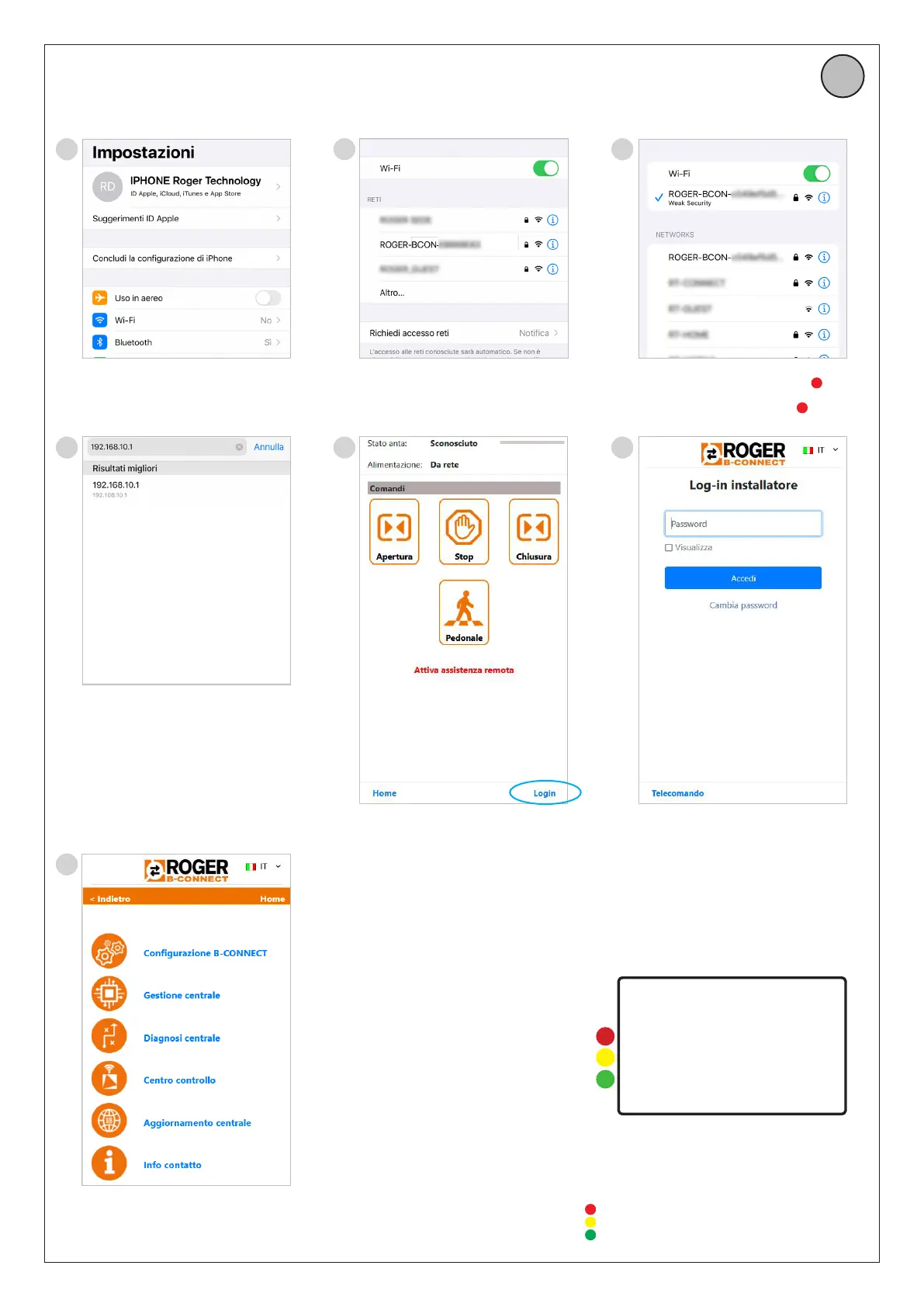
Attivare la connessione Wi-Fi del tuo
smartphone tramite le impostazioni /
Activate the Wi-Fi connection of your
smartphone via the settings
Avviare un browser web ed inserire nella
barra URL l’indirizzo IP 192.168.10.1 /
Start a web browser and enter the IP address
192.168.10.1 in the URL bar.
Trovare nella lista delle reti disponibili, la
rete ROGER-BCON-[MAC ADDRESS] /
Find in the list of available networks, the
network ROGER-BCON-[MAC ADDRESS]
Per accedere all’area installatore, cliccare
sul LOGIN in basso a destra /
To access the installer area, click on LOGIN
in the bottom right-hand corner
Collegarsi alla rete ROGER-BCON- [MAC
ADDRESS] ed inserire la chiave WPA
1
Connect to the network ROGER-BCON- [MAC
ADDRESS] and enter the WPA key
1
Inserire la password di fabbrica
(bconn1234) se non ancora personalizzata,
oppure la password personalizzata per
accedere all’area installatore /
Enter the factory password (bconn1234) if
not already customised, or the customised
password to access the installer area
3
CONNESSIONE DEL B74/BCONNECT CON SMARTPHONE /
B74/BCONNECT WITH SMARTPHONE


 To Next Page
 Loading...