PROGRAMMING YOUR EQUIPMENT CODE DIRECTLY
To obtain the device code(s) for your brand of TV go to
www.rogers.com/remotecodes
Once you have the code(s), follow the steps below.
To program the Rogers Remote for your TV:
1. Turn on your TV.
2. On the remote control, press TV once; it will
blink once. Press and hold SETUP until the TV
button blinks twice, then release SETUP.
3. Enter the device code for your TV. The TV
button blinks twice.
4. Point the remote towards your TV and press the
PWR button. Your TV should turn off. If not,
repeat steps 2 and 3 trying each code for your
brand of TV until you find one that works. If
your TV doesn’t turn off after trying all TV
brand codes, try the code search steps on the
previous page.
Programming codes for other devices
Since the Rogers remote control is a universal remote, you
can program it for other components by repeating the steps
above and substituting the TV button with the respective
device button (DVD, AUD, etc.).
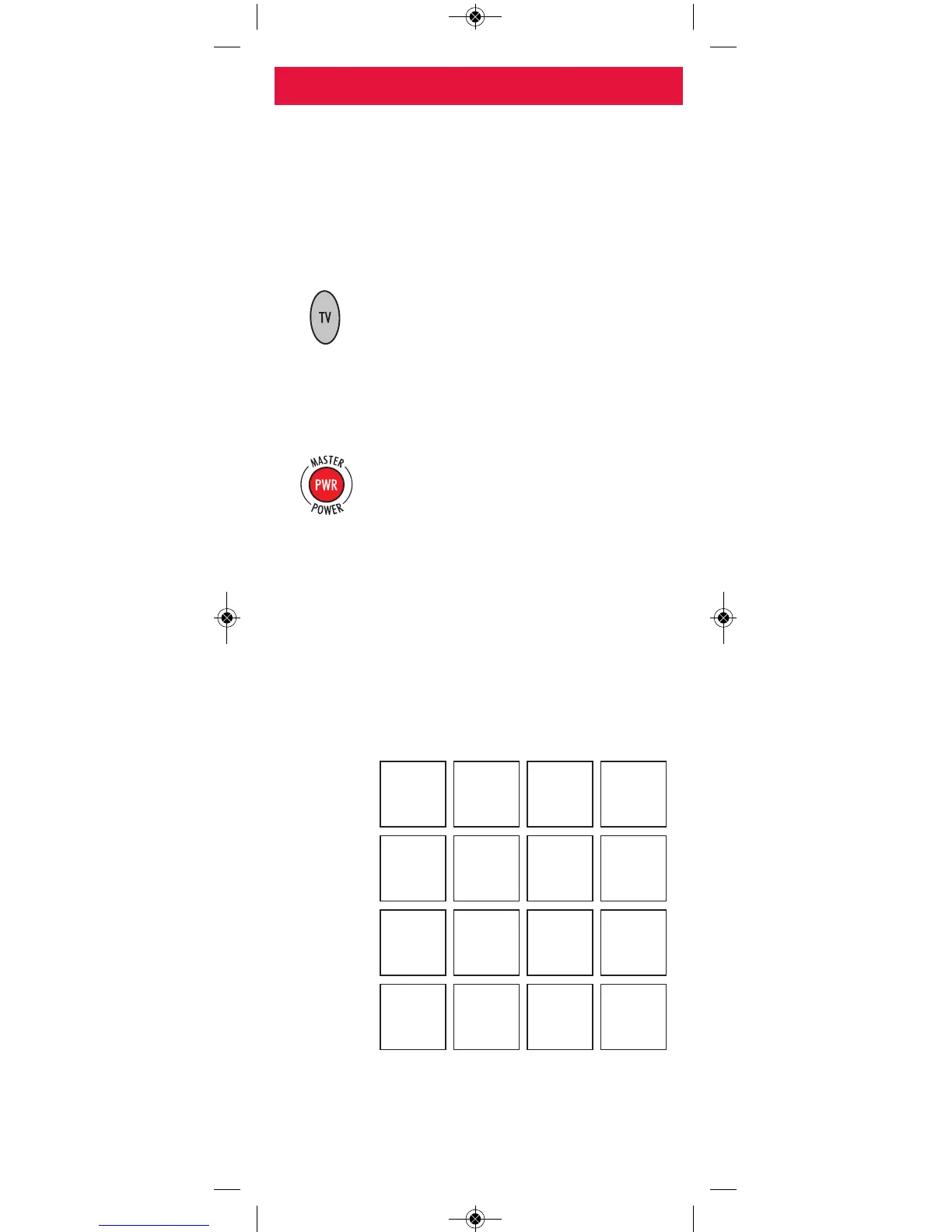
For future reference, write down each working device code
in the boxes below:
TV
DVD
VCR
AUD
-7-
PROGRAMMING YOUR REMOTE
Advanced remote functions
For more information on advanced features and functions of
the Rogers remote, go to www.urcsupport.com.


 To Next Page