Button Function
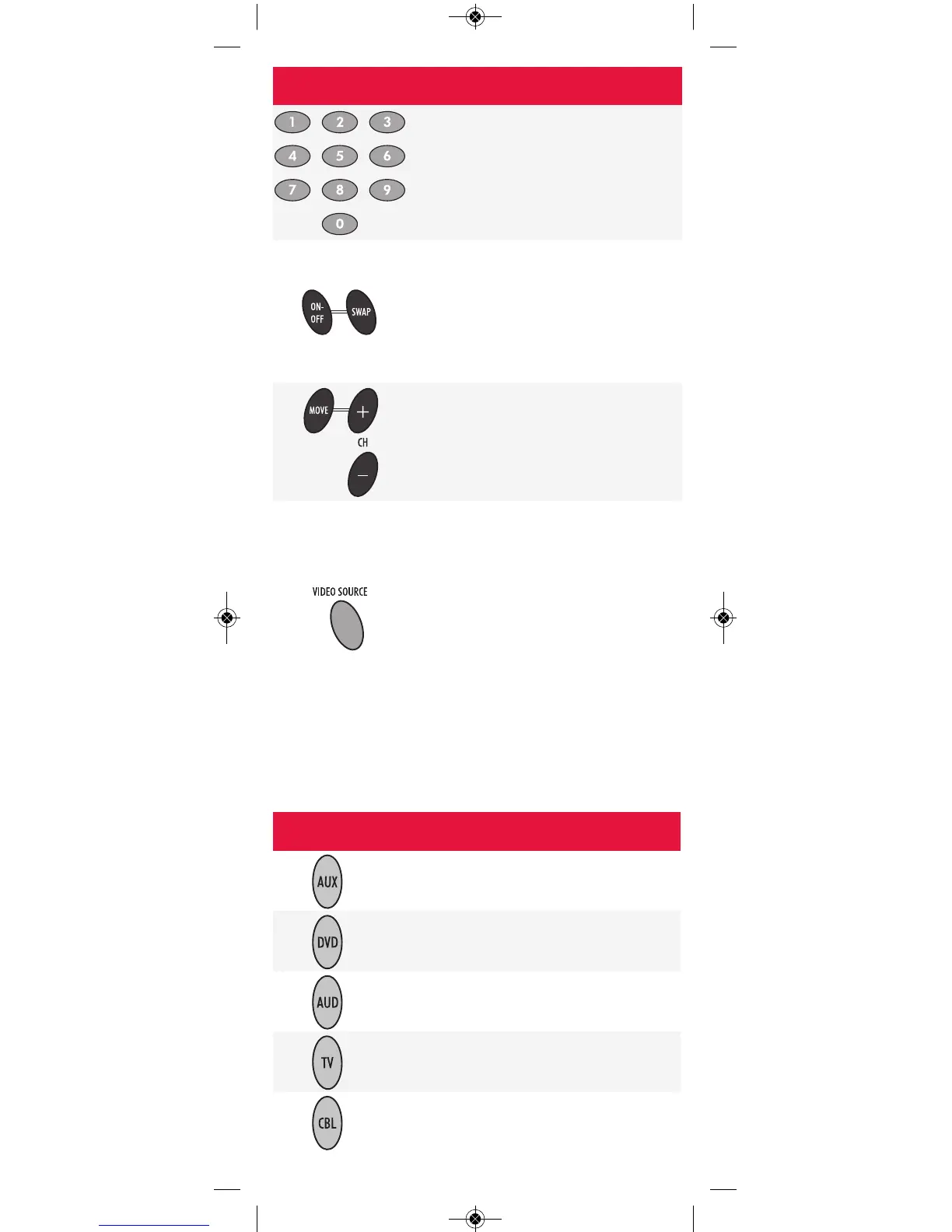
Press the keypad numbers (0 to 9) to
tune to channels directly
(e.g.,CH 09).
Press PIP ON-OFF to switch the
Picture-In-Picture feature on or off.
(PVR only).
Press PIP SWAP to switch images and
sound between the main and PIP
window.
Press PIP MOVE to move the PIP
window to a different area within the
main picture.
Press PIP CH+ (or CH-) to select the
next higher (or lower) PIP channel.
In CBL mode, press the VIDEO
SOURCE button to toggle between the
digital box and the second video
source. The second video source is the
DVD, VCR or game console connected
to the AUX INPUT on the front of the
digital box. (PVR only)
In TV mode, press the VIDEO SOURCE
button to select which available video
input will be displayed on your TV.
Button Controls These Devices
VCR, TV/VCR Combo, PVR (Personal Video
Recorder) or extra DVD Player
DVD Player
Audio Amplifier, Tuner or Receiver
Television
Rogers digital box
DEVICE TYPES
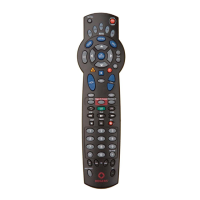
After programming, the Rogers remote will be able to
control these types of devices:
-5-


 To Next Page