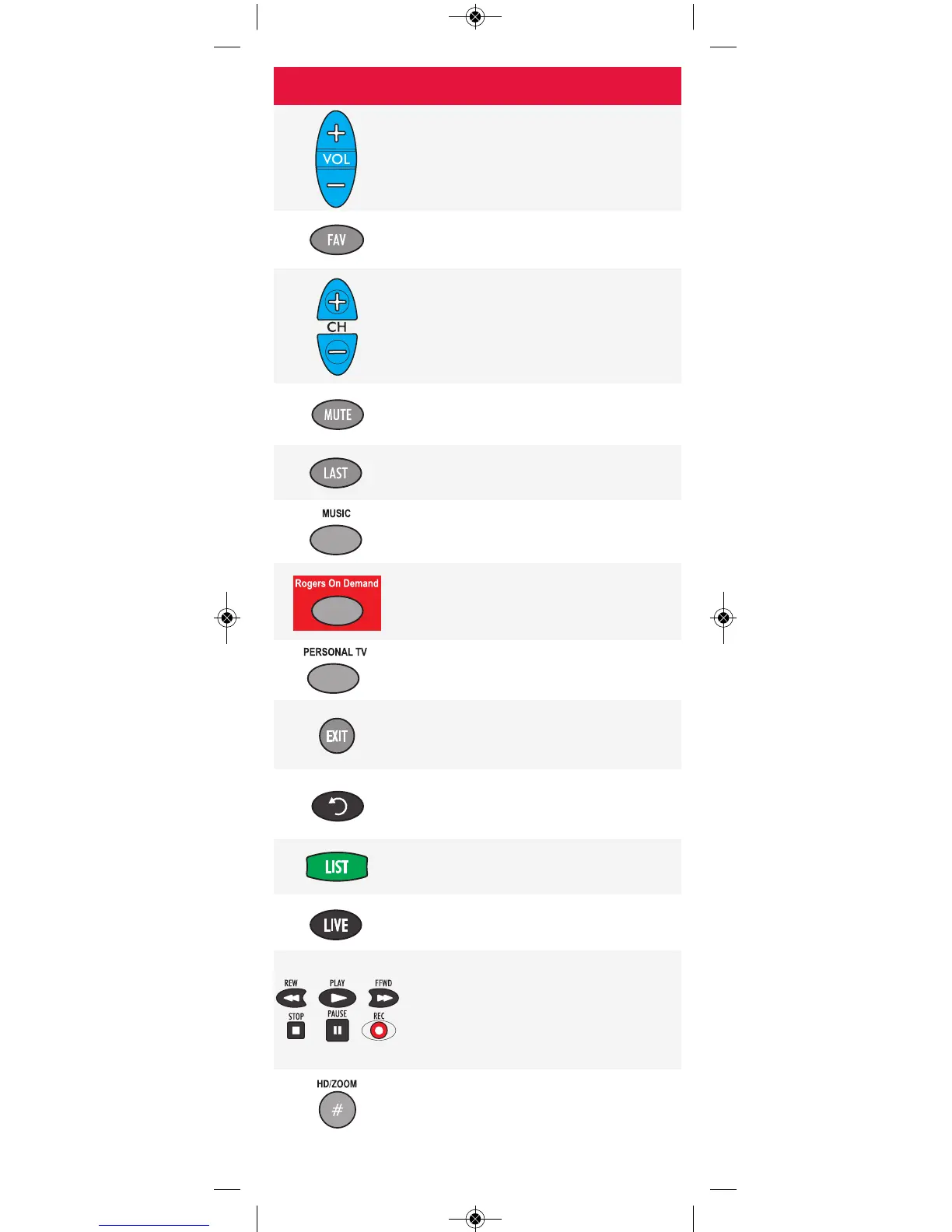
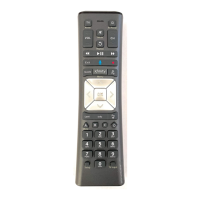
Button Function
Press VOL+ (or VOL-) to increase (or
lower) the audio volume.
Press FAV to cycle through your
favourite channels.
Press CH+ (or CH-) to tune to the next
higher (or lower) channel.
For DVD players, use these buttons to
skip forward (or back) through chapters.
Press MUTE to turn audio on or off.
Press LAST to jump to the previous
channel watched.
For future use.
Press Rogers on Demand to access
channel 100, the Rogers On Demand
service.
For future use.
Press EXIT to leave of the Interactive
Program Guide, the Quick Start Menu
and most other screens.
Press this button to instantly replay the
last 8 seconds of a program you are
watching (PVR only).
Press LIST to display the shows you've
recorded on your PVR.
Press LIVE to jump to live TV.
Use these buttons to control the PVR
functions of the digital box.
In VCR and DVD mode, use REW,
PLAY, FFWD, STOP and PAUSE to
control playback.
Press HD/ZOOM once to change the
aspect ratio of the show you are
watching (HD digital boxes only).
-4-



 To Next Page