EasyManua.ls Logo

Roidmi EVE CC - Product Overview

Roidmi EVE CC
108 pages
Print Icon
To Next Page IconTo Next Page
To Previous Page IconTo Previous Page
Loading...
6
Product Overview
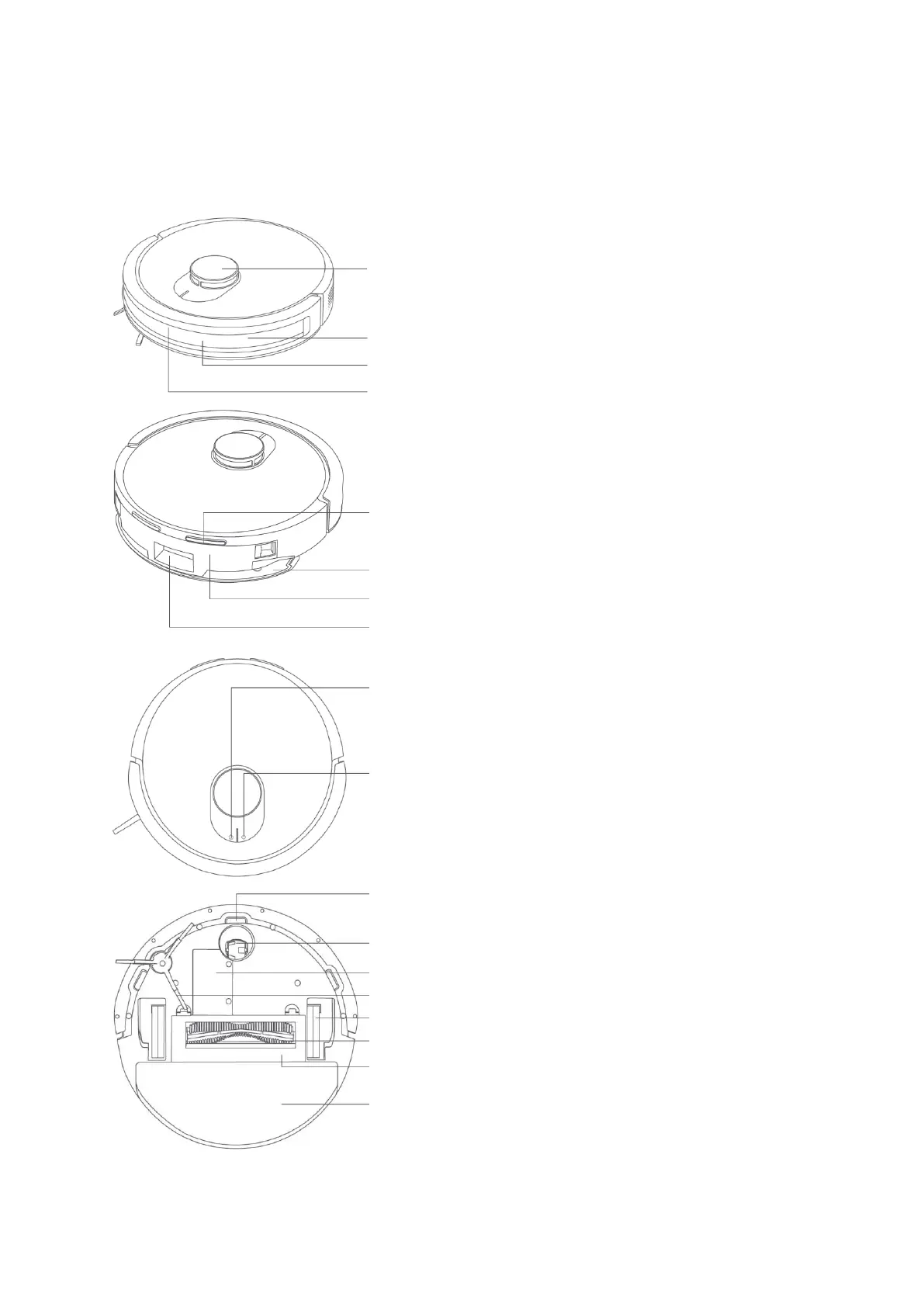
Main Unit
Laser distance sensor
Collision sensor (×2)
Infrared lens
Infrared obstacle avoidance sensor
Charging electrode plate (×2)
Mop holder
Two-in-one water tank
Dust collection inlet
Cliff sensor (×3)
Omni wheel
Battery
Side brush
Wheel
Rolling brush
Rolling brush cover
Mop
Recharge button
Press the button to pause during operation.
Press the button to return for a recharge during pause.
Press and hold for five seconds for factory reset.
Power button
Press and hold to power on/off.
Press the button to start/pause the cleaning.
Press and hold both buttons simultaneously for three
seconds to reset Wi-Fi connection.