EasyManua.ls Logo

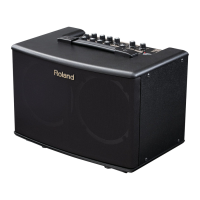
Roland AC-40 - User Manual

Roland AC-40
20 pages
Print Icon
To Next Page IconTo Next Page
Loading...
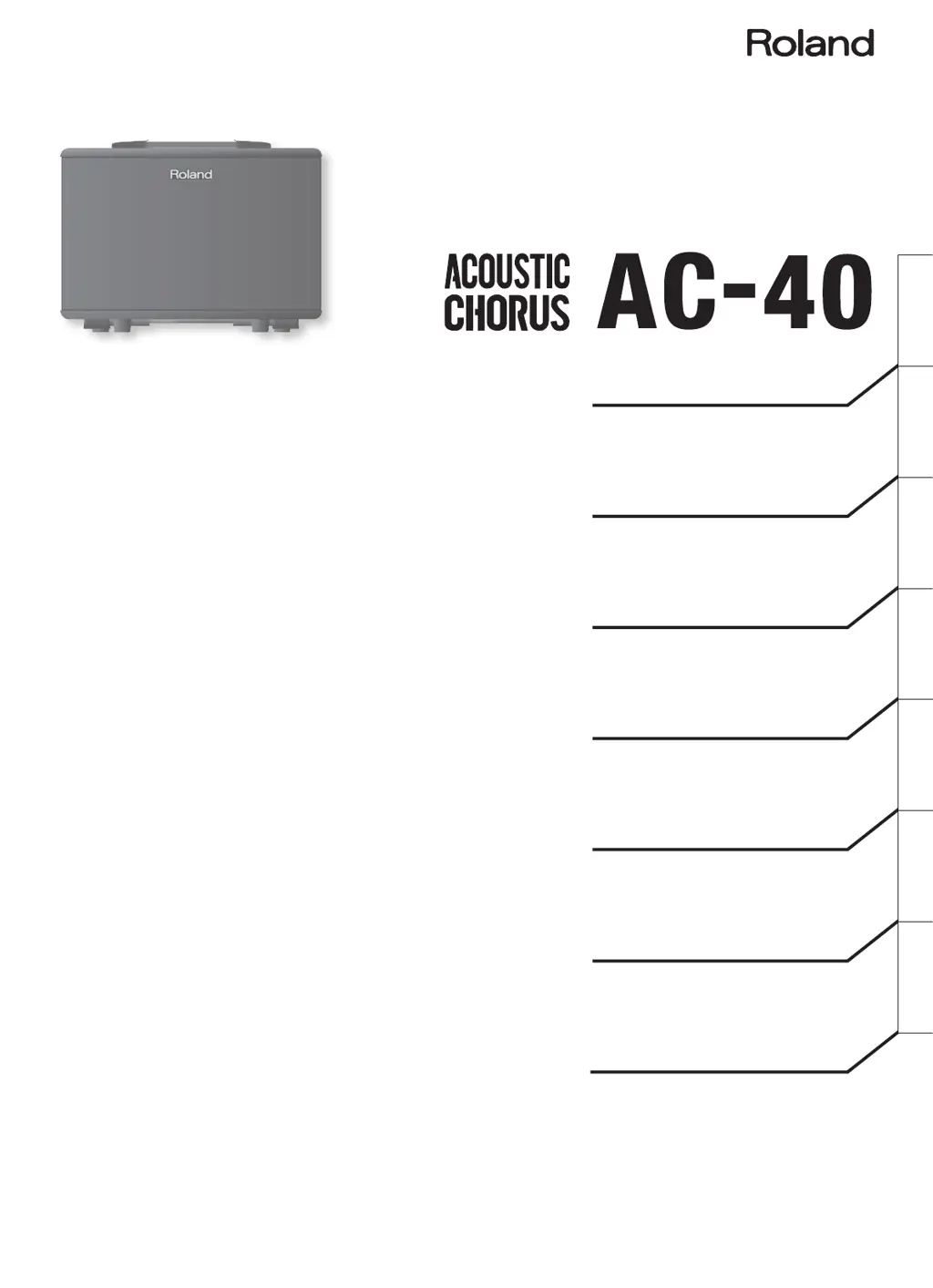
ACOUSTIC GUITAR AMPLIFIER
Owners Manual
Gebruikershandleiding
Bedienungsanleitung
Mode d’emploi
Manuale dell'utente
Manual del usuario
Manual do proprietário
Deutsch Français Italiano Español Português NederlandsEnglish

Other manuals for Roland AC-40

Questions and Answers

  • J
    josephsextonJul 28, 2025
    Why is there no sound coming from my Roland Amplifier, or why is the volume too low?
    • R
      rojasmariaJul 28, 2025
      First, ensure all connections to other devices are correct. If headphones are connected, the unit's speakers will be silent, so disconnect them. Then, check if the [MASTER] knob is set appropriately and adjust the volume as needed. Also check each channel's [VOLUME] knob and the AUX IN [LEVEL] knob.
  • A
    Audrey EdwardsAug 5, 2025
    How to fix Roland Amplifier chorus or reverb not working?
    • S
      Steven BennettAug 5, 2025
      First, check the [CHORUS] switch and ensure it is set to either the “WIDE” or “SPACE” position. Next, make sure the [REVERB] knob isn’t set to 0; turn it to the right to increase the reverb level. Also, verify that you haven't accidentally turned off the chorus or reverb with a footswitch; if so, operate the footswitch to turn them back on. Note that chorus and reverb effects cannot be applied to AUX IN.
  • S
    Sherri MillsAug 12, 2025
    What to do if my Roland Amplifier sound is distorted?
    • E
      edelacruzAug 12, 2025
      If the sound from your Roland Amplifier is distorted, the [VOLUME] knob for each channel might be set too high. Try turning each channel’s [VOLUME] knob to the left to lower the volume to an appropriate level.
  • J
    Jesse SnyderAug 19, 2025
    Why is the volume level too low on my Roland Amplifier when using the INPUT or AUX IN jacks?
    • K
      Katie MullinsAug 20, 2025
      If the volume level of a device connected to the INPUT jacks or AUX IN jack on your Roland Amplifier is too low, the connection cable might contain a resistor. Try using a connection cable that does not contain a resistor.

Summary

Using the Unit Safely

General Safety Guidelines

Essential safety instructions to prevent fire, electric shock, and injury.

Important Notes

Handling, Placement, and Maintenance

Crucial advice on unit handling, placement, and upkeep for optimal performance.

Operation - Power and Effects

Powering the Unit On and Off

Safe procedure for turning the AC-40 power on and off.

Operation - Anti-Feedback and Arm Stand

Troubleshooting and System Diagram

Troubleshooting Common Issues

Solutions for common problems like no power, no sound, or distorted audio.

Roland AC-40 Specifications

General IconGeneral
Amplifier class-
RMS rated power17.5 W
Number of speakers2
Speaker driver size6.5 \
Audio output channels2.0 channels
Sound effects quantity1
Connectivity technologyWired
Suitable forAcoustic guitar
Product colorBlack
Volume controlRotary
Carrying handle(s)Yes
Power source typeAC
Weight and Dimensions IconWeight and Dimensions
Depth241 mm
Width362 mm
Height265 mm
Weight5300 g

Related product manuals