EasyManua.ls Logo

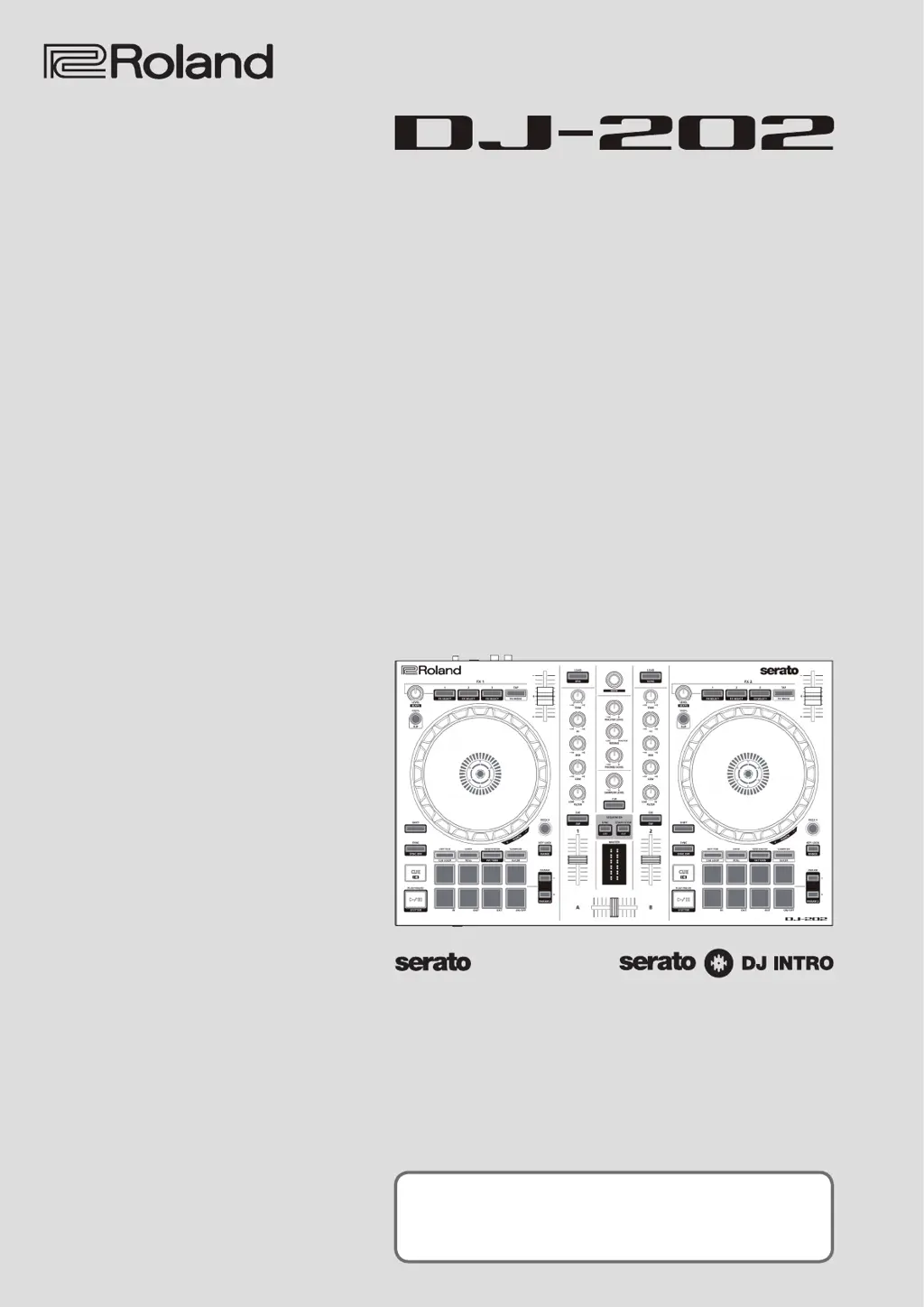
Roland DJ-202 - User Manual

Roland DJ-202
17 pages
Print Icon
To Next Page IconTo Next Page
Loading...
Owners Manual
Before using this unit, carefully read “USING THE UNIT SAFELY” and “IMPORTANT NOTES (Startup Guide).
After reading, keep the document(s) where it will be available for immediate reference.
Copyright © 2017 ROLAND CORPORATION
01

Other manuals for Roland DJ-202

Questions and Answers

Summary

Installing the Software

System Requirements

Verify computer system requirements before software installation.

Downloading Software

Download the DJ-202 USB driver and Serato DJ Intro software.

Operating the DJ-202

Performance Pad Operations

Details on using performance pads for Hot Cue, Loop, Sequencer, and Sampler modes.

Loop Operations

How to assign and control loops using performance pads.

Sequencer Operations

Using the sequencer to create and edit patterns with drum sounds.

Sampler Operations

Assigning and playing samples using performance pads.

Effect Operations

How to apply and control FX 1 and FX 2 in Serato DJ Intro.

Editing Patterns

Step recording and editing patterns for the sequencer.

System Settings

Factory Reset

Returns the DJ-202 system settings and patterns to their factory defaults.

Appendix

Troubleshooting Guide

Common problems and solutions for the DJ-202 controller.

Summary

Installing the Software

System Requirements

Verify computer system requirements before software installation.

Downloading Software

Download the DJ-202 USB driver and Serato DJ Intro software.

Operating the DJ-202

Performance Pad Operations

Details on using performance pads for Hot Cue, Loop, Sequencer, and Sampler modes.

Loop Operations

How to assign and control loops using performance pads.

Sequencer Operations

Using the sequencer to create and edit patterns with drum sounds.

Sampler Operations

Assigning and playing samples using performance pads.

Effect Operations

How to apply and control FX 1 and FX 2 in Serato DJ Intro.

Editing Patterns

Step recording and editing patterns for the sequencer.

System Settings

Factory Reset

Returns the DJ-202 system settings and patterns to their factory defaults.

Appendix

Troubleshooting Guide

Common problems and solutions for the DJ-202 controller.

Roland DJ-202 Specifications

General IconGeneral
Cables includedUSB
Quick start guideYes
Product colorBlack
Frequency range20 - 22000 Hz
Built-in optical drive-
Number of mixer channels- channels
Number of scratcher platters2
Current0.5 A
Weight and Dimensions IconWeight and Dimensions
Depth297 mm
Width478 mm
Height62 mm
Weight2100 g

Related product manuals