EasyManua.ls Logo

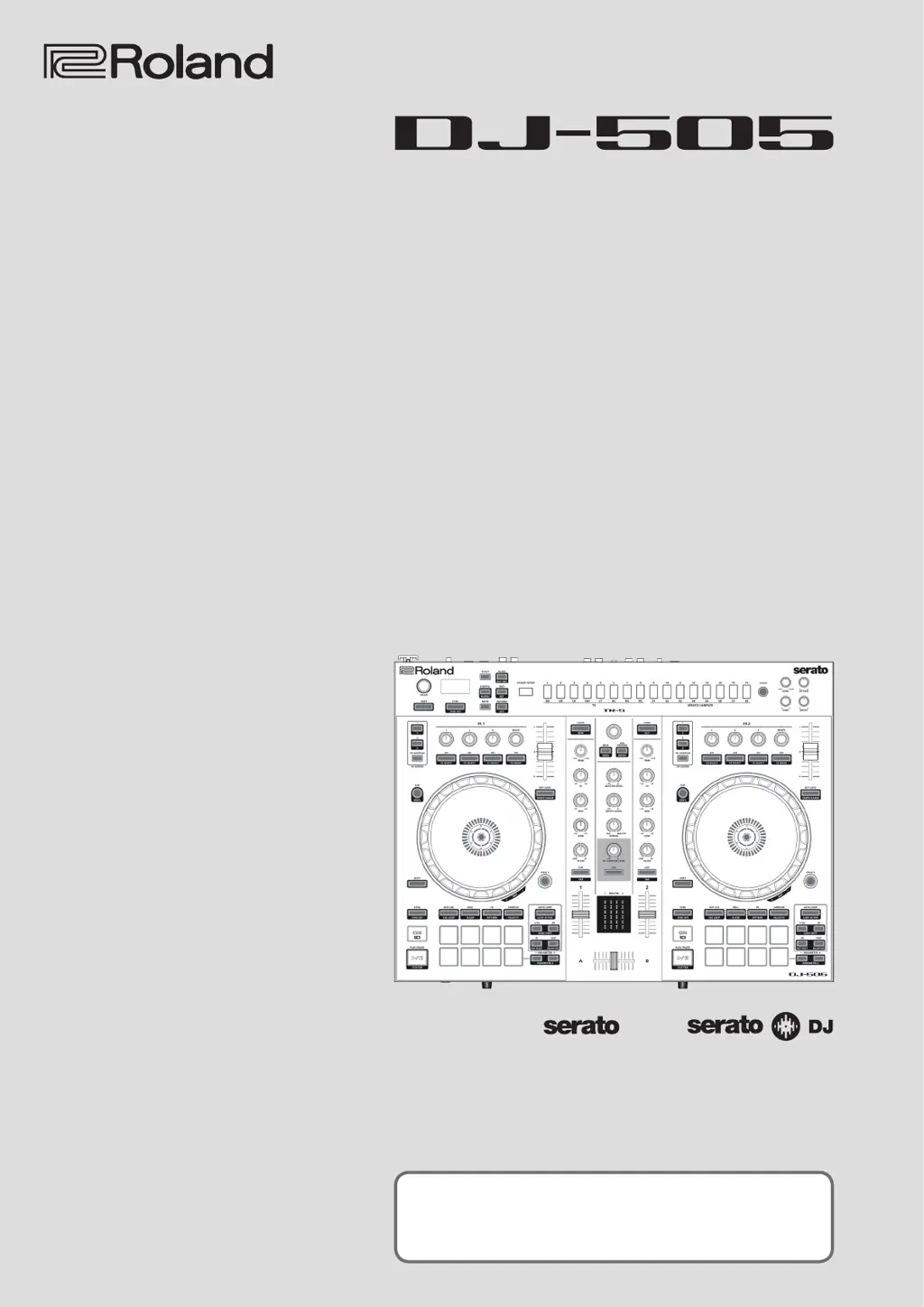
Roland DJ-505 - User Manual

Roland DJ-505
31 pages
Print Icon
To Next Page IconTo Next Page
Loading...
Owners Manual
Before using this unit, carefully read “USING THE UNIT SAFELY” and “IMPORTANT NOTES (leaet “USING
THE UNIT SAFELY and Startup Guide). After reading, keep the document(s) where it will be available for
immediate reference.
Copyright © 2017 ROLAND CORPORATION
01

Table of Contents

Questions and Answers

Summary

Software Installation Guide

System Requirements

Verifies computer system requirements for software installation.

Downloading Software Components

Instructions for obtaining DJ-505 USB driver and Serato DJ.

Installation Process

Step-by-step guide for installing software on Mac and Windows operating systems.

Panel Descriptions: Browser Section

Browser Section Controls

Details controls for Serato DJ song loading and library navigation.

Panel Descriptions: Deck Section Overview

Deck Section Controls

Explains controls for decks, including jog dial, slip, pad modes (Hot Cue, Roll), and Sync.

Panel Descriptions: Deck Section Features

Deck Section Parameters and Loops

Covers parameter area, loop functions, deck selection, key lock, and tempo slider.

Panel Descriptions: Mixer and Effect Sections

Mixer Section Functions

Describes controls for adjusting volume, EQ, filters, cueing, and crossfader.

Effect Section Controls

Details controls for applying and adjusting FX1 and FX2 effects.

Panel Descriptions: TR-S and Front Panel

TR-S Section Controls

Explains the 16-step sequencer controls for creating rhythm tracks.

Front Panel Connections and Controls

Describes headphone jacks, volume, crossfader, input switches, and mic level.

Panel Descriptions: Rear Panel Connectivity

Rear Panel Audio and MIDI Connections

Details PC port, MIDI, Mic input, and general audio inputs.

Panel Descriptions: Rear Panel Power and Outputs

Rear Panel Power and Output Jacks

Covers ground terminal, output jacks, power switch, and DC input.

Using Serato DJ: Getting Started

Launching and Basic Operations

Covers launching Serato DJ and general song import/loading.

Using Serato DJ: Playback and Shutdown

Song Playback and Monitoring

Explains how to play songs and monitor audio through headphones.

Closing Serato DJ Safely

Procedure for safely shutting down the software.

Operating the DJ-505: Performance Pad Modes

Hot Cue, Cue Loop, and Roll Operations

Details Hot Cue, Cue Loop, and Roll operations using the performance pads.

Operating the DJ-505: Advanced Pad Modes

Slicer, Saved Loop, and TR Operations

Covers Slicer, Saved Loop, and TR operations with performance pads.

Operating the DJ-505: Further Pad Modes

Pattern, Velocity, Sampler, and Slip Modes

Explains Pattern, TR Velocity, Velocity Sampler, Serato Sampler, Slip, and Song Analysis.

Operating the DJ-505: Effect Operations

DJ-FX Panel and Modes

Details using Serato DJ's FX panel, Multi FX, and Single FX modes.

Operating the DJ-505: Effects, Recording, and Input

Effect Tempo and Recording

Covers effect tempo, recording functionality, and inputting audio from external devices.

Operating the DJ-505: TR-S Operations

TR-S Pattern Management

Explains TR-S operations, pattern handling, and instrument changes.

Operating the DJ-505: TR-REC and INST-REC

Step and Realtime Recording Methods

Details step recording, realtime recording, and instrument/accent specification.

Operating the DJ-505: Tempo Sync and Stand-Alone

Tempo Synchronization and Data Backup

Covers synchronizing tempo and backing up/restoring TR-S data.

Stand-Alone Mode Operation

Explains using the DJ-505 without Serato DJ.

System Settings: Parameter Configuration

Configuring System Parameters

Details various system settings like mic input, DVS selection, fader curve, and pad velocity.

System Settings: Reset and Defaults

Factory Reset Procedure

Steps to return the DJ-505 to its factory default settings.

Using Serato Flip: Expansion Pack

Purchasing and Activating Serato Flip

Covers purchasing and activating the Serato Flip Expansion Pack.

Using Serato Flip: Interface and Controls

Serato DJ Flip Interface Overview

Explains the Flip display and controls within Serato DJ.

Using Serato Flip: Operation Procedures

Flip Creation and Management

Details creating, saving, recalling, and managing Flips.

Using Serato DVS: Expansion Pack

Purchasing and Activating Serato DVS

Covers purchasing and activating the Serato DVS Expansion Pack.

Using Serato DVS: Activation and Setup

DVS Activation and Mode Switching

Explains completing activation and preparing for DVS mode.

Using Serato DVS: Deck and Settings

Virtual Deck and DVS Configuration

Describes the virtual deck screen and configuring Serato DJ for DVS.

Using Serato DVS: Functions and Compatibility

DVS Functional Overview

Lists available functions when using DVS and their modes.

Appendix: Troubleshooting and Diagrams

Troubleshooting Common Issues

Provides solutions for common problems encountered with the DJ-505.

Appendix: Technical Specifications

Main Specifications

Lists the technical specifications of the Roland DJ-505.

Summary

Software Installation Guide

System Requirements

Verifies computer system requirements for software installation.

Downloading Software Components

Instructions for obtaining DJ-505 USB driver and Serato DJ.

Installation Process

Step-by-step guide for installing software on Mac and Windows operating systems.

Panel Descriptions: Browser Section

Browser Section Controls

Details controls for Serato DJ song loading and library navigation.

Panel Descriptions: Deck Section Overview

Deck Section Controls

Explains controls for decks, including jog dial, slip, pad modes (Hot Cue, Roll), and Sync.

Panel Descriptions: Deck Section Features

Deck Section Parameters and Loops

Covers parameter area, loop functions, deck selection, key lock, and tempo slider.

Panel Descriptions: Mixer and Effect Sections

Mixer Section Functions

Describes controls for adjusting volume, EQ, filters, cueing, and crossfader.

Effect Section Controls

Details controls for applying and adjusting FX1 and FX2 effects.

Panel Descriptions: TR-S and Front Panel

TR-S Section Controls

Explains the 16-step sequencer controls for creating rhythm tracks.

Front Panel Connections and Controls

Describes headphone jacks, volume, crossfader, input switches, and mic level.

Panel Descriptions: Rear Panel Connectivity

Rear Panel Audio and MIDI Connections

Details PC port, MIDI, Mic input, and general audio inputs.

Panel Descriptions: Rear Panel Power and Outputs

Rear Panel Power and Output Jacks

Covers ground terminal, output jacks, power switch, and DC input.

Using Serato DJ: Getting Started

Launching and Basic Operations

Covers launching Serato DJ and general song import/loading.

Using Serato DJ: Playback and Shutdown

Song Playback and Monitoring

Explains how to play songs and monitor audio through headphones.

Closing Serato DJ Safely

Procedure for safely shutting down the software.

Operating the DJ-505: Performance Pad Modes

Hot Cue, Cue Loop, and Roll Operations

Details Hot Cue, Cue Loop, and Roll operations using the performance pads.

Operating the DJ-505: Advanced Pad Modes

Slicer, Saved Loop, and TR Operations

Covers Slicer, Saved Loop, and TR operations with performance pads.

Operating the DJ-505: Further Pad Modes

Pattern, Velocity, Sampler, and Slip Modes

Explains Pattern, TR Velocity, Velocity Sampler, Serato Sampler, Slip, and Song Analysis.

Operating the DJ-505: Effect Operations

DJ-FX Panel and Modes

Details using Serato DJ's FX panel, Multi FX, and Single FX modes.

Operating the DJ-505: Effects, Recording, and Input

Effect Tempo and Recording

Covers effect tempo, recording functionality, and inputting audio from external devices.

Operating the DJ-505: TR-S Operations

TR-S Pattern Management

Explains TR-S operations, pattern handling, and instrument changes.

Operating the DJ-505: TR-REC and INST-REC

Step and Realtime Recording Methods

Details step recording, realtime recording, and instrument/accent specification.

Operating the DJ-505: Tempo Sync and Stand-Alone

Tempo Synchronization and Data Backup

Covers synchronizing tempo and backing up/restoring TR-S data.

Stand-Alone Mode Operation

Explains using the DJ-505 without Serato DJ.

System Settings: Parameter Configuration

Configuring System Parameters

Details various system settings like mic input, DVS selection, fader curve, and pad velocity.

System Settings: Reset and Defaults

Factory Reset Procedure

Steps to return the DJ-505 to its factory default settings.

Using Serato Flip: Expansion Pack

Purchasing and Activating Serato Flip

Covers purchasing and activating the Serato Flip Expansion Pack.

Using Serato Flip: Interface and Controls

Serato DJ Flip Interface Overview

Explains the Flip display and controls within Serato DJ.

Using Serato Flip: Operation Procedures

Flip Creation and Management

Details creating, saving, recalling, and managing Flips.

Using Serato DVS: Expansion Pack

Purchasing and Activating Serato DVS

Covers purchasing and activating the Serato DVS Expansion Pack.

Using Serato DVS: Activation and Setup

DVS Activation and Mode Switching

Explains completing activation and preparing for DVS mode.

Using Serato DVS: Deck and Settings

Virtual Deck and DVS Configuration

Describes the virtual deck screen and configuring Serato DJ for DVS.

Using Serato DVS: Functions and Compatibility

DVS Functional Overview

Lists available functions when using DVS and their modes.

Appendix: Troubleshooting and Diagrams

Troubleshooting Common Issues

Provides solutions for common problems encountered with the DJ-505.

Appendix: Technical Specifications

Main Specifications

Lists the technical specifications of the Roland DJ-505.

Roland DJ-505 Specifications

General IconGeneral
Product colorBlack
Scratcher typeDigital Vinyl System (DVS) scratcher
Platter backlightYes
Number of drum pads2
USB direct playback-
Built-in optical driveNo
Number of mixer channels2 channels
Number of dedicated effects controls8
Number of microphone inputs1

Related product manuals