TD LEAFLET SCREW
40673601 1PD
*40673601- 01*
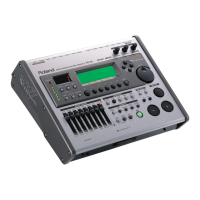
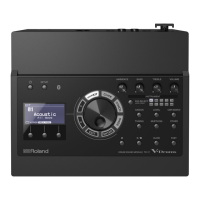
Cautions When Mounting the
Percussion Sound Module on the Stand
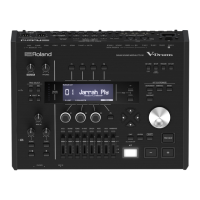
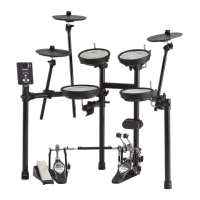
When attaching the stand holder (included with the optional drum stand) to the
percussion sound module, use the screws attached to the bottom panel and attach the
holder so the unit is oriented as shown in the diagram.
fig.StandHolder.e
928, 929
• When turning the unit upside-down, get a bunch of newspapers or magazines, and place them
under the four corners or at both ends to prevent damage to the buttons and controls. Also, you
should try to orient the unit so no buttons or controls get damaged.
• When turning the unit upside-down, handle with care to avoid dropping it, or allowing it to fall or
tip over.
202
Copyright © 2005 ROLAND CORPORATION
All rights reserved. No part of this publication may be reproduced in
any form without the written permission of ROLAND CORPORATION.
ONLY use the screws provided with the percussion sound
module. Other screws may damage the unit.
Narrow
Wide
Screws provided with the
percussion sound module
TD-20_l_Screw_e 1 ページ 2005年11月11日 金曜日 午後1時8分


 Need help?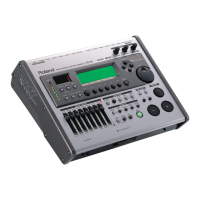

 General