Checking the Included Items
Check that all of the included items are present. If any of the included items are missing, contact your dealer.
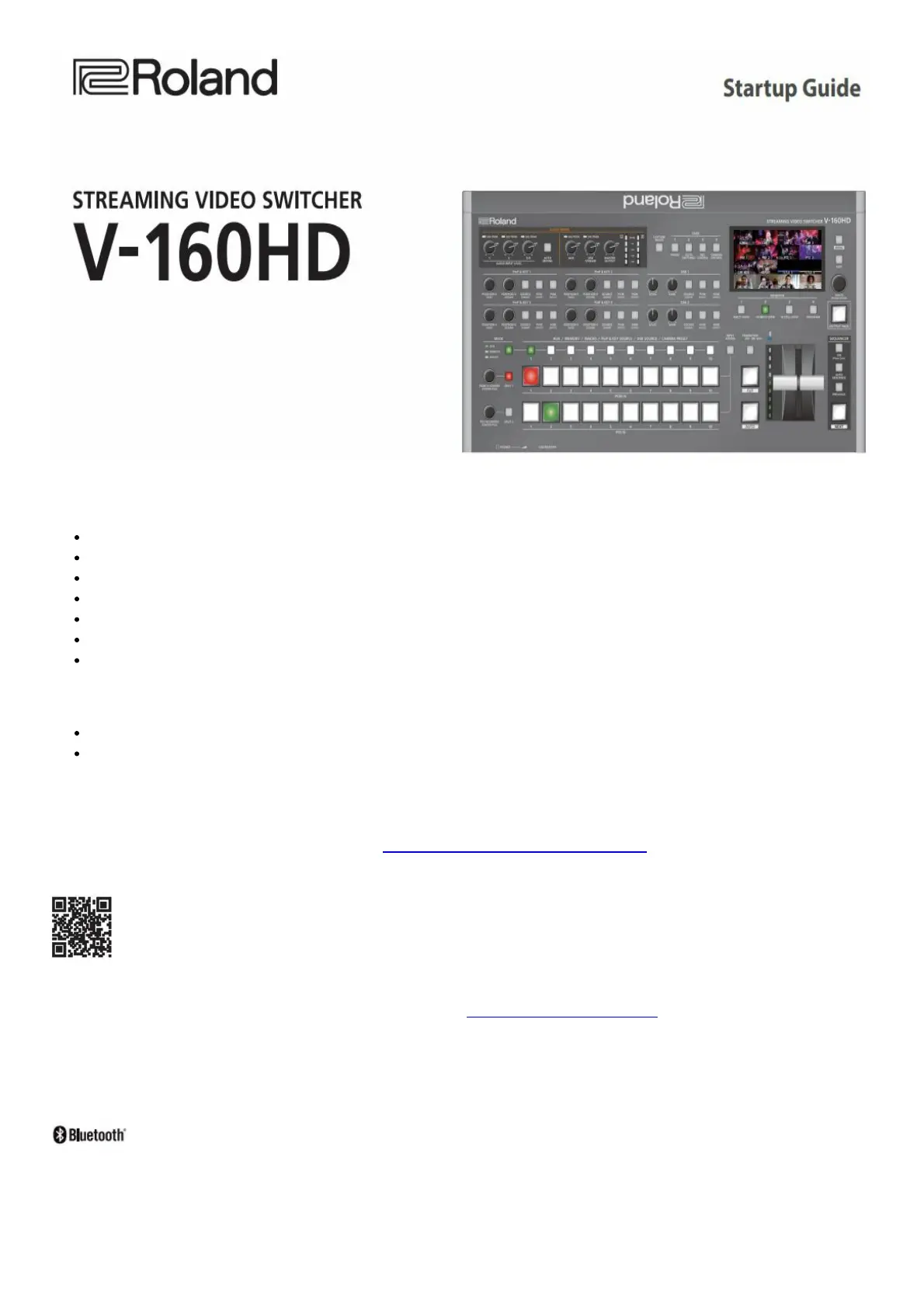
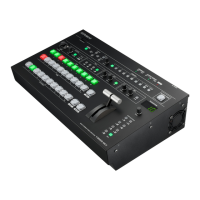
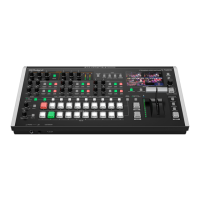
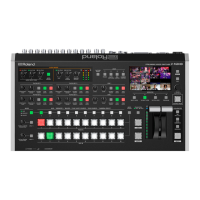
V-160HD unit
Rack-mount angle mounting screws (6)
AC adaptor
Startup Guide (this document)
Power cord
Leaflet “USING THE UNIT SAFELY”
Rack-mount angle (2)
PDF Manual (download from the Web)
Reference Manual Contains more detailed explanations on operating this unit, a list of menus and more.
Remote Control Guide Contains a reference of RS-232 commands, MIDI implementation and other
information.
Downloading
1. Enter the following URL in your computer. https://proav.roland.com/manuals/
2. Choose “V-160HD” as the product name.
Before using the unit, ensure that its system program is at the most recent version. For information on available
upgrades for the system program, see the Roland website (https://proav.roland.com/).
You can check the system program version by Pressing the [MENU] button → “SYSTEM” → “VERSION.”
Before using this unit, carefully read “USING THE UNIT SAFELY” and “IMPORTANT NOTES” (the leaflet “USING
THE UNIT SAFELY” and the Startup Guide (p. 12)). After reading, keep the document(s) where it will be available for
immediate reference.


 To Next Page