2
Contents
USING THE UNIT SAFELY . . . . . . . . . . . . . . . . . . . . . 3
IMPORTANT NOTES . . . . . . . . . . . . . . . . . . . . . . . . . . 5
Panel Descriptions . . . . . . . . . . . . . . . . . . . . . . . . . . 6
Top Panel/Front Panel . . . . . . . . . . . . . . . . . . . . . . . 6
Rear Panel (for Equipment Connections) . . . . . . . 8
Side Panel (for Equipment Connections) . . . . . . . . 10
Basic Operation . . . . . . . . . . . . . . . . . . . . . . . . . . . . . 11
Turning the Power On and O . . . . . . . . . . . . . . . . 11
Turning O the Power Automatically
(Auto O)
. . . . . 11
Using the Menus . . . . . . . . . . . . . . . . . . . . . . . . . . . . 12
Saving/Recalling Settings (Memory) . . . . . . . . . . . 13
Video Input/Output Settings . . . . . . . . . . . . . . . . . 14
Setting the Video Input/Output Format . . . . . . . . 14
Adjusting Output Video . . . . . . . . . . . . . . . . . . . . . . 14
Switching the View Mode of Preview Output . . . . 15
Inputting Copyright-protected (HDCP) Video . . . 15
Video Operations . . . . . . . . . . . . . . . . . . . . . . . . . . . . 16
Switching the Video . . . . . . . . . . . . . . . . . . . . . . . . . 16
Switching Using the A/B Fader . . . . . . . . . . . . . . 16
Switching Using the TRANSFORMER Buttons . . 17
Switching in Time with Music (BPM Sync) . . . . . 18
Switching Automatically (Auto Scan) . . . . . . . . . 19
Using a Dierent Transition Pattern . . . . . . . . . . 19
Applying a Fade to the Main Output Video
(Output Fade)
. . . 20
Freezing Input Video (Freeze) . . . . . . . . . . . . . . . . . 20
Video Eect Operations . . . . . . . . . . . . . . . . . . . . . . 21
Using Filter Eects . . . . . . . . . . . . . . . . . . . . . . . . . . 21
Selecting a Filter Eect . . . . . . . . . . . . . . . . . . . . . 21
Applying Filter Eects . . . . . . . . . . . . . . . . . . . . . 21
Using Compositing Eects . . . . . . . . . . . . . . . . . . . 22
Selecting a Compositing Eect . . . . . . . . . . . . . . 22
Compositing Using Luminance Key . . . . . . . . . . 22
Compositing Using Chroma Key. . . . . . . . . . . . . 23
Compositing Using Picture-in-Picture . . . . . . . . 23
Compositing Using Split . . . . . . . . . . . . . . . . . . . 24
Audio Operations . . . . . . . . . . . . . . . . . . . . . . . . . . . 25
Adjusting the Volume Level . . . . . . . . . . . . . . . . . . 25
Applying Eects to Audio . . . . . . . . . . . . . . . . . . . . 26
Applying Eects to Input Audio . . . . . . . . . . . . . 26
Applying Eects to Output Audio . . . . . . . . . . . 27
Interlinking Audio Output to Video Switching
(Audio Follow)
. . 28
Other Features . . . . . . . . . . . . . . . . . . . . . . . . . . . . . . 29
Returning Settings to the Factory-
default State (Factory Reset)
. . . . . 29
Operating the V-1HD by Remote Control . . . . . . . 29
Appendices . . . . . . . . . . . . . . . . . . . . . . . . . . . . . . . . . 30
Troubleshooting . . . . . . . . . . . . . . . . . . . . . . . . . . . . 30
Menu List . . . . . . . . . . . . . . . . . . . . . . . . . . . . . . . . . . 31
MEMORY Menu . . . . . . . . . . . . . . . . . . . . . . . . . . . 31
AUDIO Menu . . . . . . . . . . . . . . . . . . . . . . . . . . . . . 32
SETUP Menu . . . . . . . . . . . . . . . . . . . . . . . . . . . . . 33
Transition Eects List . . . . . . . . . . . . . . . . . . . . . . . . 35
Block Diagram . . . . . . . . . . . . . . . . . . . . . . . . . . . . . . 36
Main Specications . . . . . . . . . . . . . . . . . . . . . . . . . 38
Dimensions . . . . . . . . . . . . . . . . . . . . . . . . . . . . . . . . 40
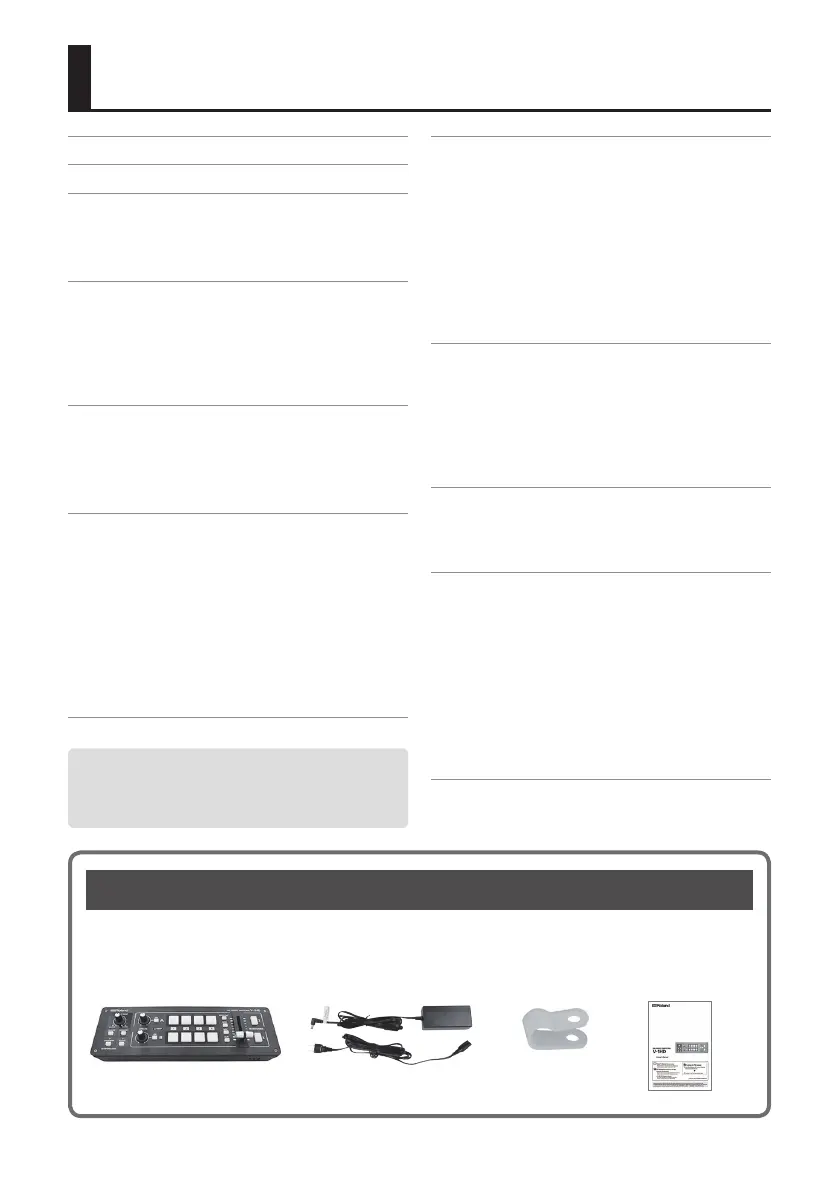
Checking the Included Items
The V-1HD includes the following items. Please take a moment to conrm that all of these items have
been included with the V-1HD. If you nd that any item is missing, contact the nearest authorized Roland
distributor in your country.
The Unit AC Adaptor/Power Cord Cord Hook Owner’s Manual
* The shape of the power cord’s plug
varies depending on the country.
Before using this unit, carefully read “USING THE UNIT
SAFELY” (p. 3) and “IMPORTANT NOTES” (p. 5).
After reading, keep the document(s) including those
sections where it will be available for immediate reference.



 To Next Page