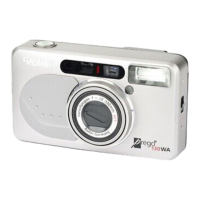
Congratulations on your new
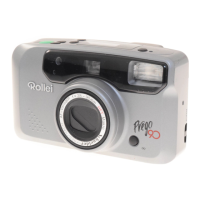
Rollei Giro! Please read these
instructions carefully before us-
ing the camera so you will be
able to make full use of all its
functions.
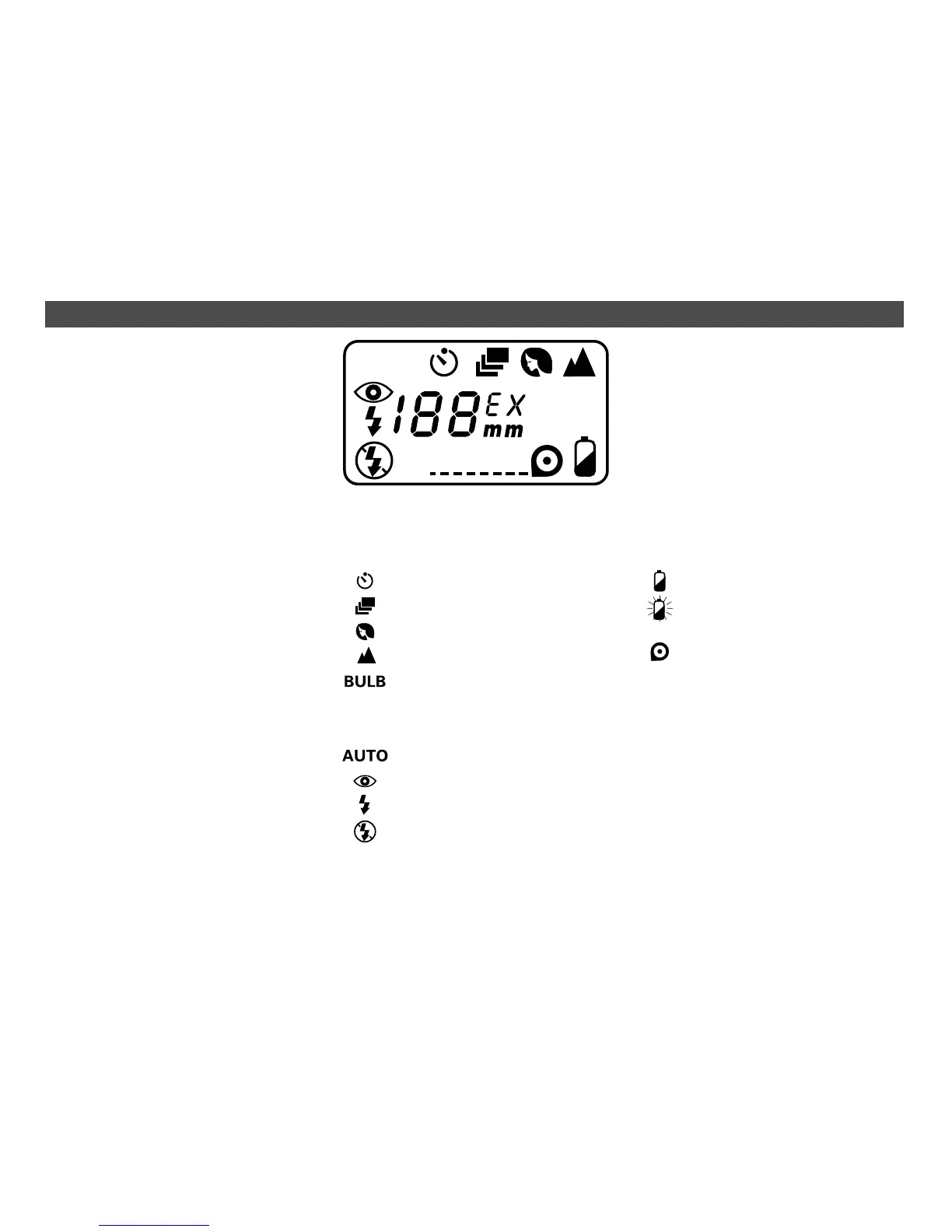
Shooting modes
Self-timer
Continuous shooting
Portrait zoom
Infinity setting
Time exposure
Flash modes
Autoflash
Red-eye reduction
Fill flash
Flash off
LIQUID-CRYSTAL DISPLAY / ICONS
Please note
The camera’s shutter release
locks in the following cases:
›
No battery loaded or battery
empty.
›
Camera switched off.
›
Lens cover closed.
›
During zooming or film rewind.
›
When rewound film is left in
camera.
›
While flash is charging.
Additional icons
Battery low
Battery empty
Battery ok – no display
Film loaded
BULB
AUTO


 To Next Page