REWINDING FILM
›
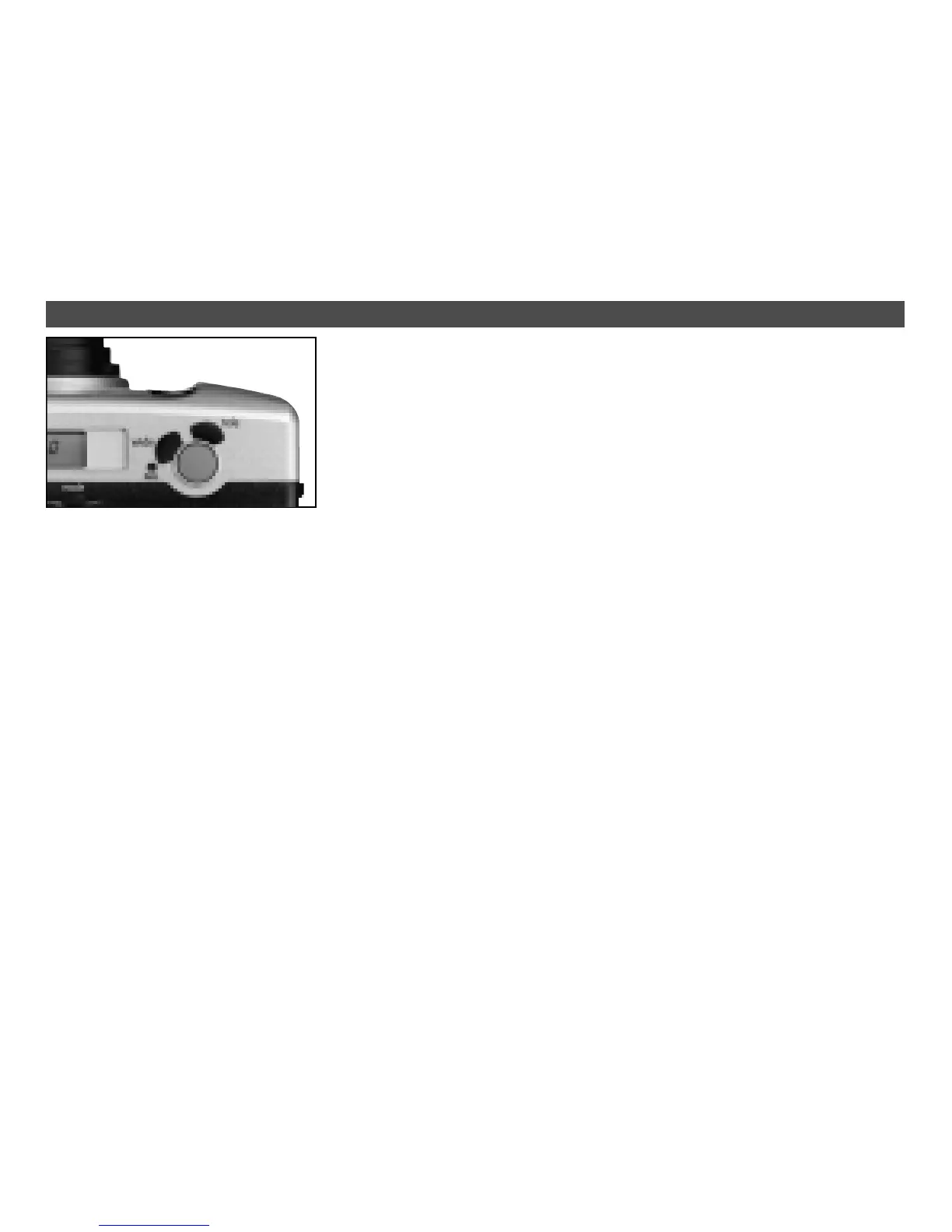
To switch camera on, press
master switch on/off. The lens
cover opens, and the LCD
comes to life.
›
To switch camera off, press
master switch again.
›
Your Rollei Giro will switch off
automatically if it is left unused
for over three minutes.
›
Compose your subject in view-
finder, pressing the corre-
sponding zoom button, if nec-
essary. T = Tele/
W = wide-angle.
›
During zooming, focal-length
settings are displayed in the
viewfinder as follows:
38 – 45 – 50 – 60 – 65 – 70 –
(Giro 70) – 75 – 80 – 90 (Giro
90) – 105 (Giro 105).
›
Place AF area on main sub-
ject.
BRIEF INSTRUCTIONS
›
At the end of the roll, the film is
automatically rewound.
›
The film and camera-back
icons blink when rewinding is
complete.
›
To rewind a partially exposed
roll, press the rewind button.
›
Do not turn camera off during
rewinding.
›
Press shutter release halfway.
Proper focus is set when the
green LED lights.
›
Press the shutter release fully
to take your picture, taking
care not to shake the camera.
›
At subject distances of less
than 0.8 m the green AF LED
flashes, and the shutter re-
lease remains locked.
›
The focusing range of your
Rollei Giro is from 0.8 m to
infinity.
›
The flash will fire automatically
in low light.
›
Flash range
(for ISO 100/21° film)
38 mm: 0.8 – 4.5 m
70 mm: 0.9 – 2.8 m
90 mm: 0.9 – 2.3 m
105 mm: 0.9 – 2.0 m


 To Next Page