flash
2x
flash
3x
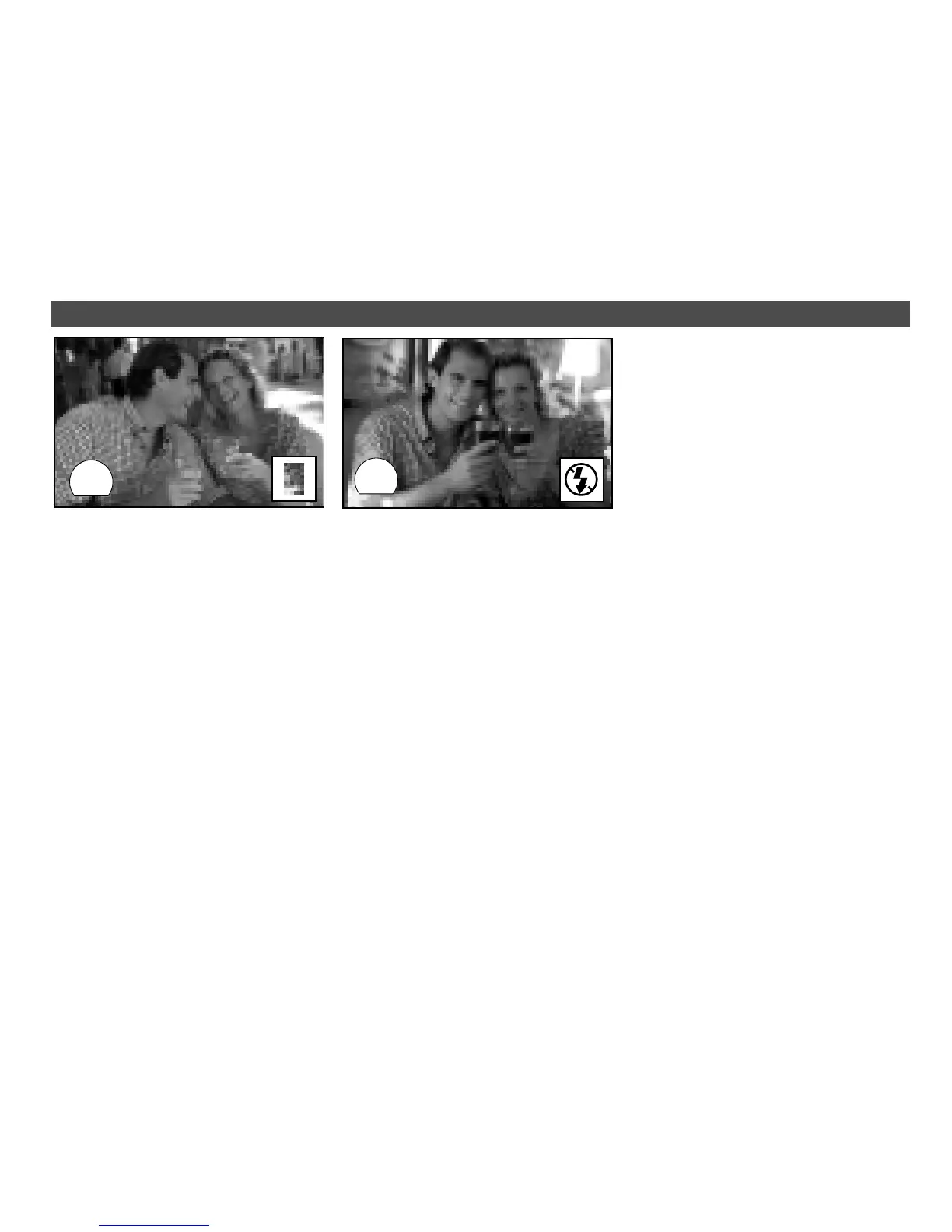
FILL FLASH FLASH OFF
When your main subject is in the
shade and the ambient light too
bright for the camera’s flash to
fire automatically, you can fill-in
shadows and obtain balanced
exposure using this function.
›
Press flash button twice.
›
In this mode, the flash will
always fire regardless of sub-
ject and background bright-
ness.
This mode suppresses auto-
matic firing of the flash and thus
is suitable for available-light pho-
tography such as sunsets, out-
door shots at night, interiors or
situations in which flash is either
unwelcome or not allowed.
›
Press flash button three times.
›
Rest camera on a firm sup-
port or use a tripod to avoid
camera shake.
DATE IMPRINTING
(only DB model)
Use the mode button on the
data back to activate date im-
printing.
Choosing a date format
›
Press mode button to select
the desired date format. Bars
-- -- -- stand for “no imprint”.
›
Select desired digit pressing
the select button, then set it
with the set button.
›
Holding the set button down
causes the digits to cycle rap-
idly.
›
During imprinting, the corre-
sponding icon in the data win-
dow blinks for two to three
seconds.
›
Use a pen or your fingernail to
press the buttons.


 To Next Page