EasyManua.ls Logo

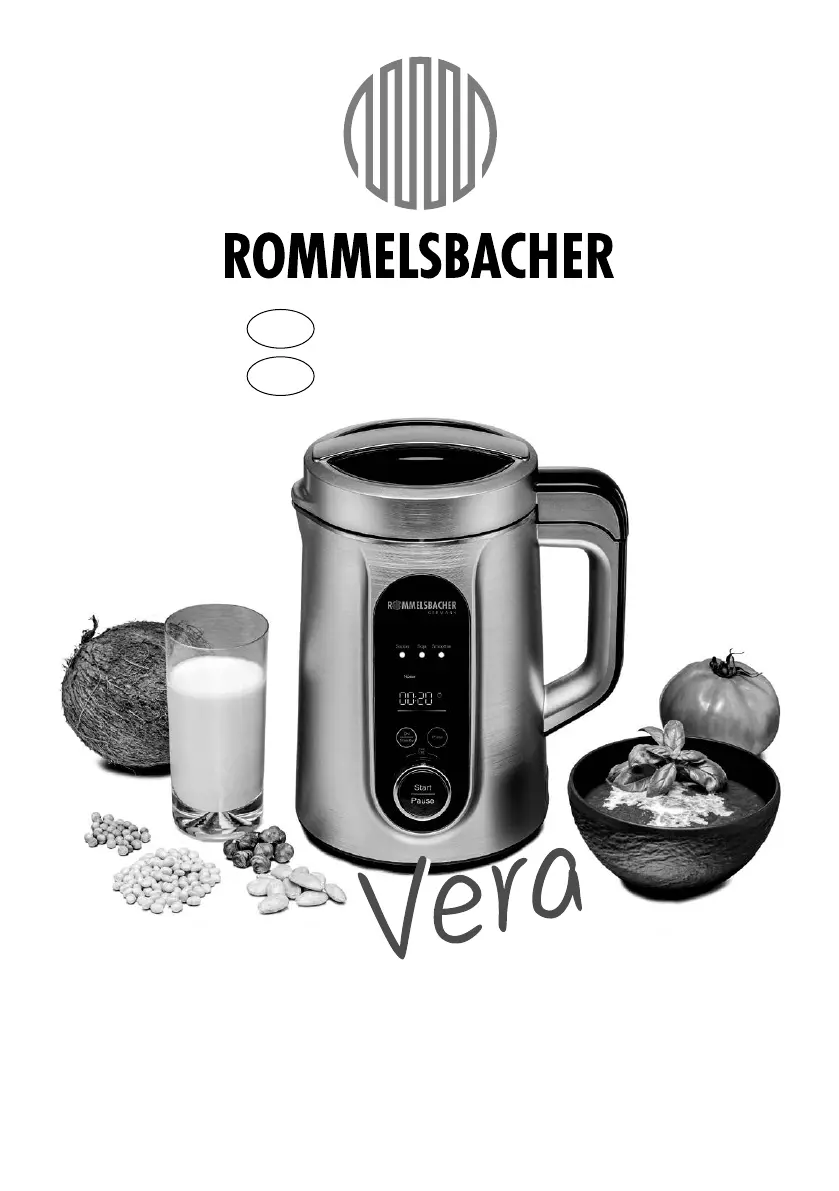
Rommelsbacher SVD 1400 - User Manual

Rommelsbacher SVD 1400
48 pages
Go to English
Print Icon
To Next Page IconTo Next Page
Loading...
SVD 1400 SVD 1400
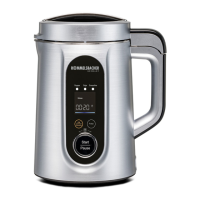
SUPPEN & VEGGIE DRINK BEREITERSUPPEN & VEGGIE DRINK BEREITER
SOUP & VEGGIE DRINK MAKERSOUP & VEGGIE DRINK MAKER
D Bedienungsanleitung
GB Instruction manual

Table of Contents

Questions and Answers

  • A
    Angela SkinnerAug 8, 2025
    What to do if Rommelsbacher SVD 1400 show error E5 / E6 / E7 E8 and EA?
    • D
      dphillipsAug 9, 2025
      If your Rommelsbacher Kitchen Appliance displays error codes E5, E6, E7, E8, or EA, it indicates an electronics error. First, remove the power plug from the socket. Then, reconnect the appliance to the power supply. If the error persists, discontinue use and contact your dealer's service department.
  • V
    Victoria CharlesAug 13, 2025
    What causes error E9 in Rommelsbacher SVD 1400 and how to fix it?
    • B
      brittanyrodriguezAug 13, 2025
      If the Rommelsbacher Kitchen Appliance shows 'E 9', it means the motor is overloaded. Disconnect the power plug from the socket. Inspect the blade and blending bell for any blockages caused by ingredients; remove them if necessary. Then, reconnect the appliance to the power supply and restart the program.
  • M
    Mandy MarquezAug 18, 2025
    What to do if Rommelsbacher SVD 1400 Kitchen Appliances are overheated and show error E4?
    • S
      Sandra StewartAug 18, 2025
      If your Rommelsbacher Kitchen Appliance displays 'E 4', it means the appliance is overheated. Please pull the power plug out of the socket. Allow the appliance to cool down, and if necessary, pour out any hot contents. After cooling, reconnect the power plug to the power supply and restart the program.
  • M
    Mariah DennisAug 25, 2025
    What does error E3 mean on Rommelsbacher Kitchen Appliances, and how can I resolve it?
    • J
      Jason DelacruzAug 25, 2025
      If your Rommelsbacher Kitchen Appliance shows 'E 3', the overflow protection is active. Please pull the power plug out of the socket. Check the contents of the inner container; reduce the contents or skim off any foam to prevent overflowing, boiling, or foaming over. Reconnect the power plug to the power supply and start the program again.
  • A
    angela99Aug 29, 2025
    Why does my Rommelsbacher SVD 1400 show error E2?
    • L
      Logan HurleyAug 29, 2025
      If your Rommelsbacher Kitchen Appliance displays 'E 2', it indicates that the filled liquid or the inner container is too hot (this applies to all programs except the Pulse function). Please pull the power plug out of the socket. Ensure that you only fill in liquids with a maximum temperature of 45 °C. Then, reconnect the power plug to the power supply and start the program again.
  • P
    Pamela AlvarezSep 2, 2025
    What to do if Rommelsbacher SVD 1400 display error E1?
    • J
      James WilsonSep 2, 2025
      If your Rommelsbacher Kitchen Appliance displays error 'E 1', it means there are too few ingredients in the inner container (only for programs with activated heating function). Please pull the power plug out of the socket. Fill the needed quantity of ingredients into the inner container, paying attention to the minimum and maximum filling quantity. Reconnect the power plug to the power supply and start the program once again.

Summary

Control Panel Overview

Display and Indicators

Explanation of the display panel, pilot lamp, heating, and chopping symbols.

Control Buttons and Knobs

Details on ON/Standby, Rotary knob, Pulse, and Start/Pause buttons.

Safety Instructions

General Safety Advice

Crucial safety guidelines for appliance usage, children, and power cord handling.

Usage Safety Precautions

Warnings regarding hot surfaces, sharp blades, and proper assembly during operation.

Operational Cautions

Advice on handling hot surfaces, using potholders, and respecting filling quantities.

Appliance Features

Programme Selection

Operating the Appliance

Preparing the Appliance

Using the Programmes

Programme Selection and Start

Steps for selecting a programme using the rotary knob and starting it.

Programme Operation and Pause

How to pause a programme, refill ingredients, and continue operation.

Programme Completion and Food Removal

Procedures for stopping a programme, removing the lid safely, and dispensing food.

Pulse Function

Stopping and Other Operations

Cleaning and Maintenance

Troubleshooting Guide

Error Code Explanations

Table detailing common error codes (E1-E9, EA) and their causes/solutions.

Rommelsbacher SVD 1400 Specifications

General IconGeneral
BrandRommelsbacher
ModelSVD 1400
CategoryKitchen Appliances
LanguageEnglish

Related product manuals