4
Guidelines for Safe Use
• Read the user manual carefully and familiarize yourself with the product
functions before performing operations.
• We do not assume any legal liability for serious injury caused to yourself or
others, or damage to products or property caused by failing to follow the
instructions.
• Do not use parts that are not provided or recommended and be sure to strictly
follow the instructions to install and use the product, or else you are not eligible
to use our free after-sales services.
Charging Modes
• Charging through AC adapter
• Charging through solar panel
• Charging through 12V car charger
Caution
• Batteries may be in sleep mode due to long-term transportation and storage;
please charge the product with the adapter; the battery will be activated after
charging for ten minutes.
• Before you use the battery for the first time, please fully charge the product to
avoid product failure due to low battery.
Button Functions
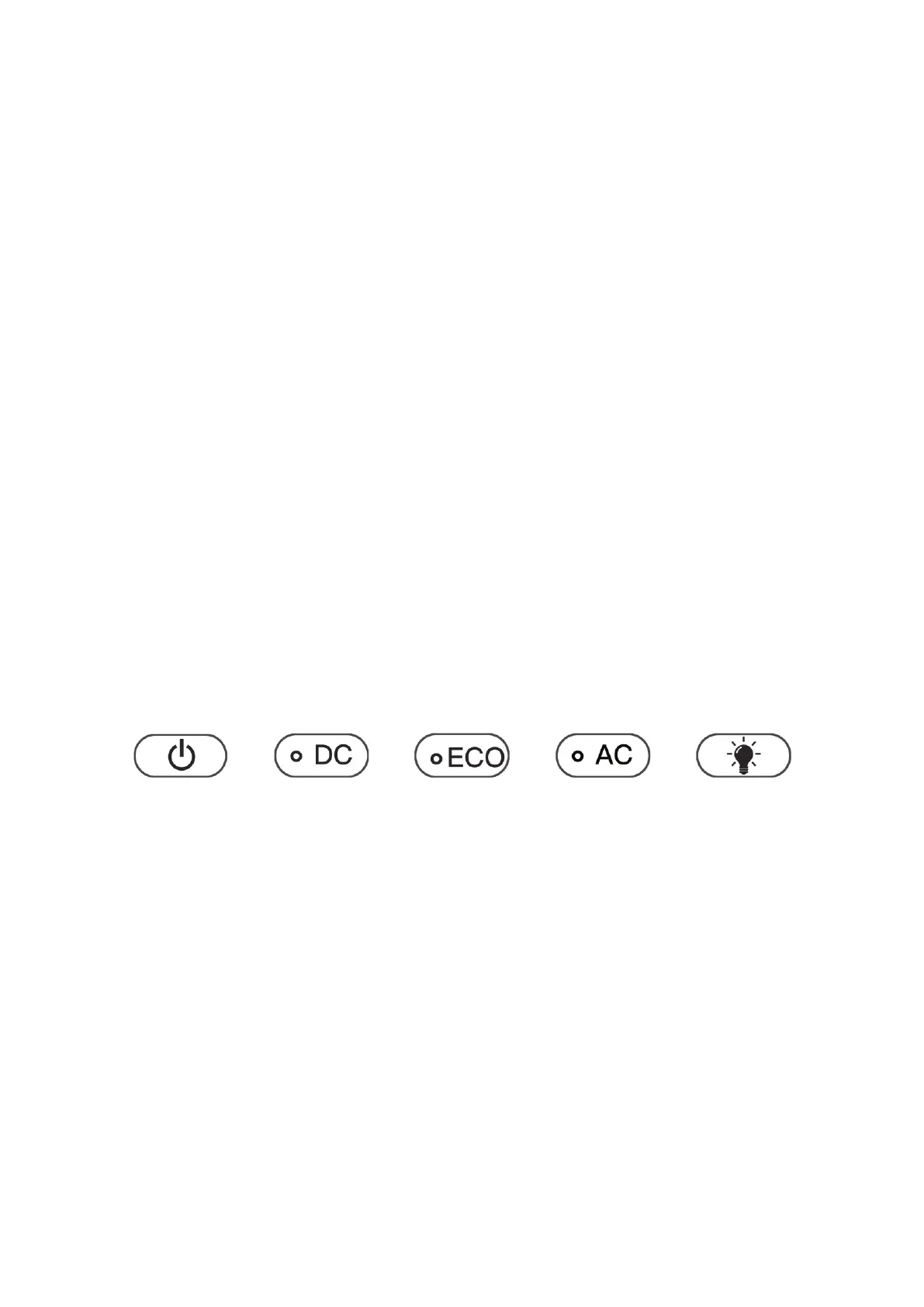
• The AC/USB/DC output switch can be normally turned on only when the power
switch is turned on; if you need to charge the electronic device through
AC/DC/ECO, please turn on the corresponding switch (USB/DC output is
controlled by the DC switch). Once the switch is turned on, the LCD lights up and
displays the corresponding data.
• Press the main power switch to turn on or off the outdoor power supply.
• ECO mode: When the main power switch is turned on, the ECO switch will
automatically turn on, and the ECO mode will start. After no-load running for a
period of time, it will automatically shut down (please consult customer service
personnel for details). You can press the ECO button (the indicator is off) to
disable the auto sleep function.
• Light switch: Press the LED light button to turn on the flashlight; press and hold
the button for three to five seconds to enable SOS mode.
• When the power switch is turned on, the wireless charging function is available.



 To Next Page