EasyManua.ls Logo

Rongta Technology RP310 - Label Learning

Rongta Technology RP310
16 pages
Print Icon
To Next Page IconTo Next Page
To Previous Page IconTo Previous Page
Loading...
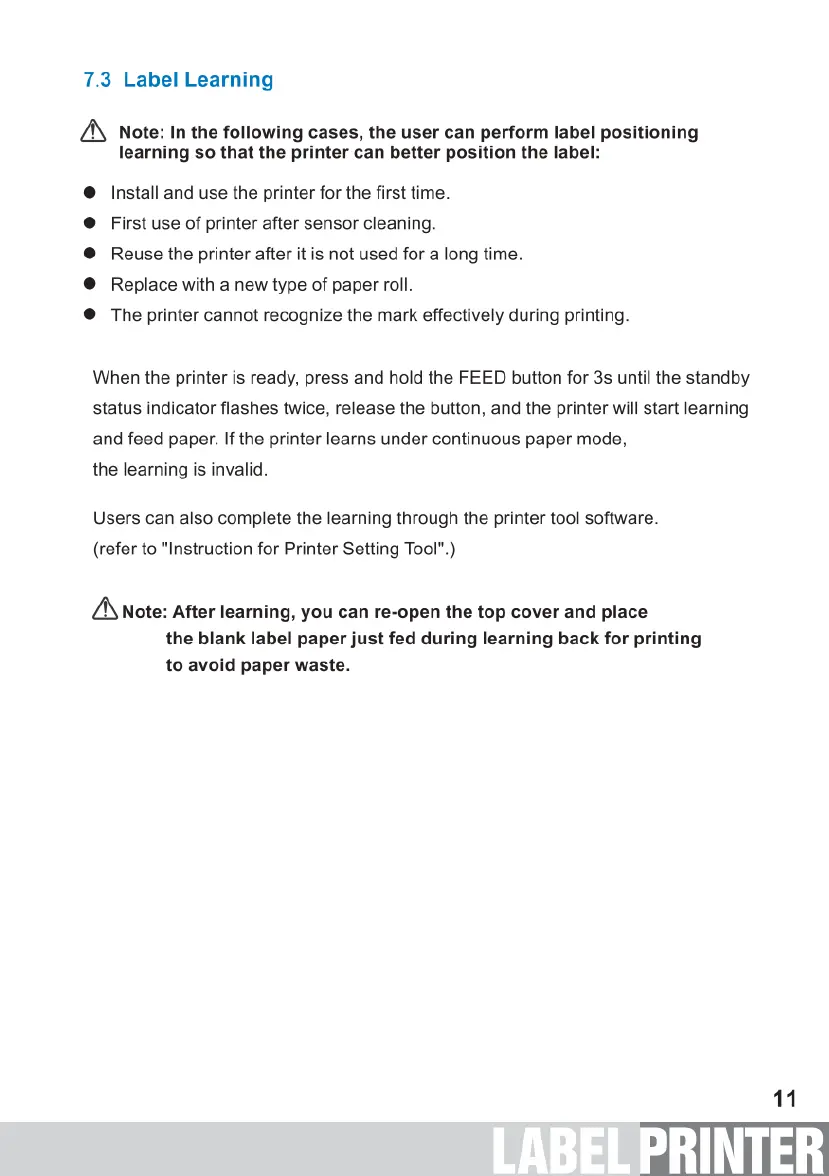
7.3
Label
Learning
/N
Note:
In
the
following
cases,
the
user
can
perform
label
positioning
learning
so
that the
printer
can
better
position
the
label:
Install
and
use
the
printer
for
the
first
time.
First
use
of
printer
after
sensor
cleaning.
Reuse
the
printer
after
it
is
not
used
for
a
long
time.
Replace
with
a
new
type
of
paper
roll.
The
printer
cannot
recognize
the
mark
effectively
during
printing.
When
the
printer
is
ready,
press and
hold
the
FEED
button
for
3s
until
the
standby
status
indicator
flashes
twice,
release
the
button,
and
the
printer
will
start
learning
and
feed
paper.
If
the
printer
learns
under
continuous
paper
mode,
the
learning
is
invalid.
Users
can
also
complete
the
learning
through
the
printer
tool
software.
(refer
to
"Instruction
for
Printer
Setting
Tool".)
A
Note:
After
learning,
you
can
re-open
the
top
cover
and
place
the
blank
label
paper
just
fed
during
learning
back
for
printing
to
avoid
paper
waste.
1

Related product manuals