WIRELESS CONNECTIVITY
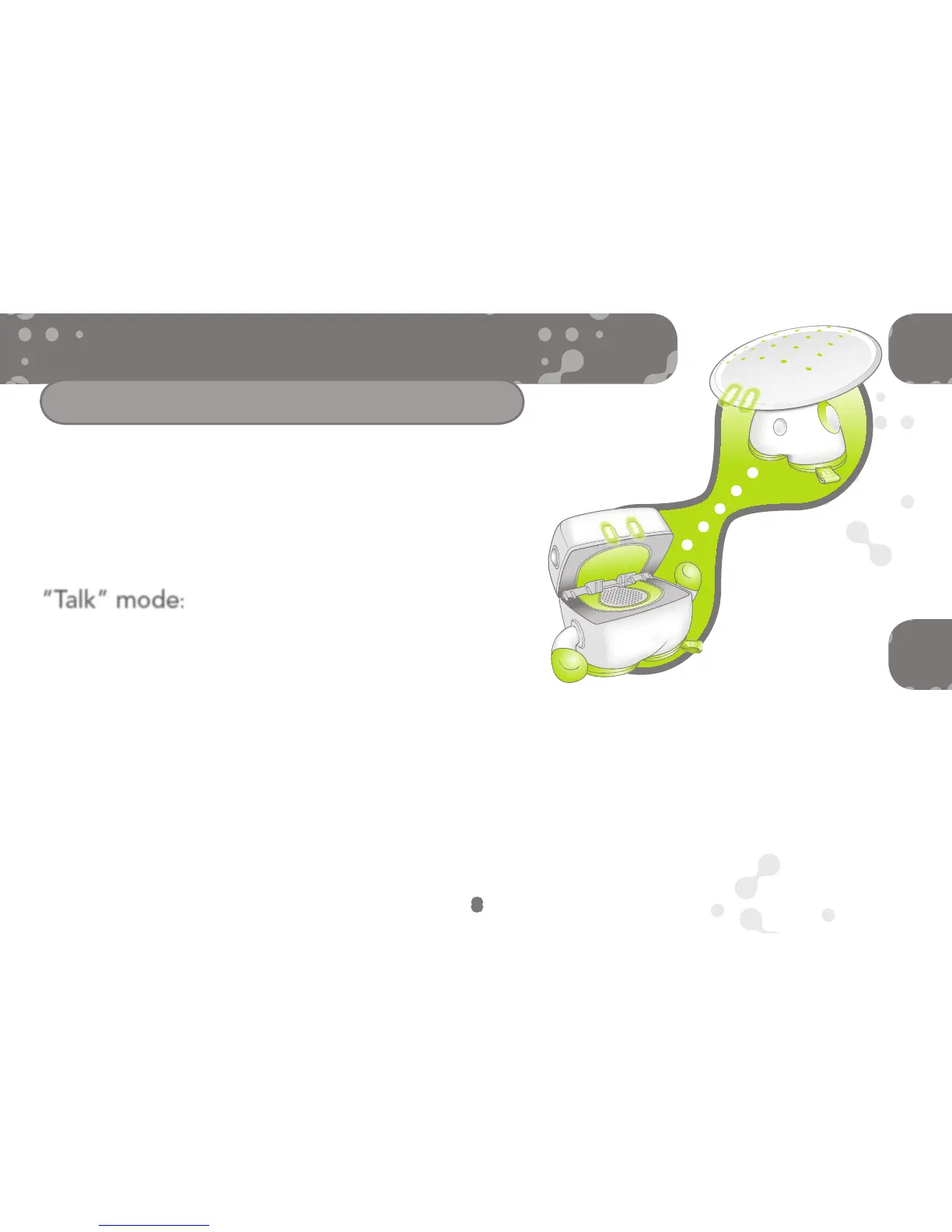
When your BEINGZ characters “talk” to each
other, you’ll notice that they share mood and
personality animations. They might even signal one
another to make interesting sound effects. The more
you interact with your BEINGZ, the more they’ll
interact with each other!
(for two or more ROOM TECH BEINGZ)
NOTE: When you
turn one character’s
“Talk” mode to “off,”
only that character
will go into “No-
talk” mode. You
will need to press
each character’s
“Talk” mode tag
to “off” and “on”
individually if you
want to select
certain characters to
“talk” to each other.
Once you’ve switched Mood Lamp on for the first
time (which takes it out of “TRY ME” mode), the
fabric tag becomes the “Talk” mode tag. It lets you
choose whether your Mood Lamp can “talk” to any
other BEINGZ characters you might have.
When you first activate it, Mood Lamp is automatically set in “Talk”
mode (Mood Lamp’s eyes glow green). If you don’t want it to
communicate with your other BEINGZ, press its “Talk” mode tag once
(Mood Lamp’s eyes will glow orange).
Press the “Talk” mode tag again if you want to turn “Talk” mode back
on (eyes will glow green again).
“Talk” mode:
8


 To Next Page