ENG
11
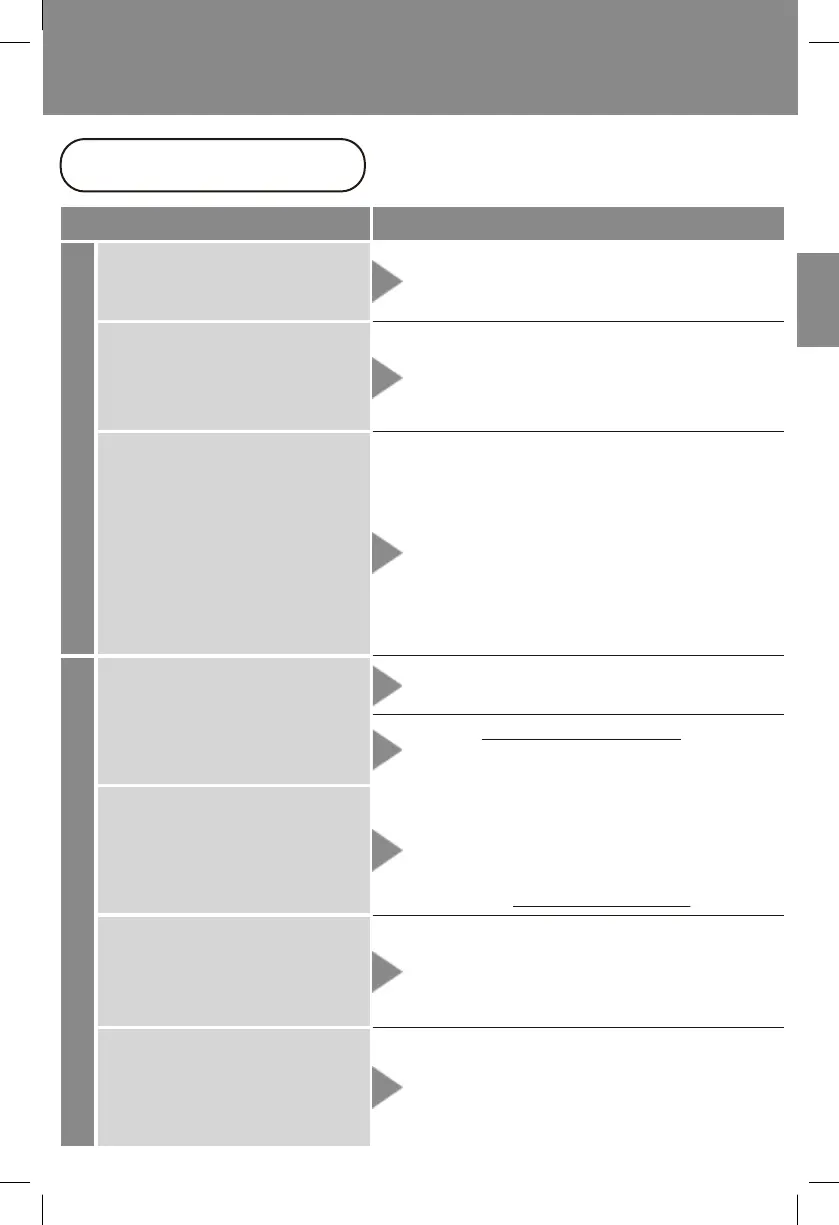
TROUBLESHOOTING
Please go through these diagnoses
before contacting Roomie Support.
Issues
Recharging Operation/Suction
Resolutions
Battery indicator lights do
not go off after a long time
Battery runs out very quickly
after recharging
●
If the battery indicator lights do not go off
after 12 hours of recharging, it is likely a
defect with the battery.
●
It is possible the Li-ion battery’s lifetime
is up.
Battery indicator lights do
not blink during recharging
●
Is the power plug pushed all the way into
the wall socket?
●
Is the wall socket power enabled?
●
Are all the parts connected firmly?
●
Is the filter set installed correctly?
●
Is the dust bin cap closed tightly?
●
Is there any blockage inside all the tubes?
Unit does not turn on
Unit suddenly turns off
after just a short time of
vacuuming
Beater bar does not turn,
and/or the LED frontlights
do not light up
Suction becomes weaker
than normal
●
Is the environment too hot or too cold?
●
Is the battery fully recharged for 4-5 hours,
and the battery indicator lights have gone
off after fully recharged?
→ Please seek assistance from our
Roomie Support Team.
●
Is the battery drained out?
→ Please fully recharge the battery.
●
Detach the floor brush from the extension
tube, use a dry cloth to wipe clean all metal
connectors on the floor brush.
→ If the issue persists, please seek
assistance from our Roomie Support Team.
●
Is the auto-protect mechanism on?
→ You may purchase replacement beater
bars at www.RoomieTEC.com
→ Make sure to check the tube in the
floor brush as well.
→ Please recharge in an environment which
is between 5℃-35℃ (41℉-95℉).
① Empty the dust bin if it is full.
② Clear all the air passage including the
inside of the floor brush.
③ Remove the beater bar from the floor
brush, and turn on the unit again. If it
runs without the beater bar, please
clean or replace the beater bar.
→ Please seek assistance from our
Roomie Support Team.


 To Next Page