6
OPERATING YOUR WASHER
3. (OPTIONAL STEP) If desired, pour
measured liquid fabric softener into
the fabric softener dispenser. See
page 15.
4. Close the washer lid.
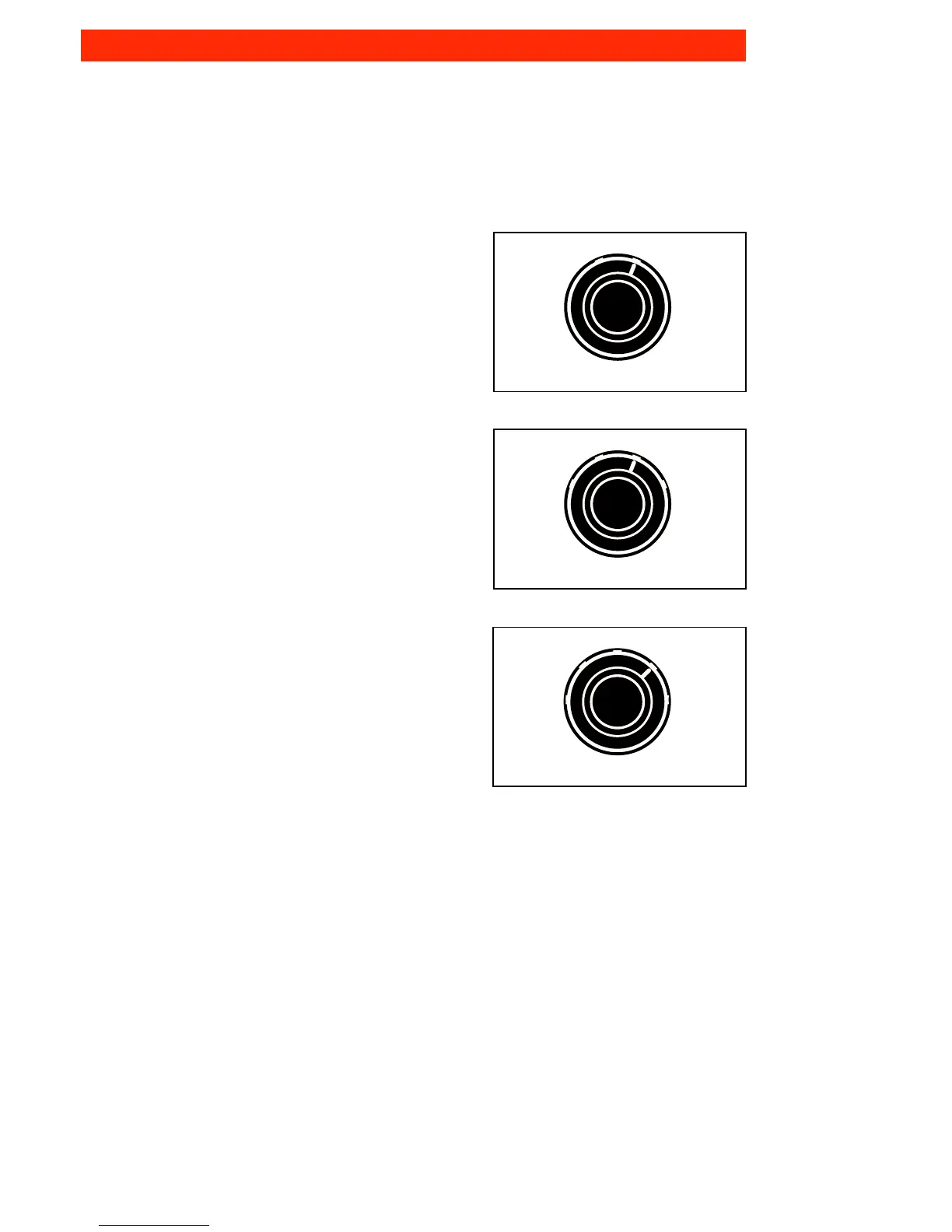
5. Select a setting with the Water Level
selector that corresponds with the size
of your wash load and the type of
fabric being washed.
• Depending on your model, your washer
has two, four, or five load size settings:
–Small OR –Small OR –Extra
–Large –Medium Small
–Large –Small
–Extra Large –Medium
–Large
–Extra
Large
• To change the load size setting after
the washer has started to fill, turn the
Selector to the desired new setting.
LARGE
SMALL
WATER LEVEL
OR
LARGE
SMALL
EXTRA
LARGE
MEDIUM
WATER LEVEL
OR
LARGE
SMALL
EXTRA
LARGE
EXTRA
SMALL
MEDIUM
WATER LEVEL



 To Next Page