7
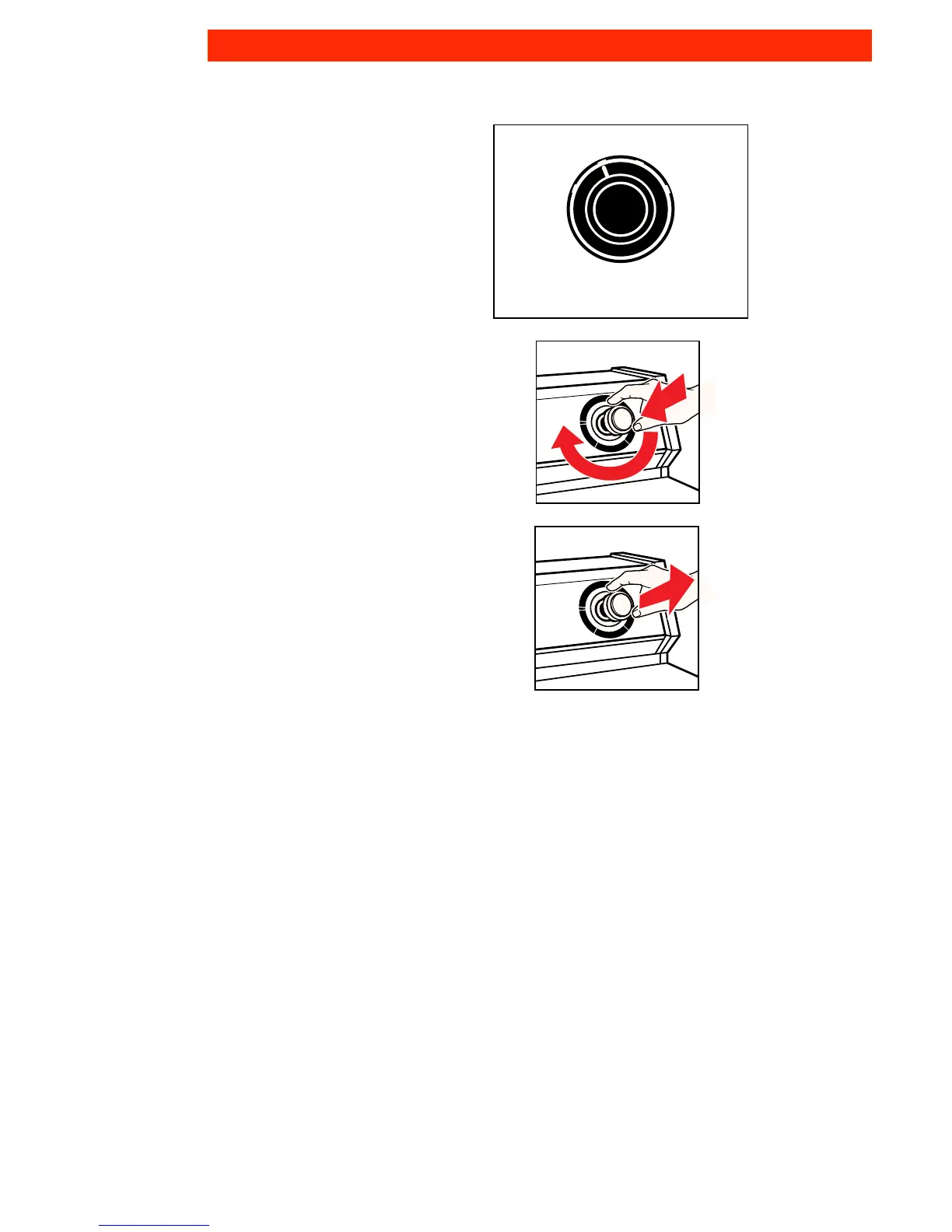
6. Select a wash-rinse temperature with
the Water Temperature Selector. Match
the water temperature with the type of
fabric and soils being washed.
• See page 19 for water temperature
guidelines.
• Four wash-rinse temperatures are
available: hot-cold, warm-cold, cold-
cold, and warm-warm.
7. Push in the Cycle Control Knob and
turn it clockwise to the wash cycle
you want. See page 8.
8. Pull out the Cycle Control Knob to
start the washer.
WARM
WARM
COLD
COLD
WARM
COLD
WASH
RINSE
HOT
COLD
TEMPERATURE
OPERATING YOUR WASHER



 To Next Page